

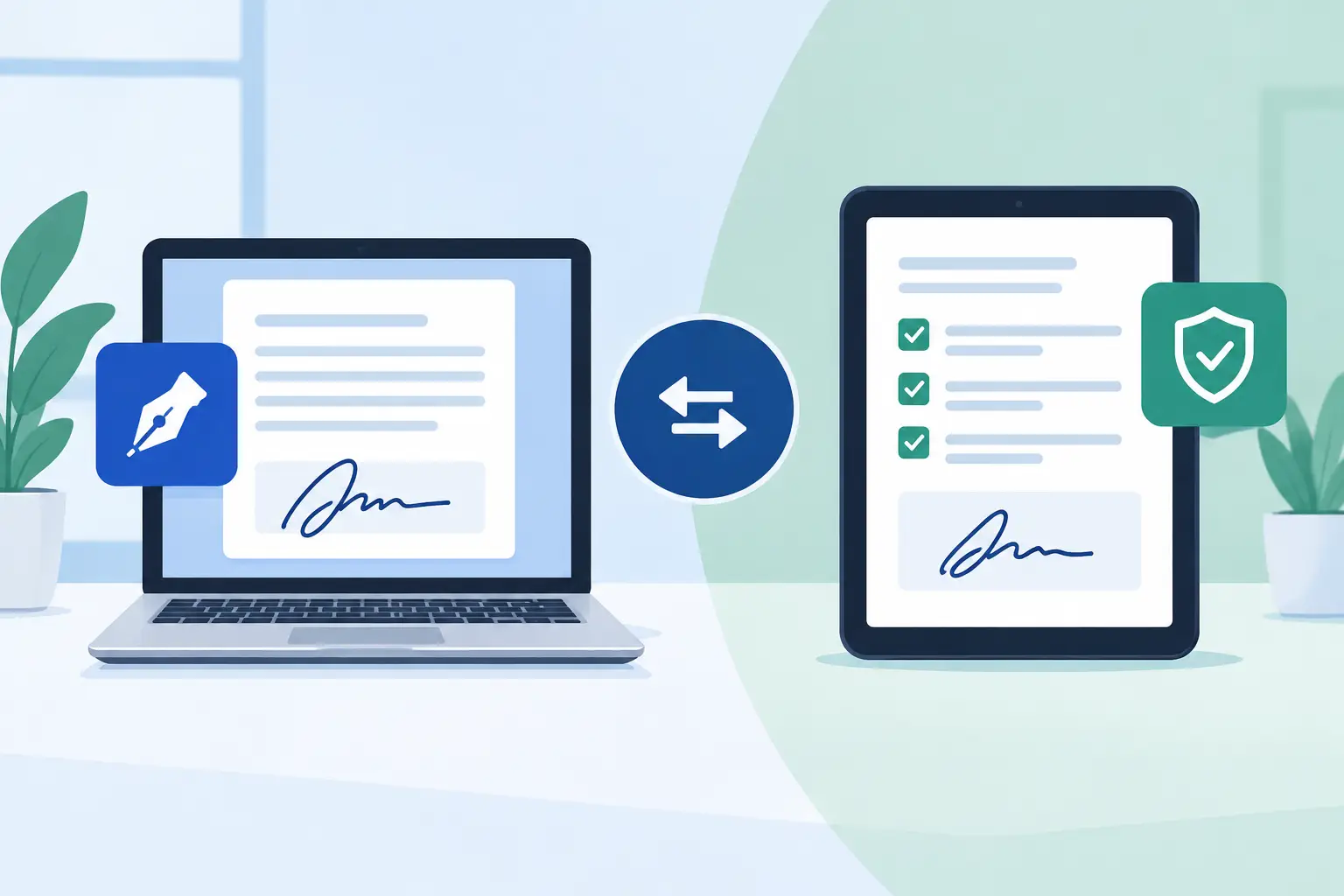
A Saturday morning line can expose a broken signing process in minutes. Guests are waiting, staff are switching between forms and email, and a missing signature can hold up the entire check-in. The real question behind DocuSign versus waiver platforms is not which tool can capture a signature. It is which one keeps your operation moving when signatures, intake details, and compliance records are part of daily service.
DocuSign is a well-known electronic signature platform built to send, sign, and manage agreements. A dedicated waiver platform is built around a different operational reality: repeat customers, walk-ins, families, participant data, fast check-ins, and records that need to be easy to find months later.
For a business that sends a handful of contracts each week, a general eSignature tool may be all that is needed. For a fitness studio, outdoor outfitter, event operator, wellness provider, or multi-location program collecting waivers all day, the better fit often depends on what happens before and after the signature.
DocuSign Versus Waiver Platforms: The Core Difference
DocuSign centers on the document. A user receives an agreement, completes designated fields, signs it, and the completed document is stored with an audit trail. That model works well for contracts that are prepared individually, such as vendor agreements, employment documents, real estate paperwork, or negotiated client contracts.
Waiver platforms center on the workflow. The waiver is one part of a broader intake process that can collect participant details, emergency contacts, health acknowledgments, memberships, optional marketing consent, and check-in status. It can also direct a guest to the right next step, whether that is booking, payment, a front-desk queue, or a follow-up message.
That distinction matters when the same form is signed hundreds or thousands of times. A document-first process can collect a signature. A workflow-first system is designed to reduce the effort required to collect, organize, retrieve, and act on the information around that signature.
Where DocuSign makes sense
DocuSign is a practical choice when documents are varied, high-value, and sent to known recipients one at a time. Its familiar signing experience can be useful for organizations that already use it for broader contract management and need a standard approval process across departments.
It can also work for lower-volume waiver collection when a business has simple needs, little front-desk traffic, and no requirement to connect signed waivers to check-ins or customer records. If your team is manually emailing forms before an appointment and the volume stays manageable, adding a specialized platform may not be necessary.
The trade-off is administrative effort. A general eSignature process can require staff to prepare envelopes, enter recipients, send reminders, track completion, and match the finished document back to the right customer or reservation.
Where a waiver platform changes the workflow
A waiver platform is built for situations where people need to sign quickly, often on their own devices or at a kiosk. Instead of staff sending every document, guests can access a mobile form through a QR code, text message, email, web link, or tablet at the counter.
The form can ask the questions relevant to the activity and apply logic as the guest responds. A parent can sign for a minor. A returning customer can be recognized. A participant can complete the same intake flow before arriving, rather than adding friction to a busy check-in line.
The outcome is less manual coordination. Front-desk staff spend less time chasing forms and more time helping customers, while managers have a more consistent record of who signed, what they agreed to, and when the agreement was completed.
Compare the Full Process, Not Just the Signature
Choosing between these tools requires looking beyond the signing screen. The signature itself is only one event in a customer journey.
Guest access and check-in speed
With a general eSignature tool, the common path is email-based. That can work for planned appointments, but it is less convenient for walk-ins, group arrivals, or participants who need to complete a waiver at the door.
Waiver platforms usually give operators more ways to collect the form. A QR code at reception, a text sent from a booking system, a public web form, or a kiosk can all lead to the same controlled process. That flexibility is particularly useful when a customer has not checked email, has changed addresses, or is standing in front of your team ready to participate.
Speed should not mean skipping controls. The right setup can require required fields, prevent incomplete submissions, and confirm that the signer has reviewed the needed acknowledgments before they proceed.
Data collection beyond a signature
A waiver is rarely just a waiver. Businesses often need participant names, birth dates, emergency contacts, medical disclosures, guardian information, activity selections, and communication preferences. Capturing that information in disconnected PDFs makes it harder to use and harder to report on.
A dedicated platform treats form fields as operational data, not merely text placed on a document. That means teams can standardize the intake experience, use conditional questions, and pass information into CRM, booking, POS, or marketing systems when appropriate.
This is where a general tool can become limiting for high-volume environments. It may technically accept the information, but it may not give operations teams an efficient way to search, segment, validate, and use it without manual work.
Record retrieval and compliance control
When an incident, dispute, or routine audit occurs, staff need to find a completed record fast. Searching through inboxes, download folders, and paper binders turns a simple request into an operational problem.
Both general eSignature tools and waiver platforms can provide signed records and audit details. The difference is how easily the records align with the way your team searches. A waiver operation may need to look up a participant by name, family group, location, date of visit, activity, or check-in status. It may also need a clear view of whether a waiver is current or expired.
No software makes a waiver automatically enforceable. The strength of a waiver depends on its language, applicable law, the signer’s consent, and the facts of the situation. Businesses should have legal counsel review their waiver language and signing process. Technology supports defensibility when it consistently captures required acknowledgments, timestamps, signer details, and a retained copy of the final record.
Automation and system connections
Manual follow-up is where fragmented tools create hidden costs. Someone signs a form, then an employee updates a customer profile, sends a confirmation, flags a missing field, or tells the front desk that the guest is cleared to participate.
A waiver platform can automate those routine steps. Completed forms can trigger confirmation messages, update connected systems, generate related documents, or make a record available during check-in. For multi-location operators, standardized templates and centralized controls also help ensure that every location follows the same process while keeping records separated where needed.
The value is not simply fewer clicks. It is fewer chances for a staff member to overlook a form, file it under the wrong name, or apply an outdated version of a waiver.
When DocuSign Is the Better Choice
Choose DocuSign when your primary need is formal document execution rather than repeatable customer intake. It is a sensible fit for negotiated agreements, approvals involving multiple internal stakeholders, and documents that are individually prepared for specific recipients.
It can also be the right answer when signature volume is low and your business already has reliable processes for storing completed documents and associating them with customer records. Buying a specialized system for a process that happens occasionally may add more change management than value.
When a Waiver Platform Is the Better Choice
A waiver platform is usually the stronger fit when signed forms are tied directly to revenue-generating, in-person service. If a slow waiver delays a class, event, tour, program, appointment, or activity, the workflow deserves more than an emailed PDF.
Look for a dedicated solution when you need self-service signing, mobile access, kiosk workflows, minors and guardians, high-volume form collection, searchable records, location-level controls, recurring waiver management, and integrations with the systems your team already uses.
OtterSign is designed for this kind of operational intake, combining digital waivers, web forms, eSignatures, check-ins, document generation, and automation in one system. That can reduce the number of tools staff have to manage while giving guests a faster path from arrival to participation.
Make the Decision Around Your Busiest Hour
Do not evaluate the process during a quiet afternoon. Test it against your busiest hour: a group of walk-ins, a parent signing for multiple children, a returning customer with an expired waiver, and a staff member who needs to find a record immediately.
If the process still feels controlled, fast, and easy to audit, it fits your operation. If it creates a line, a spreadsheet, and a stack of follow-up tasks, the signature tool is only solving part of the problem.


