Turn any PDF into a clean, sign-ready document in minutes
Upload PDFs, add fields with ease, and create reusable templates that keep your agreements consistent and error-free. OtterSign’s Agreement Preparation tools give your team the speed and accuracy they need — without switching between apps or juggling outdated documents.
Create onboarding packets, offer letters, internal policies, training acknowledgments, and other employee documents — all prepared and sent with consistent fields and required signatures.
Sales & Operations Teams
Build accurate, on-brand contracts, proposals, vendor agreements, and service forms. Templates ensure every document matches the latest approved version across all locations.
Membership, Recreation & Rentals
Prepare waivers, membership agreements, rental contracts, safety acknowledgments, and participation forms. Upload PDFs once, place fields, and reuse the template for fast, repeat signing.
Prepare New Agreements With Ease
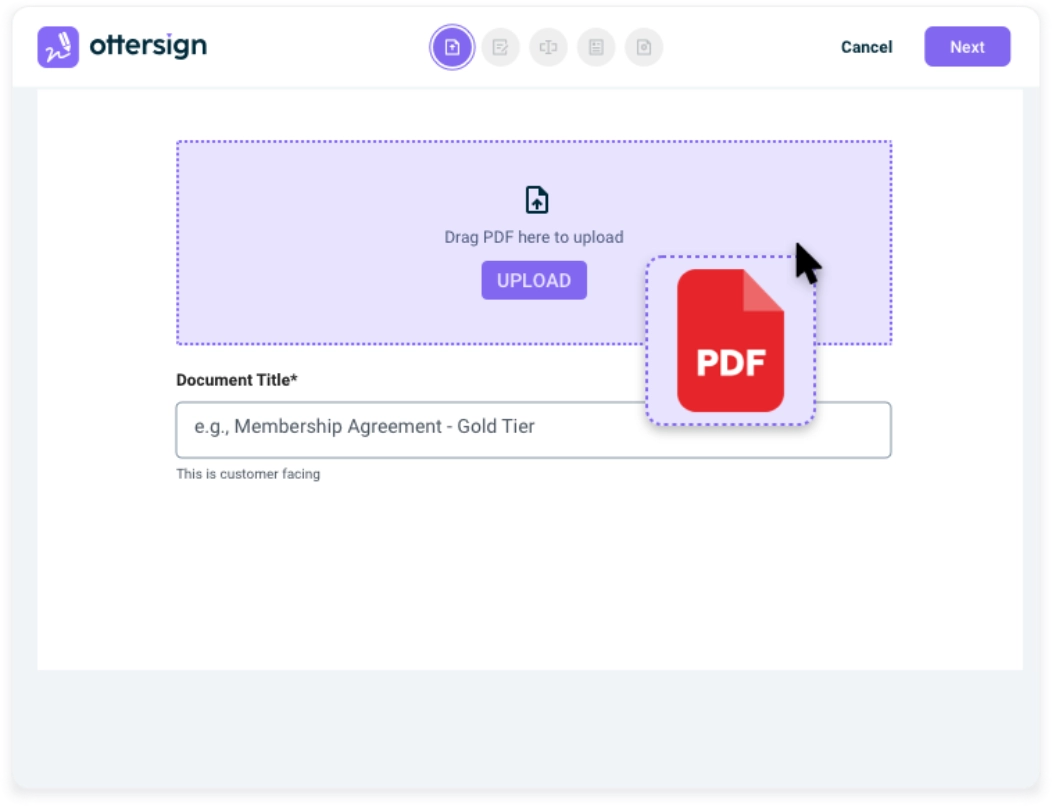
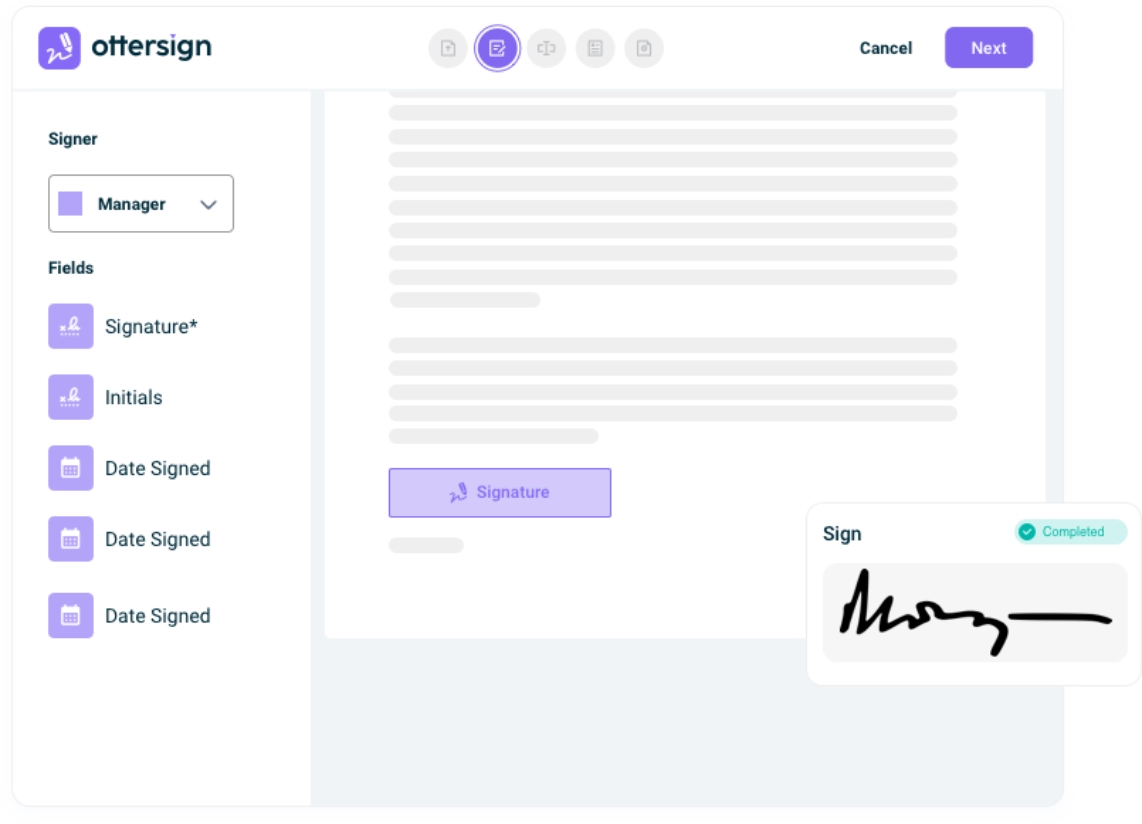
Start with any PDF — a waiver, membership form, rental contract, or policy. OtterSign lets you place signature fields, initials, dates, checkboxes, and custom fields exactly where you want them. No clunky tools. No confusing menus. Just a clear workspace designed for speed.
Keep Every Document Accurate & Consistent
Drag-and-drop precision means fewer mistakes and fewer revisions. Add required fields, assign signer roles, and ensure the information you collect is complete before the document is submitted. Corporate teams can lock templates to maintain alignment across multiple locations.
Create Templates That Save Time Every Day
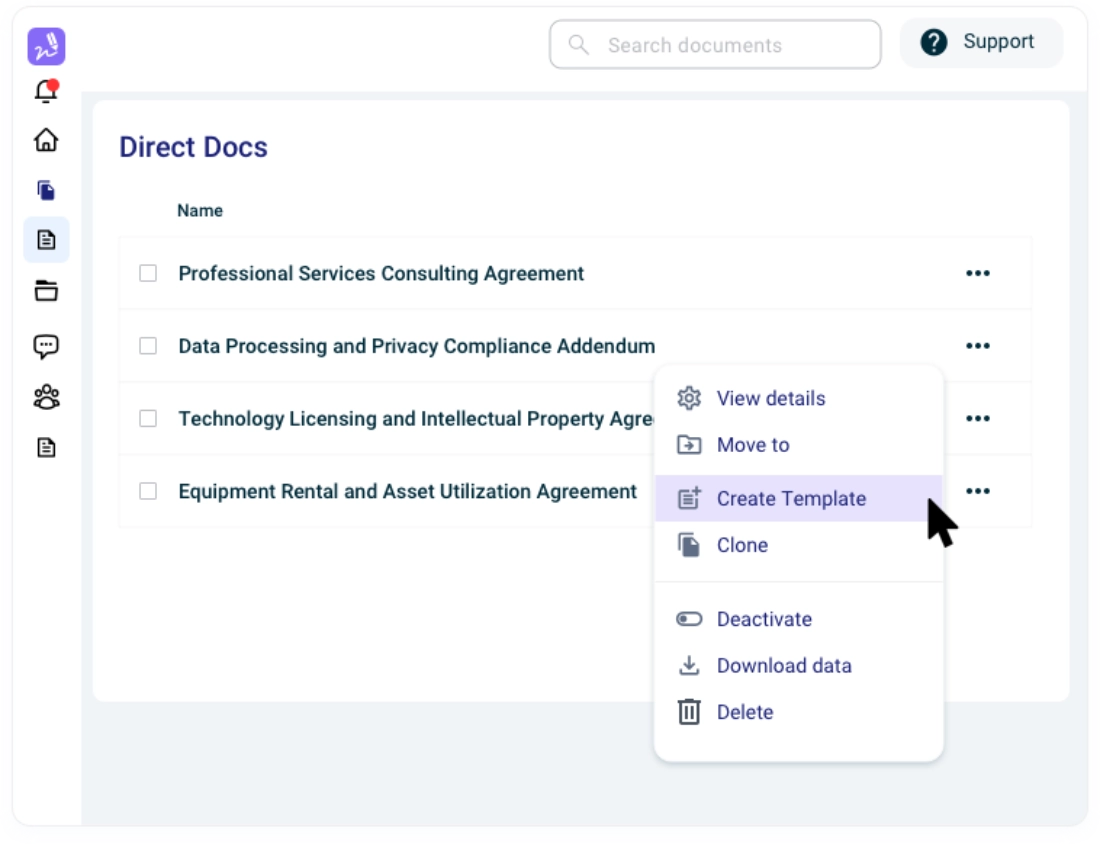
If you use a document often, turn it into a template. Fields, roles, and required information stay exactly as you set them, so every location and every team member works from the same consistent version. Duplicate, update, and send new variations without rebuilding anything.
Ready to speed up your agreement workflow?
Upload a PDF and turn it into a polished, digital agreement in minutes.