Streamline your waiver process and gather crucial participant data with ease. From tandem jumps to advanced training programs, OtterSign helps skydiving centers manage liability, safety acknowledgments, and guardian consent—without the hassle of paperwork.
Launch digital skydiving waivers in minutes with Smart Forms, multi-channel delivery, and real-time check-in.
Step 1 – Create
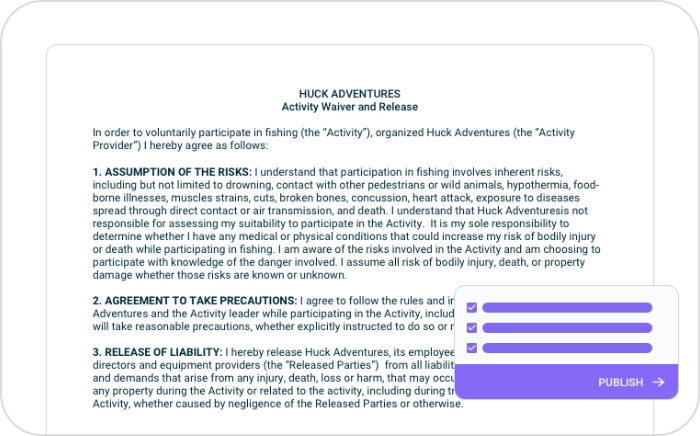
Upload your waiver or build from scratch with our Waiver Builder. Smart Forms adapt for minors/guardians (where applicable), require initials for safety rules, and capture health disclosures (heart conditions, medications, prior injuries).
Step 2 – Send
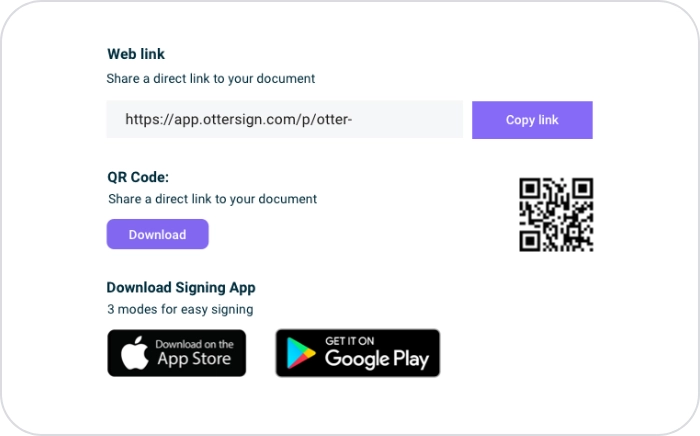
Share waivers via SMS, email, QR code at the drop zone, or iPad kiosks. Guests can sign before arrival, keeping check-in fast and stress-free.
Step 3 – Collect
Track waiver completions instantly with smart flags for risky answers, incomplete forms, or minors. All documents are ESIGN/UETA compliant, tamper-evident, and securely stored.
Paper waivers slow down busy drop zones and increase liability risks. OtterSign ensures every participant signs a legally binding waiver with a complete audit trail—before gearing up for the jump.
Each e-signature includes timestamps, IPs, and version history for defensibility with insurers and regulators. With OtterText integration, you can send automated review requests, return-offer codes, or reminders for advanced training programs and repeat jumps.
Key Benefits
Speed
Collect waivers in advance or in seconds at check-in.
Compliance
ESIGN/UETA compliant; full audit trail with timestamps and IPs.
Smart Forms
Health disclosures, guardian consent, and safety initials (equipment checks, altitude protocols, tandem instructions).
Track and Manage
Central dashboard to filter, search, and export waivers.
Flag Questions
Participants sign on their phones or via kiosk; no app required.
Conveniance
Trigger SMS review requests and win-back campaigns with OtterText.
Smart Forms, Built for Skydiving
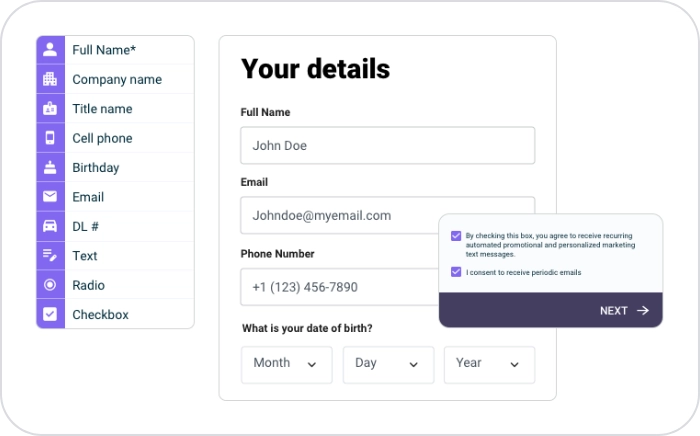
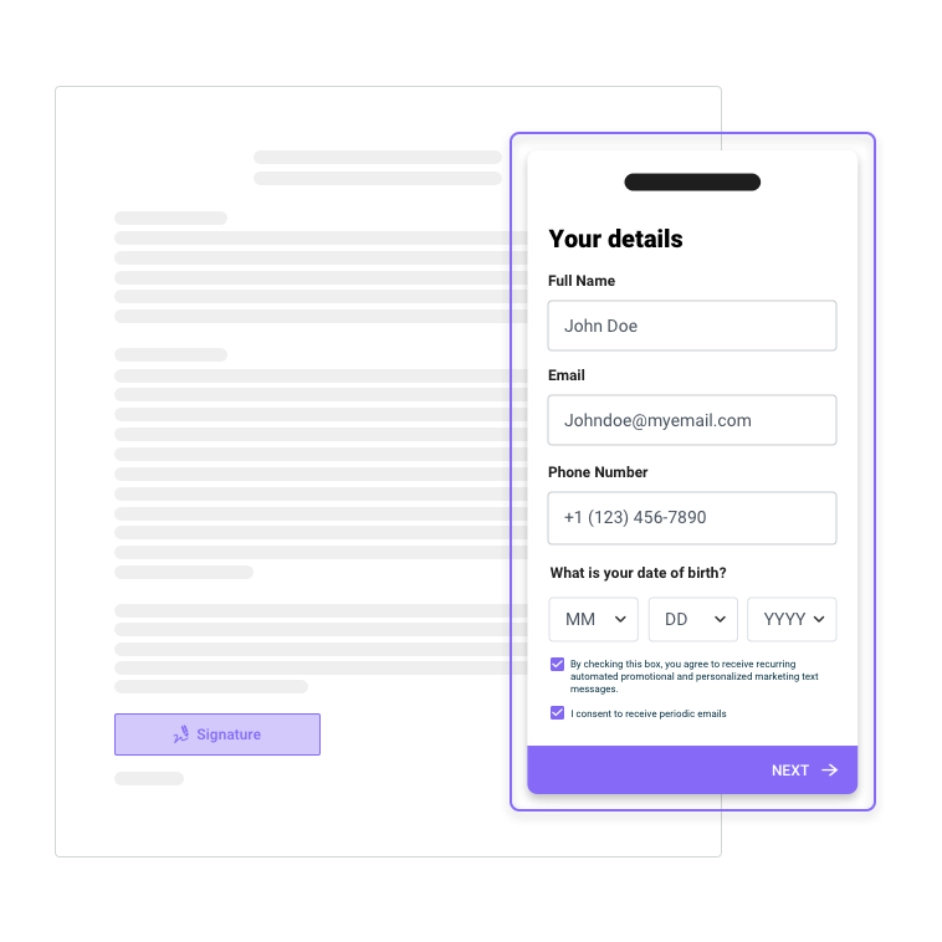
OtterSign Smart Forms collect the right data first, then autofill the waiver for fast, accurate signing.
Example fields:
Participant info: name, DOB, contact info
Guardian consent (where minors are legally allowed)
Health questions (heart conditions, pregnancy, medications, injuries)
Required initials for tandem or solo safety procedures
Acknowledgment of training class completion
Membership or certification tracking
Up to 20× faster than static PDFs,* with fewer errors and shorter lines.
Add-Ons
These can be added to your subscription once you subscribe to Core or Business plan
Send with SMS
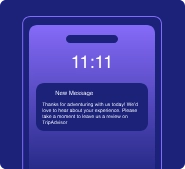
Supercharge your workflow by reaching people where they respond fastest—their phones. Send instant notifications via SMS to get signatures 65% faster, or use it to automate reminders, collect payments, request reviews, and drive more bookings.
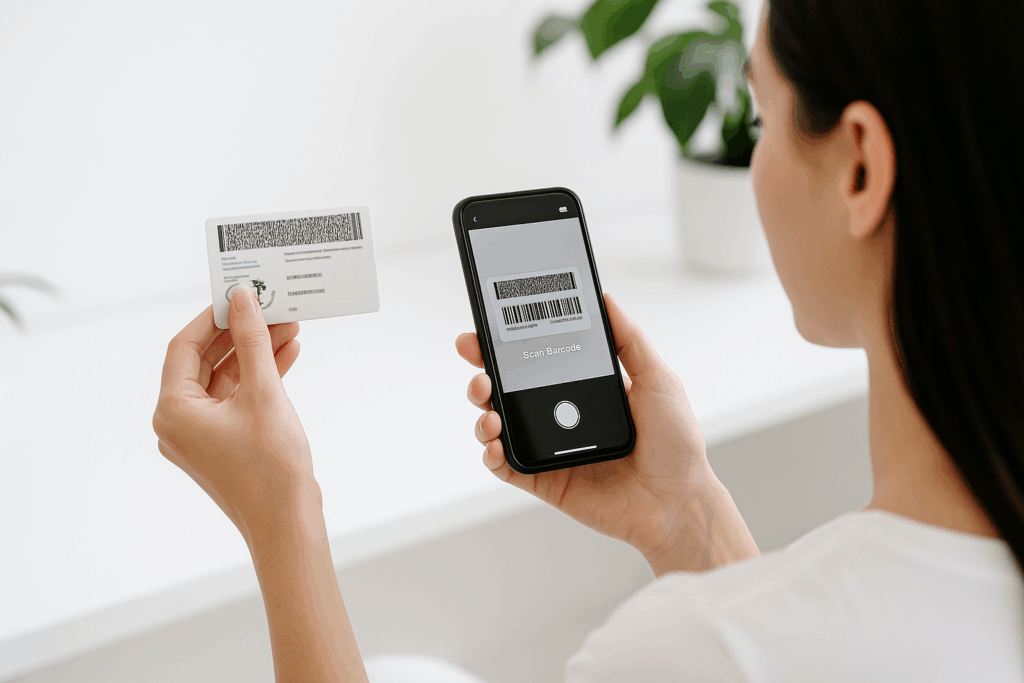
Support compliance and reduce risk with instant scanning of U.S. driver’s licenses. Collect accurate customer data in seconds with just a phone camera. Currently available for iPhone only.
Your Smart Forms and waiver responses are rich, structured data. Beyond auto-populating agreements for e-signature, OtterSign lets you sync fields to your POS/CRM/marketing tools, run reports, and build dashboards that reveal trends and drive action—like staffing, promotions, and win-backs.
OtterSign is trusted by businesses of all sizes to streamline their document processes and improve customer experiences. Hear directly from our clients how OtterSign has made a difference.
“My team LOVES Otter Waiver. It made the check in process for our customers quicker. With the QR code, Otter Waiver allowed us to go contactless which made our customers feel more secure during these crazy COVID times. I love that it also keeps our business legally covered with eSignature.”
Erika klotz
The Selfie Room
“I am so grateful for the ease and security of Otter Waiver. It is easy and intuitive to set up, easy to send to clients, and easy for them to fill out. I work in a field where time is of the essence, and having them sign the waiver before they show up expedites the process and allows for greater overall enjoyment for everybody.”
Ben White
White Cloud Adventures
“We have been using paper waivers since we started National Cleanup Day because of the cost to go digital. Otter’s Non-profit freemium version allows us to reduce our paper consumption with volunteer waivers and collect donations at the same. Win, Win.”
Steve Jewett
National Cleanup Day
“We have been using Otter Waiver for the last few months at Astro Paragliding and The Free Kiting Clinic, it’s been liberating. No more paper waivers, improved productivity on site all with an easy, intuitive phone application. I especially like the QR code.”
Harrison Ruffin
Astro Paragliding
“Otter Waiver has saved us time, not only on the guest piece of signing waivers but also on our staff. Our staff spent hours and hours going through paper waivers and files to find a previous waiver, and now we spend zero time finding a waiver.”
Jessika Brown
YMCA of the Rockies
“With Otter, our digital waivers are stored securely in the cloud, and marketing data is accessible from anywhere. Otter helped our business move to the future with convenience and ease.”
Logan Tyler
Basecamp Ouray
“Incorporating Otterwaiver digital waiver technology into our program was easy to set up and allowed us to get waivers signed on time and before events, be safe, and keep track of our paperwork. It made the Bill Fields Tournament work that much smoother!!!”
Branden Van Loon
Cornell Polo
“Otter Waiver is better than paper waivers. Now we have a database that keeps track of who signed what when. It’s simply giving the guys a QR code or having a tablet out for them to go through and sign up before they go out and shoot or hunt. It makes life a lot easier for us.”
Shawn Spindel
Hill'n Dale Club
“Thanks to Otter Waiver, we had real-time data on who attended the event. The system gave us complete control over check-ins, providing instant updates and eliminating any guesswork.”
Alex Shay
Gun Owners of America
Security & Compliance
End-to-end encryption (in transit & at rest)
SOC 2–aligned practices and role-based access
Tamper-evident PDFs, Compliance Receipts, and secure backups
Frequently Asked Questions
Are digital skydiving waivers legally binding?
OtterSign is an ESIGN/UETA-compliant e-signature platform that lawyers and insurers have approved for use. However, the enforceability of your waiver also depends on the language itself. Since OtterSign is software only, we don’t guarantee your waiver language is binding—you should ensure your document has been reviewed and approved by your insurance provider or legal counsel.
Can minors participate with a guardian’s consent?
This depends on your jurisdiction. OtterSign Smart Forms support guardian consent flows, but you must confirm your age requirements with insurers and regulators.
Do participants need to download an app?
No. Waivers can be signed via SMS link, email, QR code, or on an iPad kiosk—no app required.
How fast can we get set up?
Most drop zones go live the same day. Import your waiver, customize fields, and start collecting signatures immediately.
Can OtterSign handle advanced programs or memberships?
Yes. Smart Forms can be configured for AFF programs, instructor agreements, or long-term membership documents.