It is 7am at the put-in. Your guide is running through the safety briefing. You are standing at the tailgate with a clipboard trying to figure out which three people in a group of 14 still have not signed their waiver.
You cannot send an unsigned participant down the river. However, holding up 11 people who are ready to go while you chase down the other three is not a great start to an experience your guests paid good money for. And somewhere in the back of your mind, you are wondering whether the missing three even got the waiver link in the first place.
This is the pre-trip waiver problem for outfitters and guide services. It is not a question of whether guests will sign. Most of them will, eventually. The problem is timing — and the fact that you have no visibility into where things stand until you are already at the launch point with a group looking at you.
Trip Manifest solves this before you ever leave the office.
Why Waiver Collection Is Harder for Guide-Based Businesses
Most activity businesses have guests arrive at a fixed location, sign at check-in, and proceed. The process is linear and the signing happens in person.
Outfitters and tour operators work differently. Guests book days or weeks in advance, often as part of a larger trip. They are staying at a hotel, driving from another city, or managing a family vacation itinerary. Signing a waiver is one item on a long list of things to remember, and it rarely feels urgent until the morning of the activity.
By then, your guide is focused on safety, gear, and weather conditions. Remote locations mean no printer, no backup clipboard, and no easy way to send someone back to the office for a form. The window to fix a missing waiver is narrow, and the cost of the wrong decision in a high-risk environment is significant.
Pre-trip waiver collection is the answer. Trip Manifest is how you make it happen reliably.
How Trip Manifest Changes Pre-Trip Signing
The shift Trip Manifest creates is simple: instead of finding out about missing waivers at the put-in, you find out three days before the trip and close the gap from your desk.
When a booking is confirmed, the guest receives a waiver link as part of the confirmation flow. Trip Manifest tracks their signing status from that moment forward. As guests sign in the days leading up to the trip, the dashboard updates in real time. You can check the status of any trip at any point without sending a single email or making a single phone call.
By the morning of the trip, most of your group is already signed. The dashboard shows you exactly who is not. You have time to follow up, time to troubleshoot, and time to make decisions before the group assembles at the trailhead. Consequently, the morning of the trip becomes a confirmation rather than a collection process.
For guide services running back-to-back trips throughout the week, this shift in timing changes how the entire operation feels. Pre-trip administration moves to the days before departure. Day-of focus stays on the experience.
Importing Your Guest Roster
Most outfitters already use booking software to manage reservations. FareHarbor, Rezdy, and TRYTN all export guest lists as CSV files. Trip Manifest accepts that export directly.
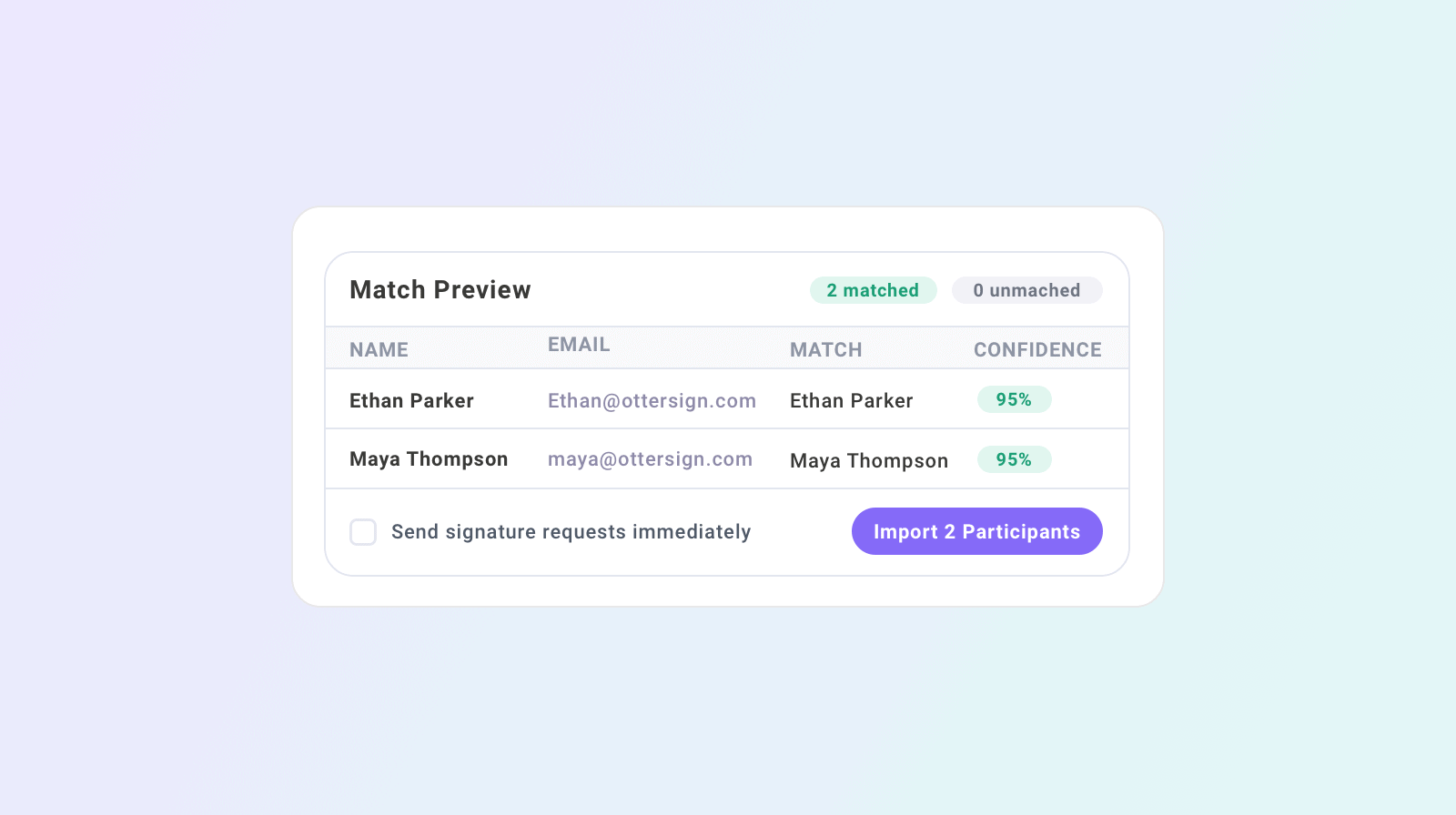
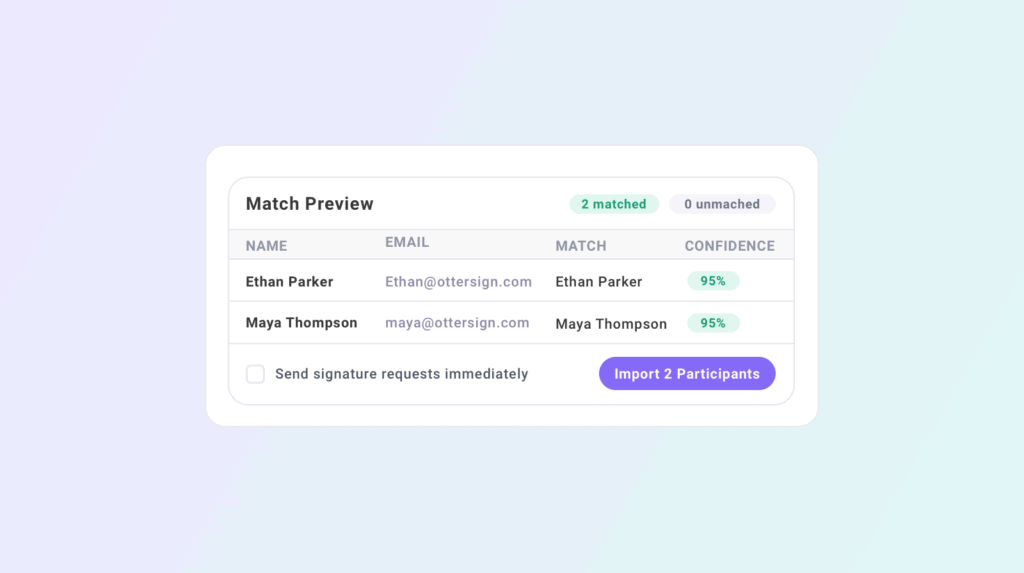
Upload the CSV and Trip Manifest maps your columns automatically. It then matches each participant against existing records in your OtterSign account. Repeat customers who have signed with you before get recognized automatically. New guests get fresh records created. A confidence score shows how each match was made so you can review and confirm before the import is finalized.
For bookings that came in by phone or through a third-party agent, paste the participant data directly rather than going through a CSV. Either way, the roster is in Trip Manifest within a few minutes of the booking being confirmed. Signing requests go out to guests immediately or on a schedule you control.
OtterSign integrates directly with FareHarbor, Rezdy, and TRYTN so waiver data flows alongside your booking data without manual exports for every reservation.
Targeted Reminders Before Departure
Three days before the trip, open the dashboard and look at your roster. Some guests signed the day they booked. A few signed after the first reminder. Two or three still have not done it.
Rather than sending another message to the whole group, Trip Manifest lets you send a targeted reminder to only the guests with outstanding waivers. They receive a direct SMS or email with their signing link. Everyone else gets nothing because they are already done.
This matters more than it might seem. Guests who signed promptly do not need another reminder. Sending one anyway signals disorganization and creates unnecessary friction before the trip starts. Targeted reminders go to the right people and leave everyone else alone.
For multi-day expeditions and overnight trips where pre-trip paperwork is especially critical, this targeted follow-up capability lets you close every gap well before departure day without annoying the guests who handled things promptly.
Day-Of Check-In at the Trailhead or Put-In
Even with thorough pre-trip follow-up, some guests will arrive unsigned. They forgot at the last minute, their phone died before they could finish, or they booked through a third party who did not pass along the waiver link.
When a guest arrives at the put-in without a signed waiver, staff can send a signing link to their phone on the spot. The guest signs from their device while the guide finishes the equipment check. The waiver appears in the dashboard before the safety briefing ends. No one gets left behind and no one gets sent down the river unprotected.
The day-of dashboard also handles participant confirmation. As guests arrive, staff mark them as checked in. The dashboard shows who is present, who is signed, and who still needs attention — all in one view. For groups where guides and logistics staff are separate people, each person sees exactly what they need without accessing information that is not relevant to their role.
Running Multiple Trips Per Day
High-volume outfitters run multiple departures on the same day. An 8am float, a 10am float, and a 1pm half-day trip might all be running concurrently with different guides and different guest rosters.
Each trip in Trip Manifest has its own dashboard. The guide assigned to the 8am departure sees their roster and their signing status. The coordinator managing the 10am departure sees theirs. There is no overlap, no confusion about which roster belongs to which group, and no risk of checking in a guest against the wrong trip.
For operations managers overseeing all three departures from a central view, the overall dashboard shows every active trip and its completion status. If one departure is running behind on signatures at 9am, the manager sees it and can act before that group assembles.
What to Include in an Outfitter Waiver
Trip Manifest handles the tracking, but the waiver itself needs to be built for the activity. A strong outfitter or guide service waiver covers assumption of risk specific to the activity, emergency contact information, medical disclosures, and authorization for emergency treatment if a participant cannot be reached.
For water-based activities, swimming ability disclosure is worth capturing as a required field. For multi-day trips, food allergies, medical conditions, and any limitations on physical activity should be required rather than optional. For trips involving alcohol service at any point, an acknowledgment of the alcohol policy should be a separate initialed field.
OtterSign’s document library includes pre-built templates for rafting, outfitters and guides, zip lining, ATV rentals, and 30-plus other activity categories. Build your waiver once, assign it to every trip you create in Trip Manifest, and the right document goes to every guest automatically.
Getting Started
Trip Manifest is included with OtterSign. There is no separate subscription or setup fee. Create your first trip, import your next group booking, and you will have a real-time roster with signing status tracking within a few minutes.
For outfitters currently managing pre-trip waivers through email follow-up and morning clipboards, the difference is immediate. The information you were chasing reactively is now in a dashboard that updates as guests sign from wherever they are.
See everything Trip Manifest includes at ottersign.com/group-management.
Ready to go into your next busy season with every group signed before they arrive? Start your free trial or book a 15-minute demo to see Trip Manifest set up for your specific operation.