

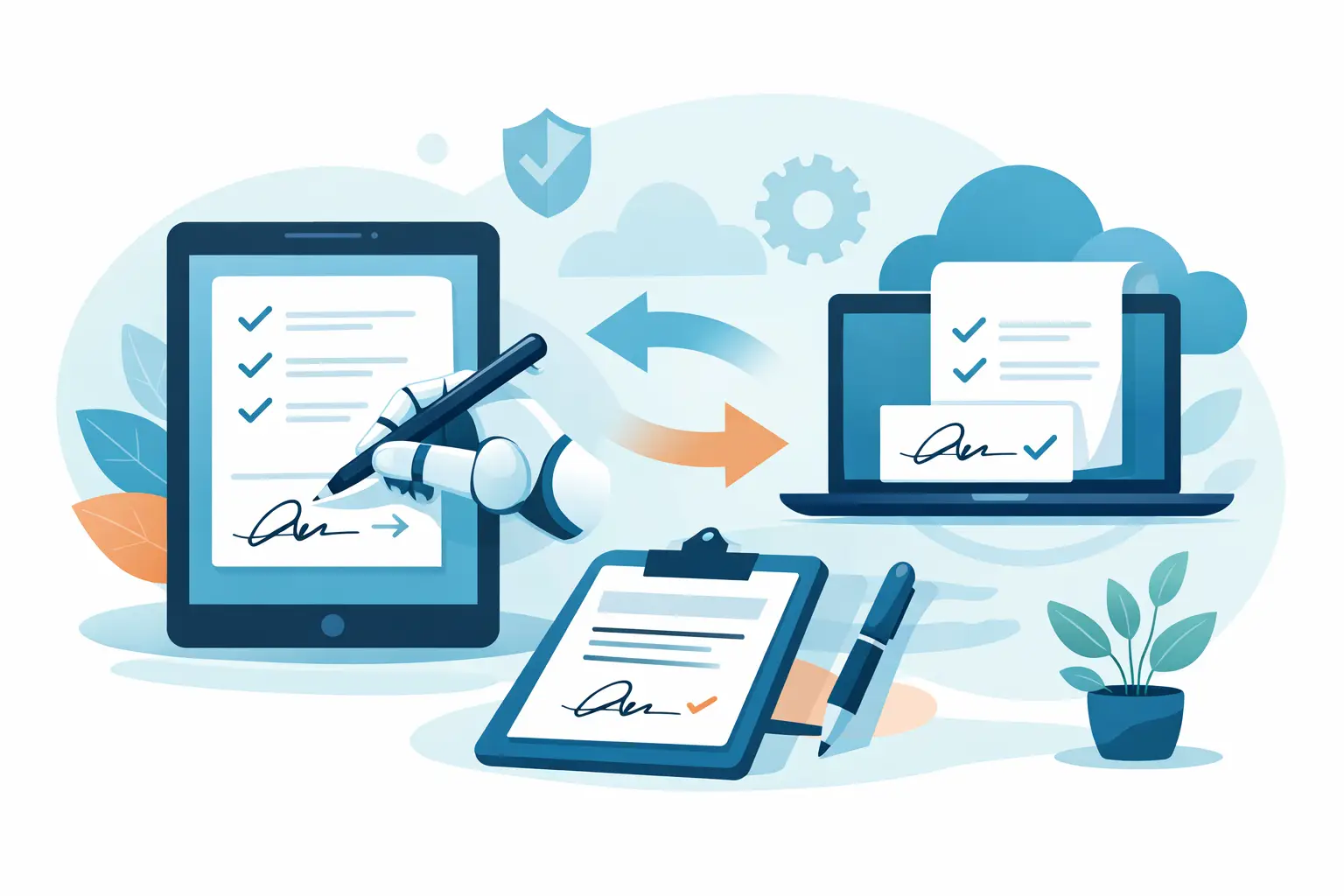
If your staff is still chasing waiver signatures at the front desk, the problem is usually not eSignature alone. It is the whole intake process around it. That is why businesses searching for a docusign alternative for waivers are often really looking for something faster at check-in, easier for guests to complete on mobile, and simpler for staff to manage across locations.
For a standard contract workflow, DocuSign can do the job. For waivers tied to walk-ins, classes, events, rentals, camps, tours, and recurring visits, the requirements change quickly. You are not just sending a document for signature. You are collecting participant details, handling minors, attaching policy language, verifying identity in some cases, and making sure the signed record is easy to retrieve later. In a busy operation, those details matter more than a polished signature screen.
What makes a good docusign alternative for waivers?
The short answer is fit. A waiver workflow is not the same as a sales contract or vendor agreement. It usually happens closer to the moment of service, often on a phone, tablet, or kiosk, and often with a line forming behind the signer.
A strong waiver platform needs to reduce friction without weakening compliance. That means the signer can complete the form quickly, but the business still captures the right data, stores a legally binding record, and keeps everything organized by participant, date, location, or event. If the platform only solves the signature part, your team may still be stuck with manual steps before and after the waiver is signed.
That is the main trade-off when evaluating alternatives. Some tools are excellent general eSignature products. Others are built for operational workflows where forms, waivers, check-ins, document generation, and follow-up actions all happen together.
Why DocuSign often feels too narrow for waiver-heavy businesses
DocuSign is well known, and that matters when you need a familiar tool for contracts. But waiver-heavy businesses usually outgrow a contract-first setup because waivers are high-volume, repeatable, and operational. They are part of customer flow, not a one-off legal transaction.
Take a fitness studio, shooting range, summer camp, or event venue. The team may need a guest to scan a QR code, complete a waiver on their phone, add emergency contact details, sign on-site, and move straight into check-in. If a parent is signing for a minor, the workflow may need additional fields and relationship details. If the business has multiple sites, records need to be searchable by location and usable by local staff without confusion.
In these cases, a basic send-and-sign process can create more work than it removes. Staff may end up managing separate tools for forms, waivers, check-ins, storage, and reminders. The result is fragmented records, slower front-desk operations, and more room for error.
The features that matter most in a waiver platform
Mobile completion is the first test. If guests cannot complete a waiver easily on their phone in under a few minutes, drop-off goes up and lines get longer. The experience should feel simple whether the waiver is opened from a text message, email, QR code, or kiosk.
The second test is form flexibility. Most businesses need more than a signature box. They need custom questions, participant information, medical disclosures, emergency contacts, date logic, and sometimes conditional sections. A waiver tool should collect all of that in one flow instead of forcing a patchwork process.
The third is operational control. Signed waivers should be easy to find, tied to the right customer record, and available when staff need them. This is especially important for multi-location operators, seasonal organizations, and businesses handling repeat visits.
Automation also matters more than many teams expect. If a signed waiver should trigger a confirmation, update a CRM, notify staff, generate a document, or mark a guest as check-in ready, those steps should happen automatically. Manual follow-up is where digital workflows often break down.
When a general eSignature tool is enough
Not every business needs a purpose-built waiver workflow. If you only collect occasional liability releases by email and your volume is low, a general eSignature product may be fine. The setup is usually familiar, and you may already use it for contracts or approvals.
That said, low volume today does not always stay low. Businesses often feel the strain when they add locations, increase foot traffic, run more events, or try to improve front-desk speed. A process that works for ten waivers a week can become frustrating at one hundred.
So the real question is not whether a tool can collect a signature. Most can. The question is whether it supports the way your business actually runs.
Signs you need more than DocuSign for waivers
If your team is printing backups because digital completion is too slow, that is a warning sign. If staff have to manually move waiver data into another system, that is another. If customers sign one tool, check in through another, and receive follow-ups from a third, you are paying an efficiency tax every day.
The same goes for poor visibility. If records are hard to search, location managers cannot access what they need, or staff are unsure whether a waiver is current, the issue is not just inconvenience. It affects risk management and customer experience.
A better docusign alternative for waivers should reduce those handoffs. It should help your team collect information once, use it across the workflow, and keep the record trail clear.
What to compare before switching
Start with the signing environment. Ask whether the platform supports remote signing, on-site tablet signing, kiosk mode, SMS delivery, email delivery, and QR code access. Different businesses need different entry points, and a waiver system should support more than one.
Then look at intake depth. Can you build web forms alongside waivers? Can the system handle minors, custom fields, conditional logic, and repeat participants? These details shape whether the platform works in real operations or only in a controlled demo.
Next, evaluate what happens after the signature. Does the system store signed records in a way that is easy for staff to search and use? Can it trigger automations or sync with your CRM, booking platform, point of sale, or marketing tools? This is where many alternatives separate themselves.
Finally, consider rollout. A platform can have strong features and still fail if setup is too technical for frontline teams. Ease of deployment matters, especially if you have multiple locations or seasonal staff turnover.
A practical way to evaluate a docusign alternative for waivers
Do not start with feature checklists alone. Start with one real workflow. Use your busiest waiver scenario, whether that is class check-in, event registration, range admission, rental pickup, or camp intake. Then test how each platform handles the full sequence from first touch to signed record.
Time the process. Count how many steps the guest takes, how many steps the staff takes, and how many steps happen afterward to file, confirm, or sync data. That will tell you more than a generic product comparison ever could.
This is also the point where many businesses realize they do not need another isolated eSignature tool. They need one operational system for intake, waivers, signatures, and follow-up. OtterSign is built around that model, which is why it tends to fit businesses that handle waivers as part of daily service delivery rather than occasional back-office paperwork.
The best choice depends on your workflow volume and complexity
There is no single right answer for every business. A solo operator with simple release forms may prioritize low cost and basic signing. A multi-location organization may care more about standardization, reporting, permissions, and integrations. A high-throughput venue may put speed at the top of the list.
What matters is choosing a tool that matches the job. If waivers are central to your operation, not just an occasional document, the best platform will feel less like an eSignature app and more like an intake engine. It should help customers move faster, help staff stay organized, and help managers maintain control without extra admin work.
The best test is simple. If your current waiver process still creates lines, duplicate data entry, missing records, or staff confusion, you are not looking for a prettier signature screen. You are looking for a better workflow.


