

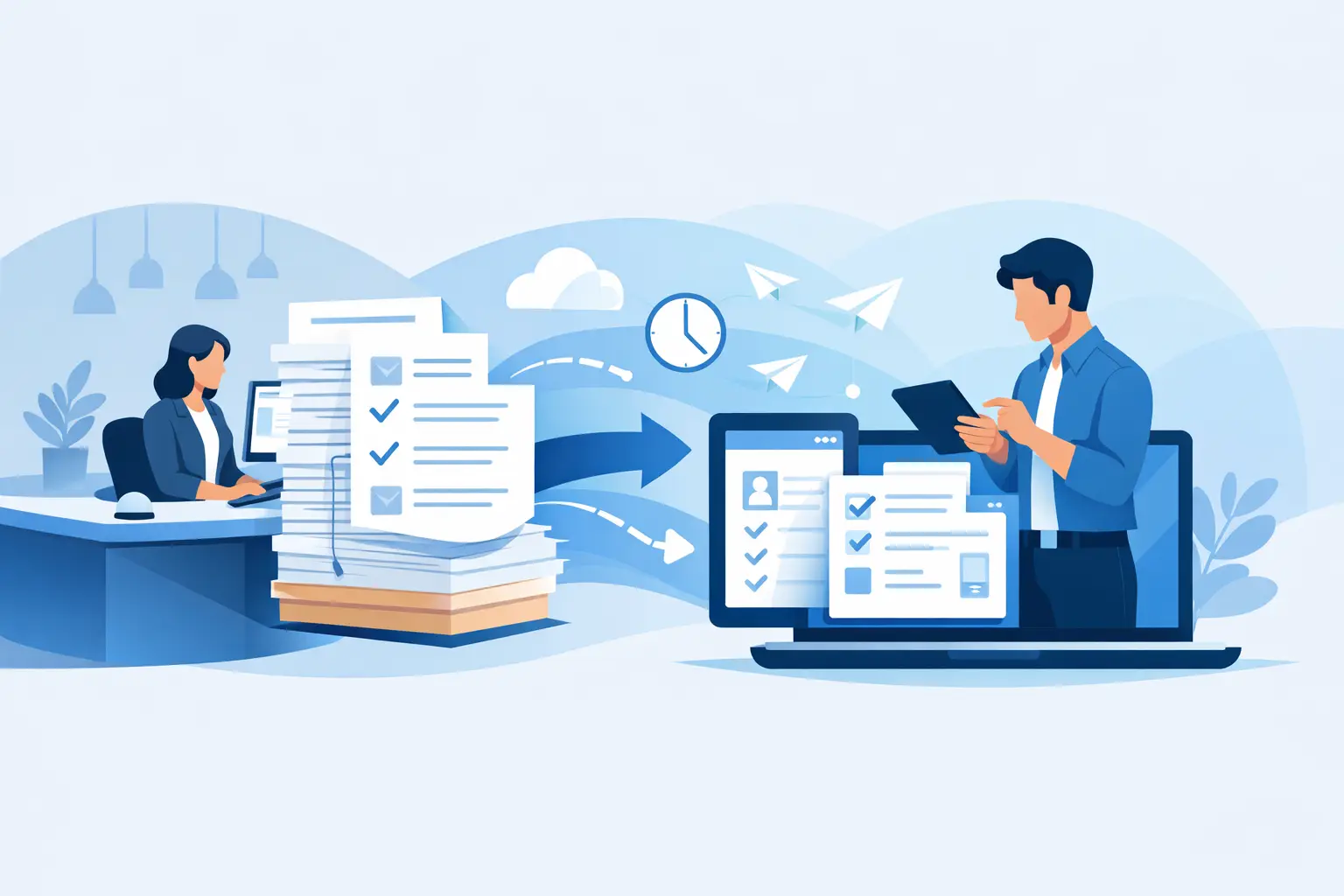
The line at the counter rarely starts because a customer wants to wait. It starts when a staff member has to find a clipboard, explain a form, read handwriting, chase a missing signature, and file paperwork before serving the next person. To streamline front desk paperwork, the goal is not simply to replace paper with a PDF. It is to remove the handoffs, repeat questions, and manual follow-up that slow down the entire check-in process.
For businesses that collect waivers, registrations, consent forms, memberships, and service agreements, a better workflow improves more than speed. It gives customers a cleaner first impression, gives staff more time to help people, and gives managers reliable records when they need them.
Start With the Moments That Create Delays
Most front-desk paperwork problems are workflow problems first. A printed waiver may only take two minutes to complete, but that estimate often ignores the time spent locating the latest version, answering routine questions, correcting blanks, matching forms to bookings, and storing the completed document.
Walk through a typical customer visit from arrival to completion. Identify every point where someone has to write the same information twice, wait for staff approval, move between systems, or handle a physical document. Those are the highest-value places to improve.
A fitness studio might find that first-time guests complete a waiver at the counter while staff check class availability. An event organizer may discover that registration forms arrive in multiple email inboxes and must be manually reconciled. A municipal program may be managing signatures from parents, participants, and staff across several paper packets. The details vary, but the friction is usually familiar: information enters the business too late and is not connected to the next operational step.
Replace Paper With a Complete Digital Workflow
Scanning paper forms after the fact is better than filing cabinets, but it does not solve the front-desk bottleneck. A complete digital workflow lets customers provide information before arrival or complete it quickly on site, while the system captures signatures and stores the final record automatically.
Start by converting the documents customers see most often: waivers, intake forms, consent forms, policies, and agreements. Build forms that ask only for information your team actually uses. Every unnecessary field adds friction, especially on a phone.
Then make the form available through the channels that match how people arrive. A booking confirmation can include a form by email or SMS. A QR code at the counter can open the correct form on the customer’s phone. A kiosk can support walk-ins, shared devices, or customers who prefer staff assistance. This flexibility matters because no single check-in method works for every business or every customer.
The signed form should become a completed record automatically, rather than an item someone has to print, scan, rename, and upload later. That is where digital paperwork begins to save meaningful staff time.
Design for a phone, not a clipboard
Customers are likely to complete a form while standing in a lobby, sitting in a car, or opening a message between errands. Keep instructions short, use clear field labels, and avoid dense blocks of policy language before the customer has a chance to act.
Conditional fields are especially useful. If a question does not apply, do not show it. If a minor is signing up, show parent or guardian information. If a customer selects a certain activity, display the relevant acknowledgment. This keeps the experience focused while still collecting the right information for each situation.
Connect Check-In to the Rest of the Operation
The fastest form still creates work if information remains isolated. Front-desk teams need to know whether a guest has completed a waiver, whether their agreement is current, and whether they can proceed without searching through email attachments or stacks of paper.
Connect digital paperwork to the systems your team already uses, such as booking software, a CRM, point-of-sale system, membership platform, or marketing database. When a customer completes a form, the workflow can update a contact record, mark a waiver as complete, alert the appropriate team, or trigger a follow-up message.
For example, a recreation business can send a waiver after an online reservation and flag incomplete submissions before the group arrives. A wellness provider can collect intake details before an appointment, allowing staff to review relevant information without rekeying it. An event team can use a completed registration to generate badges, send arrival instructions, or segment post-event outreach.
OtterSign supports this approach by combining forms, document generation, legally binding eSignatures, check-ins, and automation in one operational workflow. The advantage is not just fewer paper forms. It is fewer disconnected steps for staff and customers.
Build Compliance Into the Process
Paper often feels familiar because it looks tangible, but a paper trail can be difficult to manage at scale. Forms get misplaced, versions become inconsistent across locations, and staff may not know whether a customer signed the current agreement.
Digital workflows give operators more control when they are designed carefully. Use approved templates so every location presents the same language. Track document versions so your team can distinguish between a current waiver and an outdated one. Capture timestamps, signatures, and completed records in a central location with appropriate access controls.
Identity verification needs vary by business. For some workflows, a simple signed acknowledgment is sufficient. For others, such as age-restricted activities or highly regulated services, a driver’s license scan or additional verification may be appropriate. The right level of control depends on the risk, the service, and the guidance of your legal or compliance team.
Automation should support compliance, not obscure it. Make sure customers can review key terms, receive a copy when needed, and complete required fields before signing. Test the workflow whenever language, policies, or operational requirements change.
Give Front-Desk Staff Clear Exceptions, Not More Tasks
No workflow eliminates every exception. Customers may arrive without a reservation, have trouble opening a link, need a guardian’s signature, or need help with accessibility. The goal is to make those cases easy to resolve without forcing staff back into a paper-heavy process.
Create a simple playbook for common situations. Staff should know how to resend a form, open it on a kiosk, locate a completed record, correct a minor data entry error, and identify when an issue requires a manager. Keep this guidance close to the point of work and train teams using real check-in scenarios.
Avoid making the front desk responsible for policing every digital step manually. If possible, use status indicators that show whether required paperwork is complete. That allows staff to focus on the people who need help rather than checking every customer one by one.
Roll Out in Stages and Measure the Right Results
Trying to digitize every document in one week can create confusion, particularly across multiple locations. Begin with the paperwork that causes the most delays or carries the greatest compliance risk. Often, that is a waiver, a new-customer intake form, or a recurring service agreement.
Run the new process with a small team, collect feedback from staff and customers, and adjust the form before expanding it. Watch for practical issues: fields that confuse customers, confirmations that do not arrive, or steps that staff still perform manually out of habit.
Measure outcomes that reflect real operational improvement. Useful indicators include average check-in time, percentage of forms completed before arrival, incomplete-form rate, staff time spent on filing, and the number of customers who need help at the counter. For multi-location operators, compare adoption and completion rates by site to spot training or workflow gaps.
There are trade-offs. A highly detailed intake form may collect better data but reduce completion rates. A kiosk may help walk-ins but requires device management and privacy planning. SMS reminders can improve completion but should be used with appropriate consent and message timing. The best workflow is not the one with the most features. It is the one that reliably gets the right information, from the right person, at the right point in the customer journey.
A front desk should feel like the start of a good experience, not a paperwork checkpoint. When forms arrive early, signatures are captured correctly, and records flow where they need to go, staff can spend less time managing documents and more time welcoming the people in front of them.


