

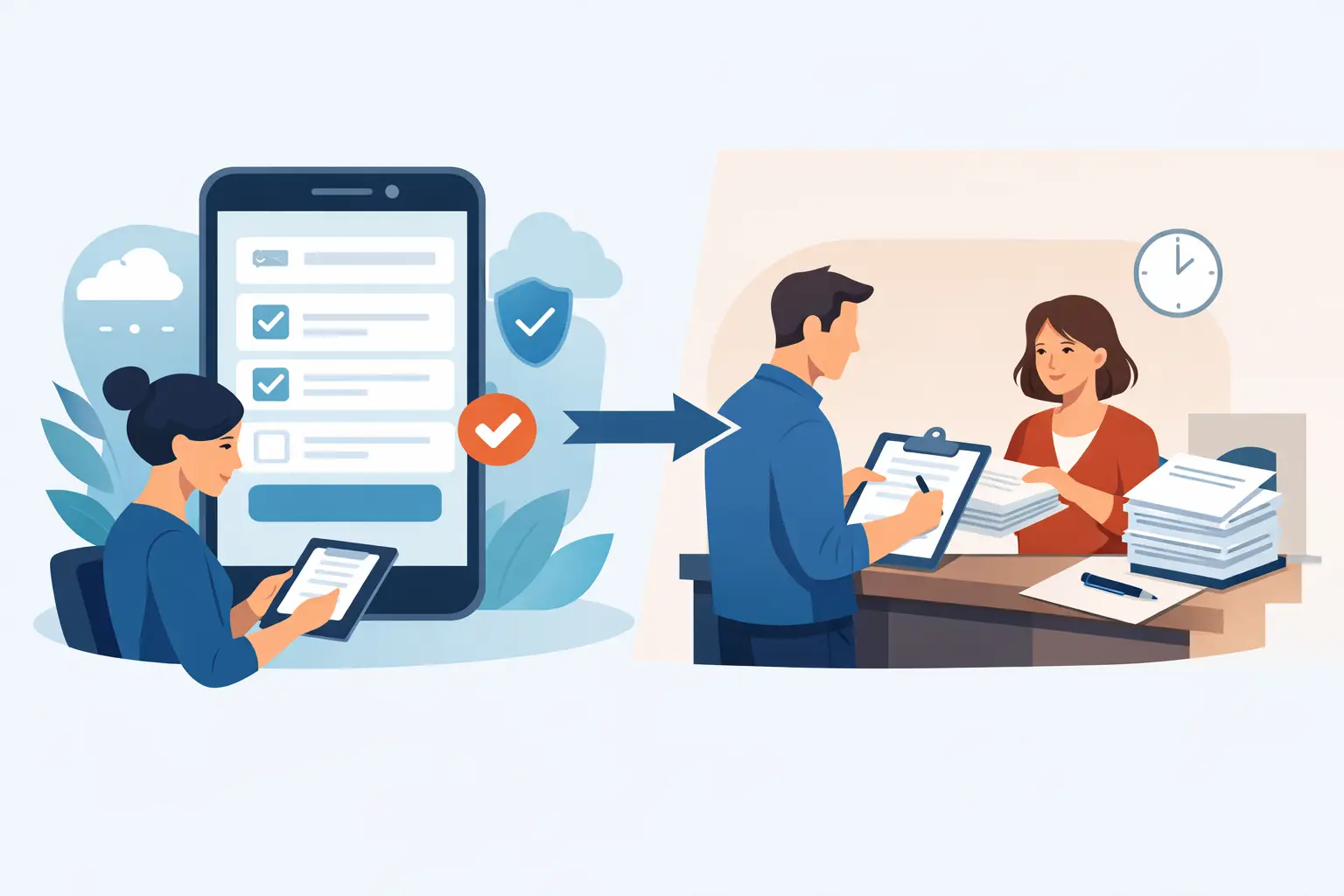
A line at the front desk is rarely caused by one problem. It is usually a stack of small delays: finding the right form, explaining which fields matter, handing over a clipboard, checking for missing signatures, and filing the packet after the customer has moved on. The real question in digital intake vs paper packets is not whether paper can collect a signature. It is whether the process supports the speed, recordkeeping, and customer experience your operation needs.
For a low-volume organization with a single, simple form, paper may still feel workable. For businesses that handle waivers, registrations, consents, memberships, or agreements every day, the cost of that workaround compounds quickly. It shows up in slower check-ins, incomplete records, staff time, storage, and avoidable risk when a signed document cannot be found.
Digital Intake vs Paper Packets at the Front Desk
Paper packets are familiar. Customers understand a clipboard, and staff can put one in front of nearly anyone without explaining a new system. They also work during a power or internet outage, which matters for some locations and events.
But familiarity is not the same as efficiency. A paper packet makes the customer and staff do the administrative work by hand. Someone must confirm that every required field is complete, decipher handwriting, scan or file the document, retrieve it later, and make sure the correct version was used. If the packet includes a waiver plus medical information, a membership agreement, and a photo release, those steps multiply.
Digital intake shifts that work into the workflow itself. Required fields can prevent incomplete submissions. Conditional questions can show only what is relevant to that customer. A signed waiver can be tied to a participant profile, timestamped, stored centrally, and available to authorized staff without opening a filing cabinet. The result is not merely less paper. It is a more controlled check-in process.
The difference becomes especially clear at busy times. A customer can complete a mobile-friendly form from a QR code before arriving, receive it by text or email, or sign at a kiosk on site. Staff can focus on welcoming guests and resolving exceptions instead of reviewing every line of every form.
Where Paper Packets Still Make Sense
Going digital does not mean pretending paper has no place. Paper can be a reasonable fallback for a temporary event, a remote site with unreliable connectivity, or a small program that collects a handful of forms each month. Some customers may also need staff assistance because of accessibility, language, or technology comfort.
The practical goal is not to ban clipboards. It is to avoid building your core process around them. A strong digital system lets staff assist a customer on a kiosk or tablet when needed, while keeping the record in the same searchable system as every other submission. You retain flexibility without creating a separate filing and data-entry process.
The Operational Costs Behind a Paper Workflow
Paper often appears inexpensive because a printed form costs little. That view misses the labor and operational friction around it. The meaningful comparison is between a printed page and a complete, usable record.
Check-in speed and revenue capacity
In waiver-heavy businesses, a slow intake line can limit how many customers you can serve at the moment demand is highest. This matters at fitness facilities before class, outdoor recreation sites before departures, shooting ranges on weekends, municipal programs during registration, and event entrances when everyone arrives at once.
Digital pre-arrival intake reduces that bottleneck. Customers can complete required information before they reach the counter, and staff can see status immediately. If a signature is missing or a waiver has expired, the issue can be addressed before it delays the next guest.
Accuracy and completeness
A paper form cannot flag an invalid email address, require a date of birth for a minor, or prevent a customer from skipping an acknowledgment. Staff can catch those issues, but only if they review every packet carefully under real-world time pressure.
Digital forms can guide the customer through the right path. For example, a minor participant can trigger a parent or guardian section, while a returning adult customer may only need to review and sign an updated agreement. That reduces duplicate questions and helps teams collect the information they actually need.
Record retrieval and compliance support
When an incident occurs, the question is often not whether a waiver was signed. It is whether you can quickly produce the correct, completed version for the correct person and date. Paper filing systems make that dependent on naming conventions, storage habits, and staff availability.
Digital records are easier to search, organize, and retain consistently. A complete electronic signature process can also preserve an audit trail that documents relevant signing activity. That is valuable for internal controls and legal preparedness, though no software replaces sound legal review. Your waiver language, retention policy, and electronic-signature practices should fit your business, state requirements, and counsel’s guidance.
Version control across locations
Multi-location operators face a different kind of exposure: one location may be using last year’s packet while another has adopted the current policy. Printed inventory makes it easy for outdated forms to linger in a drawer.
With digital intake, teams can update a template once and control which version is active. That provides more consistency across locations, programs, and seasonal offerings. It also makes it easier to confirm that front-desk staff are not improvising with old documents.
What a Complete Digital Intake Workflow Should Do
A basic eSignature tool can collect a signature, but intake involves more than the last click. The strongest setup connects the customer journey from first contact through check-in and follow-up.
Look for a workflow that can handle these connected tasks:
- Send forms through QR codes, SMS, email, web links, or an on-site kiosk so customers can complete them where it is most convenient.
- Use conditional logic, required fields, and reusable customer information to reduce errors and unnecessary questions.
- Generate the right agreement, waiver, receipt, or confirmation from the information collected.
- Capture signatures and maintain organized records with the details your team needs to retrieve them later.
- Connect intake data to booking, CRM, POS, marketing, or operational systems so staff do not re-enter the same information.
This is where an all-in-one workflow matters. If a team uses one tool for forms, another for signatures, a spreadsheet for attendance, and inbox searches for records, it has replaced paper with a different set of manual handoffs. Platforms such as OtterSign are designed to keep forms, document generation, signatures, check-ins, and automation in one operational flow.
How to Choose Between Digital and Paper
Start with the moments where paper creates the most friction, rather than trying to digitize every internal document at once. For many organizations, that is a customer waiver, a new-member agreement, an event registration, or a recurring consent form. These processes are visible to customers, repeat frequently, and carry consequences when information is missing.
Then measure what matters in your operation. Track average check-in time, incomplete packets, staff hours spent filing or searching, no-show follow-up, and the number of forms that need rework. Those figures make the decision more concrete than the price of a ream of paper.
Implementation should also match your environment. A high-volume venue may prioritize QR codes and kiosk signing. A service business with appointment-based customers may get more value from text-message forms sent before arrival. An organization that works with minors may prioritize guardian workflows and clear participant records. The right approach depends on how customers arrive, what you need to collect, and where your team loses time today.
A practical rollout usually begins with one high-volume workflow, a clear owner, and a short staff training session. Keep a limited paper backup during the transition, but give the digital process a real chance to become the default. If staff have to choose between two equal paths indefinitely, they will often return to the one they already know.
The best intake process is the one customers can complete without confusion and staff can trust without chasing paperwork. When every form, signature, and check-in has a clear place in the workflow, the front desk can spend less time managing documents and more time serving people.


