

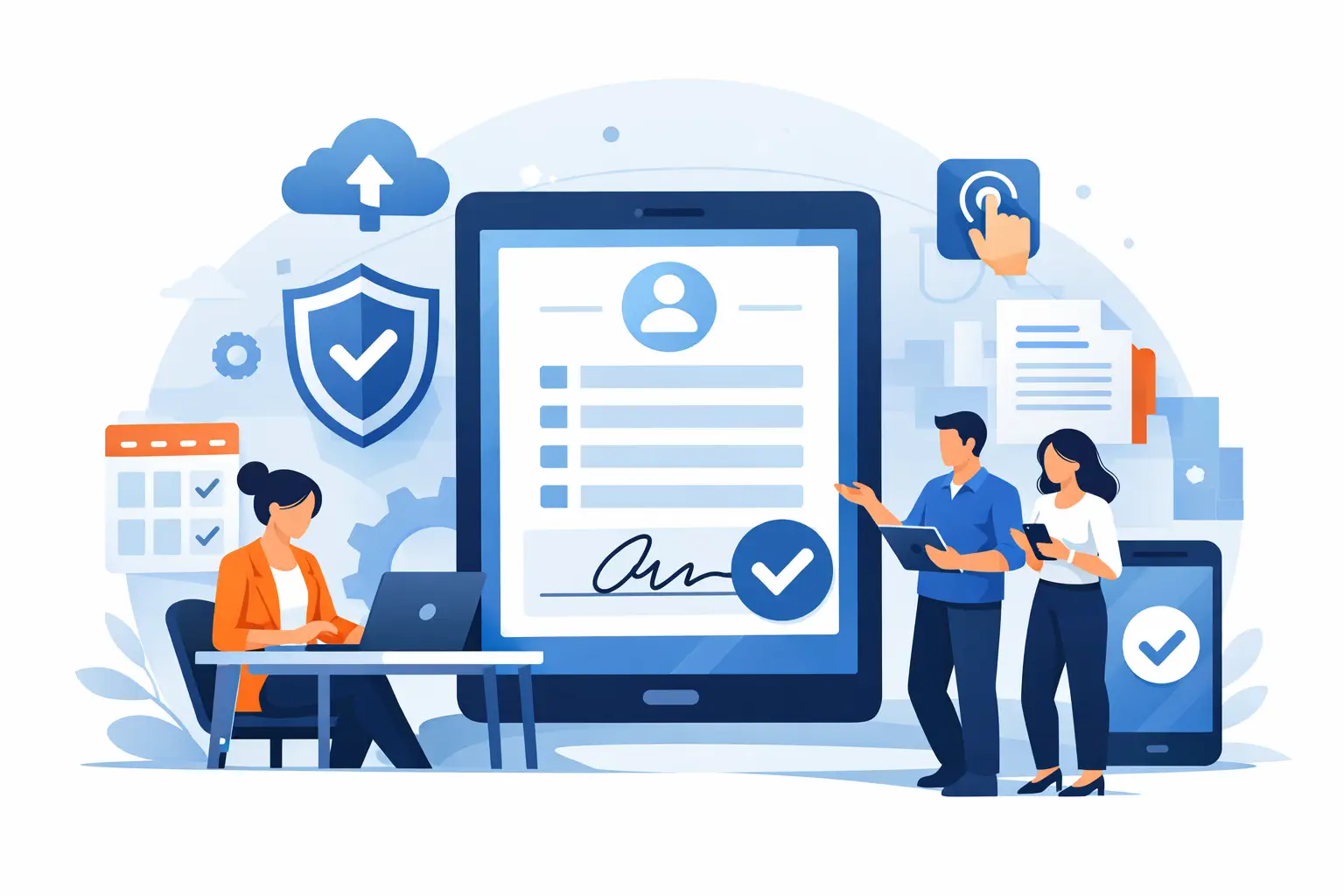
Paper waivers usually stop being “good enough” at the worst possible moment – when the line gets long, a form goes missing, or staff have to re-enter the same information twice. That is why an electronic waiver system review should focus less on flashy features and more on what happens at check-in, during audits, and across day-to-day operations.
For most businesses, the real question is not whether digital waivers are better than clipboards. It is whether a specific system reduces friction without creating new admin work. If you run a fitness studio, recreation business, event operation, wellness practice, or multi-location program, the right platform should speed up intake, tighten recordkeeping, and give staff more control when volume spikes.
What an electronic waiver system review should actually measure
A lot of software comparisons overvalue surface-level items like template counts or dashboard design. Those things matter, but they are rarely what determines success after rollout. A stronger electronic waiver system review looks at how the system performs in live environments where customers are arriving, staff are multitasking, and compliance cannot be left to memory.
Start with form completion. Can customers sign on their phones before arrival? Can they use a kiosk on-site if they did not complete it in advance? Are QR codes easy to deploy at the front desk, on signage, or in confirmation messages? The more paths you give customers to complete a waiver, the less pressure falls on staff.
Then look at how the system handles identity and record integrity. A legally binding signature is only part of the process. You also need clean timestamps, stored records, searchable submissions, and consistent formatting. If staff still have to dig through inboxes, rename files, or manually match waivers to bookings, the software has not really solved the operational problem.
The core features that matter most
The best systems tend to win on a handful of practical capabilities. Mobile-first signing is near the top of the list because most customers will complete forms on their phones. If the experience is clunky, completion rates drop and front-desk delays rise.
Flexible delivery options matter just as much. Email and SMS are useful before arrival, while QR codes and kiosk signing help on-site. Some businesses also benefit from Apple Wallet access or saved links for repeat customers. This is where a lot of tools start to separate. Some are fine for remote signatures but weak for in-person intake.
You should also evaluate conditional logic and web forms. A waiver is rarely just a signature block. It may need emergency contact details, participant information, health disclosures, minor consent, equipment acknowledgment, or custom terms based on the service selected. A system that can collect data and signature in one flow is more valuable than one that simply digitizes a PDF.
Automation is another major differentiator. If a signed waiver can trigger a check-in status, create a document, send a confirmation, update a CRM, or notify staff, you save time every day. If all the system does is capture a signature and store a file, you may still be left managing too many steps by hand.
Where many platforms fall short
The biggest weakness in some waiver tools is that they were built as generic eSignature products first and operational intake systems second. They can collect a signature, but they are not always designed for high-throughput environments where people are arriving continuously and staff need answers fast.
That shows up in small but costly ways. Maybe the system cannot support fast kiosk use. Maybe records are hard to search in real time. Maybe the waiver is detached from check-in, booking, or participant status. Maybe each location has to manage its own forms without consistent oversight.
These issues are manageable for low-volume organizations. They become expensive for businesses with busy front desks, weekend traffic, seasonal surges, or multiple sites. A good platform should not just digitize paperwork. It should reduce the number of moving parts staff deal with during service hours.
Ease of use matters more than feature volume
Many buyers assume the system with the longest feature list is the safest choice. In practice, adoption usually depends on how quickly staff can learn it and how reliably customers can complete forms without help.
That means setup matters. Can you build forms without calling a developer? Can a manager update waiver language without creating version confusion? Can front-desk staff find a signed record in seconds? If the answer is no, the platform may still create bottlenecks even if it looks impressive during a demo.
There is also a trade-off here. Highly customizable systems can be powerful, but they may require more configuration time and internal ownership. Simpler tools are easier to launch, but they may not support the logic, automation, or integrations growing businesses need later. The right choice depends on whether your priority is fast deployment, deep process control, or both.
Electronic waiver system review for multi-location operations
Single-site businesses and multi-location organizations should not evaluate software the same way. A local studio may care most about speed, price, and basic compliance. A regional operator often needs standardized templates, location-specific workflows, centralized reporting, and role-based permissions.
This is where an electronic waiver system review needs to go beyond the signing screen. Ask how the platform handles form governance across sites. Can headquarters manage templates while individual locations control day-to-day use? Can reporting be filtered by location, program, or staff member? Can integrations stay consistent across the organization?
Without that structure, digital waiver adoption can create a new kind of inconsistency. One site uses the current form, another uses an outdated version, and a third stores records differently. The system should create operational control, not just digital storage.
Integration is not a bonus feature
For waiver-heavy businesses, integration affects labor costs, customer experience, and data accuracy. If your waiver system does not connect to the rest of your workflow, staff end up copying information between systems or checking multiple screens during intake.
The most useful integrations are usually with booking software, CRMs, point-of-sale tools, marketing systems, and internal databases. When a signed waiver updates a customer record automatically, operations get cleaner. When it does not, the burden shifts back to staff.
That does not mean every business needs a complex tech stack. Some teams need an all-in-one workflow more than a long list of connectors. Others already have key systems in place and need a waiver platform that fits around them. In either case, the question is the same: does this reduce manual work, or just move it somewhere else?
Compliance and legal defensibility
Most buyers start shopping because they want less paper. The better reason is risk management. A waiver system should help you prove what was signed, when it was signed, and by whom.
Look closely at audit trails, timestamping, document retention, version control, and signer data capture. If your business handles minors, group registrations, or recurring participants, those edge cases matter even more. You may also need to confirm whether the platform supports identity checks such as driver’s license scanning or other intake verification steps.
No software replaces legal advice, and waiver enforceability still depends on jurisdiction, wording, and process. But a system that preserves complete records and standardizes execution puts your team in a much stronger position than paper folders and manual filing ever will.
So what should buyers prioritize?
If you are running a customer-facing operation, prioritize speed at intake, clean records, flexible signing methods, and automation that removes repeat admin work. After that, look at scalability. Can the platform support your current process and still make sense if volume increases, locations expand, or compliance requirements tighten?
This is also where purpose-built systems have an advantage. A platform designed around digital waivers, forms, check-ins, and document workflows will usually outperform a generic signing tool in operational settings. That is especially true when businesses need mobile completion, kiosk options, integrated intake, and post-signature actions in one system. OtterSign fits that model by combining signatures, waivers, forms, check-ins, and automation in a way that maps to how frontline teams actually work.
A final point: ask to see the full workflow, not just the form builder. The customer journey before arrival, the staff experience at check-in, the record search process, and the follow-up automation all matter. A waiver system should shorten the path from intake to service, not give you a prettier version of the same old paperwork.
The best choice is usually the one that makes busy days feel controlled. If your staff can move faster, your records are easier to trust, and your customers spend less time waiting, you are looking at software that will pay for itself long after the paper forms are gone.


