

A customer is standing at the front desk. Your team needs a waiver, a consent form, and a signed agreement before service can begin. Instead of moving that person through in minutes, someone is retyping answers from a web form into a PDF, checking for missing fields, printing, emailing, or chasing a signature later. That gap is exactly where form to PDF automation delivers value.
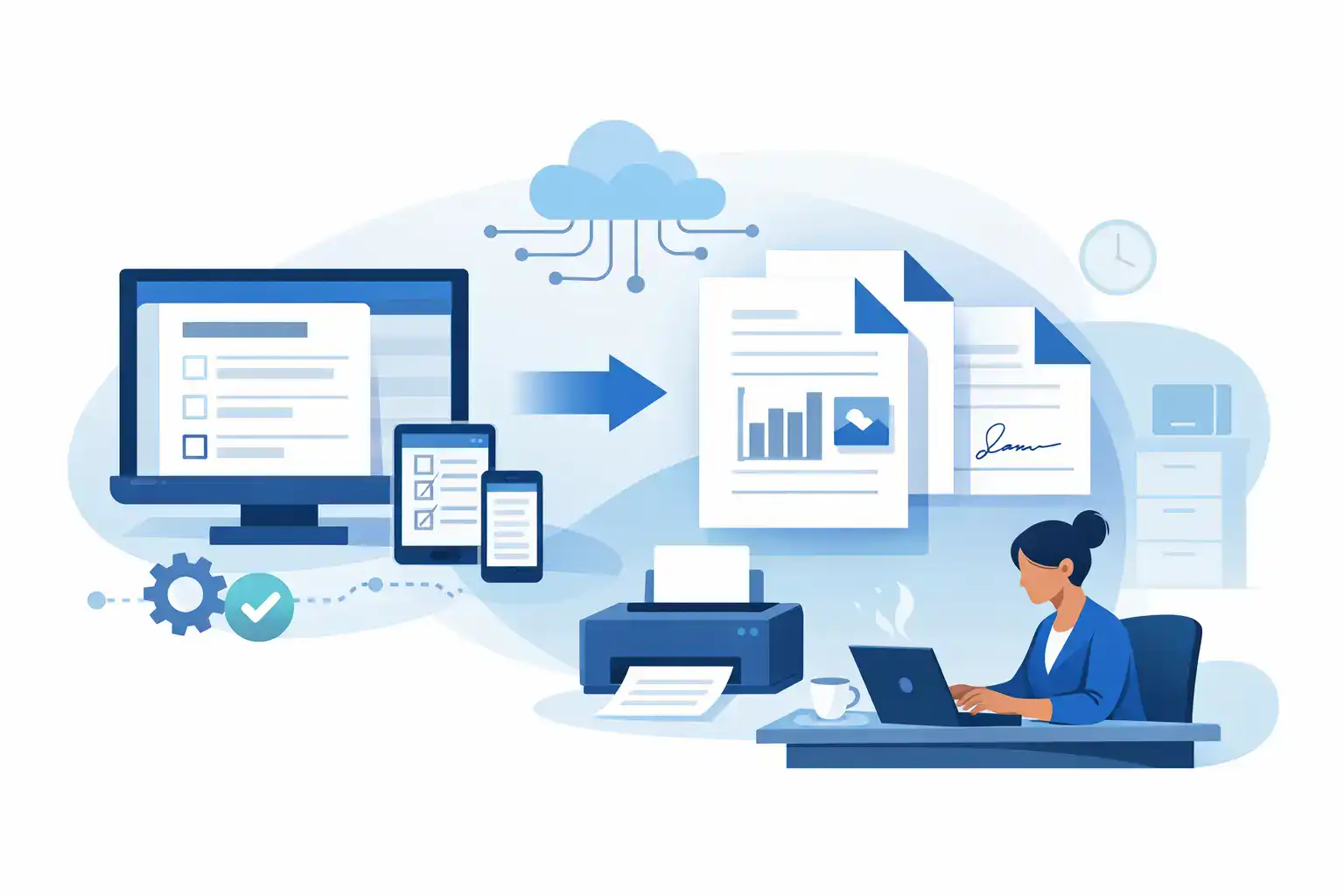
At a practical level, form to PDF automation takes data collected through a digital form and places it into a finished PDF document automatically. In stronger workflows, it also routes the document for eSignature, stores the signed record, triggers follow-up actions, and pushes data into the rest of your systems. For businesses that manage intake, waivers, registrations, or approvals every day, that shift removes a surprising amount of friction.
What form to PDF automation actually solves
Most teams do not struggle with forms because forms are hard. They struggle because the process around forms is fragmented. Information gets collected in one place, turned into a document in another, signed through a third tool, and stored somewhere else. Every handoff adds time, errors, and compliance risk.
When a business automates the path from form submission to PDF generation, it reduces manual re-entry and standardizes output. Every customer gets the right document version. Every required field lands in the right place. Every signed record is easier to retrieve later.
That matters in frontline environments where speed affects revenue. A gym cannot afford a slow check-in line. An event organizer cannot pause registration to fix paperwork. A recreation business cannot risk missing liability language because someone used the wrong file. Automation helps because it turns a messy process into a repeatable one.
How form to PDF automation works in the real world
The basic workflow is straightforward. A customer, participant, employee, or parent fills out a digital form on a phone, tablet, kiosk, or desktop. The system takes those answers and maps them to fields in a PDF. That PDF can then be finalized as a record, sent for signature, or both.
In more mature setups, the workflow does a little more than just create a document. It can apply conditional logic, which means the final PDF changes based on what the person selected. A minor can trigger parent or guardian fields. A high-risk activity can trigger a different waiver packet. A business with multiple locations can apply the right branding, address, or legal language automatically.
This is where the difference between simple form tools and operational workflow platforms becomes clear. If your process ends at data capture, almost any form app can help. If your process needs document generation, signature collection, check-in speed, compliance controls, and downstream automation, the setup needs to be more connected.
Why manual PDF creation breaks at scale
A small team can tolerate manual document prep for a while. Then volume increases, staff changes, and inconsistency shows up fast.
The first problem is time. Re-entering the same information into a PDF is low-value work, but it happens over and over. Even if each record only takes a few minutes, those minutes add up across hundreds of customers, participants, or patients.
The second problem is accuracy. Typos, missing names, wrong dates, and mismatched records are common when information moves across tools by hand. Those mistakes do not just slow teams down. They create legal and operational exposure when the final signed document is incomplete or incorrect.
The third problem is control. If employees are saving PDFs to desktops, emailing attachments around, or printing papers for later scanning, records become hard to track. That is a bad fit for any business that needs clean audit trails, fast retrieval, or standardized compliance practices across multiple locations.
Where the ROI shows up fastest
Form to PDF automation usually pays off first in high-frequency workflows. Waivers are a strong example because they are repetitive, time-sensitive, and often tied to in-person service. The same is true for membership agreements, consent forms, registration packets, incident acknowledgments, employee onboarding documents, and field-service approvals.
The clearest savings come from labor reduction, but that is only part of the return. Teams also move customers through faster, reduce abandoned check-ins, and spend less time correcting paperwork. Managers gain more confidence that required forms were completed properly. Customers notice that the experience feels modern instead of improvised.
For multi-location operators, there is another layer of value: consistency. Automation makes it easier to deploy the same intake logic, document rules, and recordkeeping standards across every site. That reduces training time and limits the local workarounds that usually create risk.
What to look for in a form to PDF automation system
The best setup depends on your workflow, but a few capabilities matter almost every time. First, the form builder has to be flexible enough to match your real intake process. If your forms need conditional questions, mobile responsiveness, kiosk use, or QR code access, the front-end experience cannot be an afterthought.
Second, the PDF generation has to be reliable. That means field mapping should be easy to manage, document templates should be reusable, and outputs should stay consistent. If your team needs to babysit the template every time a form changes, the process is still too manual.
Third, eSignature should be part of the workflow rather than bolted on later. Many businesses do not just need a completed PDF. They need a signed, timestamped, retrievable record that is tied to the original submission.
Fourth, storage and follow-up actions matter. Once the signed PDF exists, where does it go? Can it trigger an email, update a CRM, sync to another system, or notify staff that a check-in is complete? Automation is much more useful when the document does not become a dead end.
If your business serves customers in person, there is also a practical question: can the workflow handle real-world traffic? Mobile forms, kiosk signing, SMS delivery, and fast retrieval at the front desk are not extras in high-volume environments. They are part of whether the process actually works.
Trade-offs to think through before you automate
Not every workflow should produce a PDF by default. Some teams create too many static documents when they would be better served by storing structured data and generating a PDF only when a signed record is required. If every submission turns into a document, you may create clutter without adding value.
There is also a design trade-off. Highly customized PDFs can mirror old paper processes exactly, which feels familiar, but that can preserve inefficiency. Sometimes the smarter move is to simplify the document itself, reduce duplicated fields, and use the digital form as the primary experience.
Integration depth matters too. A lightweight setup may be enough if all you need is form intake and a signed PDF. But if your workflow connects to booking systems, CRMs, POS platforms, or marketing tools, you need automation that fits into the larger operation. Otherwise, you just move the bottleneck further down the line.
A better way to think about the customer experience
Customers do not care that your team saved six minutes on document prep. They care that the process feels fast, clear, and organized. That is why form to PDF automation is not just an admin upgrade. It improves the handoff between digital intake and real-world service.
A guest scans a QR code, fills out the form on their phone, signs once, and checks in. A parent completes a minor waiver before arrival. An event attendee gets the right registration packet without waiting in line. An employee finishes onboarding forms before day one. The operational win is internal, but the customer impact is visible.
That is also why all-in-one workflow systems tend to outperform stitched-together tools in service-heavy environments. When forms, document generation, signatures, and follow-up actions live in one place, there are fewer gaps for staff to patch manually. OtterSign is built for exactly that kind of workflow, especially for businesses that need speed at the front desk and strong control behind the scenes.
Start with one high-friction workflow
The best way to implement automation is not to rebuild everything at once. Start with the form process that causes the most repeat work or the most delay. For many businesses, that is a waiver, intake packet, or agreement that staff handles dozens of times a day.
Map the current process honestly. Where is information collected? Where is it retyped? When is the PDF created? Who sends it for signature? Where does the signed version live? Once those steps are visible, the automation opportunities usually stand out.
A good workflow should collect the data once, generate the right PDF automatically, capture the signature without extra chasing, and store the final record where staff can actually find it. If you can also trigger notifications, sync data to your other systems, and support mobile or kiosk completion, the improvement is not incremental. It changes how the operation runs.
Paper processes rarely fail all at once. They fail one delay, one typo, and one missing file at a time. Form to PDF automation fixes that by turning a fragile chain of manual steps into a controlled workflow your team can rely on every day.


