

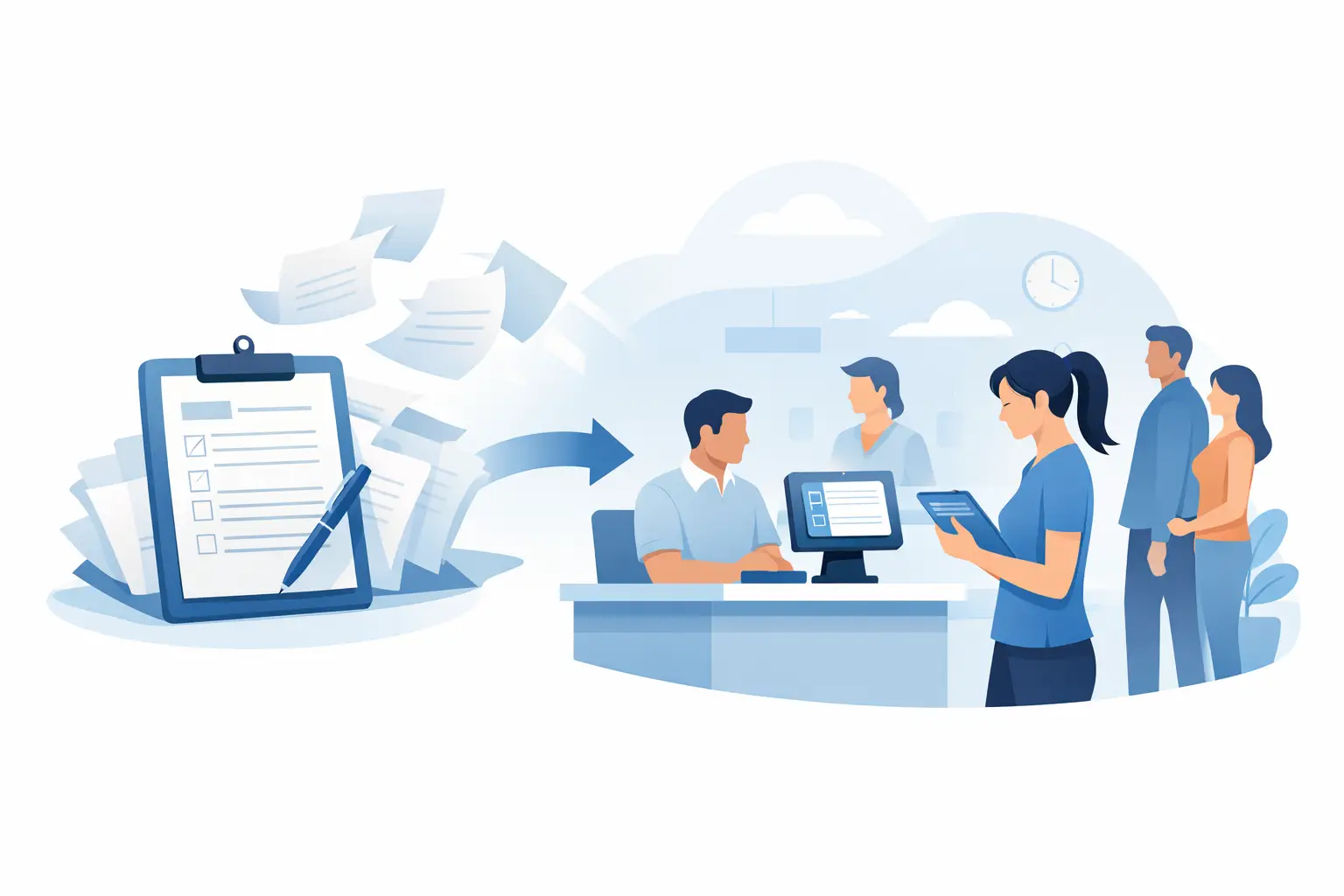
The front desk should not become a filing station. When customers arrive, staff need to greet them, verify details, answer questions, and keep the line moving – not hand out clipboards, decipher handwriting, and hunt for a missing waiver later. Learning how to replace paper intake means redesigning the entire arrival experience, from the first form to the final signed record.
For waiver-heavy, appointment-based, and in-person service businesses, the goal is not simply to turn a PDF into an online form. The goal is to collect complete information faster, secure signatures when needed, make records easy to find, and trigger the next operational step without manual follow-up.
Start with the intake workflow, not the paper form
A paper form often hides a larger process. A guest completes it, an employee checks it, someone files it, and another team member may enter the same details into a booking platform, CRM, or spreadsheet. Replacing only the paper still leaves the duplicate work behind.
Map what happens before, during, and after intake. Identify where customers first receive the form, which fields staff actually need, who needs access to the completed record, and what should happen once the form is signed. For example, a fitness studio may need a guest waiver to update a member profile and permit class check-in. An event operator may need a registration form to confirm eligibility, capture emergency contacts, and send a post-event message.
This review usually reveals fields that are no longer useful and questions that are asked twice. Remove them. Shorter forms improve completion rates, especially on a phone. Keep only the data needed to serve the customer, meet policy requirements, or support a documented business process.
How to replace paper intake with a digital path customers will use
Digital intake works best when customers can complete it at the most convenient point in their journey. That may be before arrival through email or text, at the entrance through a QR code, or on a tablet at a staffed kiosk. Offering more than one route protects the experience when a guest misses a pre-arrival message or walks in without an appointment.
A practical setup usually includes a mobile-friendly form, clear consent language, a signature step where appropriate, and an immediate confirmation. Customers should not need to download an app, create a complicated account, or pinch and zoom through a desktop-sized document.
For in-person operations, QR codes are especially useful. Place them at the check-in counter, on confirmation emails, or near the entrance. A customer scans the code, completes the required information on their own device, and staff can see the completed record without passing around a shared clipboard. This reduces line congestion and gives customers more privacy when entering personal details.
Kiosk signing is a better fit when customers need staff assistance, do not have a smartphone, or must complete a process on site. A good digital workflow supports both options without creating separate record systems.
Build forms for speed and complete records
The best digital form is not the one with the most features. It is the one a customer can finish correctly without needing help. Use logical sections, plain-language labels, and field types that reduce typing. Dropdowns, date pickers, checkboxes, and conditional questions can prevent the errors that slow staff down later.
Conditional logic is particularly valuable for long or regulated intake flows. If a guest answers “no” to a question, they should not see three follow-up fields that do not apply. If they select a particular activity, location, or program, show only the relevant consent terms and questions. This makes forms feel shorter while improving the quality of information collected.
Required fields should be used with restraint. Require the information that is genuinely necessary, but do not turn every preference into a mandatory answer. Customers abandon forms when they feel intrusive or overly demanding. For sensitive information, make sure your policies, permissions, and retention practices match the type of data you collect.
Make signatures, consent, and compliance part of the process
For many businesses, paper intake is tied to liability waivers, participant releases, service agreements, and policy acknowledgments. Moving online should strengthen recordkeeping, not weaken it.
Use an eSignature workflow that records the completed document, signature, date and time, and relevant audit details. Whether an electronic signature is appropriate can depend on the agreement type, applicable laws, and your organization’s policies. For high-stakes documents, have legal counsel review the language and digital signing process before rollout.
Version control matters just as much as signature capture. If your waiver or agreement changes, you need to know which version each person signed. A centralized digital system makes it easier to apply the current version, retain prior records when required, and retrieve a specific document when a manager, insurer, or legal team asks for it.
For organizations that verify identity in person, driver’s license scanning can reduce manual entry and help staff confirm basic customer details. It should be used thoughtfully, with clear disclosure and a defined reason for collecting the information. The right level of verification depends on your business model, customer risk profile, and local requirements.
Connect intake to the work that follows
Paper creates operational gaps because the completed form stays trapped in a folder until someone touches it again. Digital intake becomes more valuable when it triggers the next action automatically.
A completed waiver can mark a participant as eligible for check-in. A new client intake form can create or update a CRM contact. A signed agreement can generate a completed document, notify a manager, update a booking record, or launch a follow-up email. These automations eliminate repetitive data entry and reduce the chance that a customer receives the wrong message because staff were working from incomplete information.
This is where an all-in-one workflow platform such as OtterSign can reduce tool sprawl. Instead of combining separate form, signature, waiver, check-in, and automation tools, teams can manage the customer journey in one operational system. The value is not just fewer logins. It is a clearer handoff from customer submission to staff action.
Integrations still deserve careful planning. Before connecting systems, decide which platform owns each field and what should happen when information conflicts. For example, your CRM may be the source of truth for contact details, while the intake platform maintains signed waiver status and document history. Clear ownership prevents duplicate records and confusing updates.
Pilot the new process where friction is highest
Do not launch a redesigned intake process across every location without testing it in real conditions. Start with one program, one location, or one high-volume form. Watch how customers use it during busy periods, not just when the lobby is quiet.
Ask staff where guests hesitate, which questions generate the most requests for help, and whether completed records reach the right system quickly enough. Measure average check-in time, form completion rate, incomplete submissions, and the time staff spend filing or re-entering information. These numbers give you a baseline for proving the value of the change.
Training should focus on exceptions, not just the normal path. Staff need to know what to do when a guest cannot access their email, declines to use a personal device, has already signed, needs to update an answer, or requires assistance because of accessibility needs. A digital-first process should still offer a respectful fallback path.
Avoid common paper-to-digital mistakes
The most common mistake is copying a paper form exactly as it is. Paper was designed around physical constraints, not customer convenience. Digital forms can guide users, validate information, and eliminate irrelevant questions. Use those advantages.
Another mistake is treating the project as a front-desk upgrade only. Intake touches operations, customer service, compliance, marketing, and reporting. Include the people who manage those functions early, particularly if forms feed into other systems or include required disclosures.
Finally, do not assume every customer interaction needs the same intake flow. A returning member, a first-time guest, a parent signing for a minor, and a group event organizer may need different questions and consent paths. Segmenting these experiences can make check-in faster while keeping documentation more accurate.
A good digital intake process is almost invisible to the customer: scan, complete, sign, and get on with the reason they came. For your team, it should create a reliable record and a clear next step every time.


