

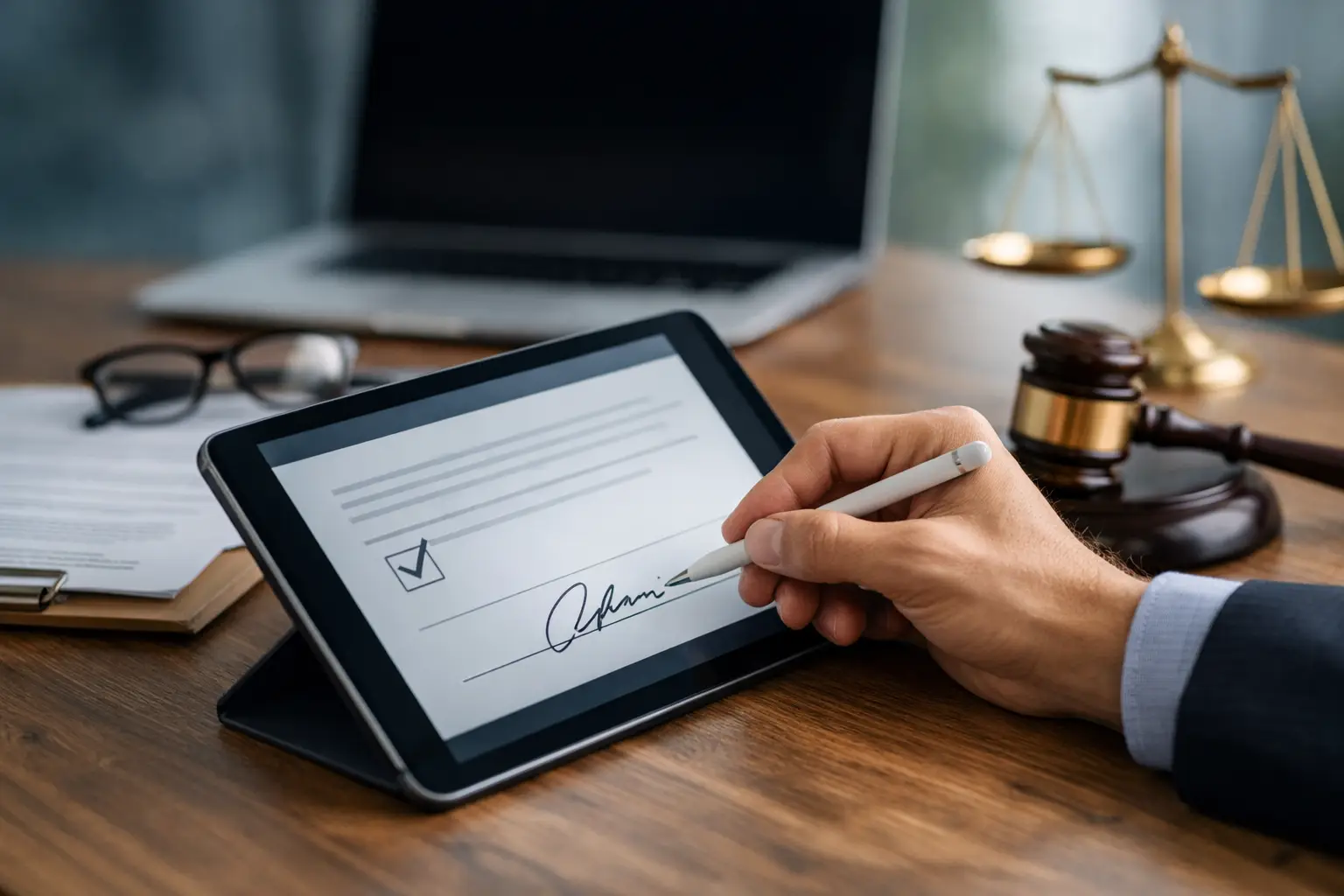
A waiver signed two minutes before a class, tour, or event should not slow down your staff, frustrate your customers, or leave you guessing whether the record will hold up later. That is the real standard for an online liability waiver. It has to protect the business, fit the actual customer experience, and produce a clean record every time.
For businesses that handle waivers every day, paper usually fails on all three. Pages go missing. Handwriting is hard to read. Front-desk staff end up chasing signatures instead of moving people through check-in. And when someone needs a copy months later, finding the right form becomes its own project. Moving the process online fixes a lot of that, but only if the waiver is built with both legal and operational realities in mind.
What an online liability waiver actually needs to do
At a basic level, an online liability waiver is a digital document that explains risk, captures agreement, and creates a signed record. But in practice, that definition is too narrow. The waiver is also part of your intake process, your compliance process, and your customer experience.
If you run a gym, it may need to combine informed consent, emergency contact details, and membership-related acknowledgments. If you run outdoor activities, it may need to handle minors, medical disclosures, and event-specific risks. If you manage multiple locations, it also needs to be consistent enough that every site collects the same information in the same way.
That is where many businesses get tripped up. They treat the waiver as a standalone PDF instead of a working part of operations. The result is a digital form that technically exists online but still creates bottlenecks, manual follow-up, and uneven recordkeeping.
Why paper waivers create more risk than they remove
Most teams keep paper because it feels familiar. It is easy to hand someone a clipboard. It is harder to see the hidden cost until volume increases.
Paper slows down arrival. It creates lines at reception. It introduces data entry work later if your team needs information in another system. It also makes quality control inconsistent. One employee remembers to collect initials on every page. Another forgets. One location scans forms weekly. Another stores them in a drawer.
From a risk standpoint, the problem is not just inconvenience. It is incomplete documentation. If a signature is missing, a date is illegible, or a version of the form cannot be verified, your process gets weaker when you need it to be strongest.
An online liability waiver reduces those gaps by standardizing the flow. Required fields stay required. Timestamps are automatic. Signed copies can be stored and retrieved quickly. That does not make every waiver automatically enforceable, but it does create a cleaner operational record.
Enforceability depends on more than going digital
A common mistake is assuming that if a waiver is signed electronically, the legal side is handled. It depends.
The enforceability of any waiver can vary based on state law, your industry, the activity involved, how the waiver is written, and how consent is collected. A well-designed digital process helps, but it cannot rescue poor language or a bad legal fit. If your waiver has not been reviewed for your use case, digitizing it is only part of the job.
The good news is that digital collection can support stronger execution. Clear presentation matters. The signer should be able to read the terms without friction. The signature step should be obvious. The business should be able to show when the document was sent, opened, signed, and stored. For higher-risk environments, that audit trail can matter as much as the signed page itself.
Minors add another layer. Many businesses need parent or guardian signatures, and some also need participant information tied to the signed record. That process should be explicit, not improvised at the front desk. The same goes for recurring customers. You may decide that an annual waiver is appropriate, or you may need a new waiver for each visit or program. The right answer depends on your operation and legal guidance.
Good online liability waiver design is operational design
The best waiver is not necessarily the shortest or the most detailed. It is the one that customers actually complete correctly and staff can manage without workarounds.
That starts with mobile usability. Many customers will sign on their phone, often while in transit or standing at check-in. If the form is hard to read, difficult to scroll, or awkward to sign, completion rates drop and staff get pulled in to help. A mobile-friendly waiver removes that friction.
It also helps to meet people where they are. Some businesses send waivers by text or email before arrival. Others use QR codes at the entrance or kiosks on-site. Neither method is universally better. Pre-arrival signing speeds up check-in and gives customers more time to review the document. On-site signing gives you more certainty that it gets done. Many operations need both.
The same logic applies to data collection. If your waiver also gathers emergency contacts, date of birth, membership details, or health disclosures, you can reduce duplicate forms and avoid re-entering the same information later. But there is a trade-off. If the form becomes too long, customers may rush through it or abandon it. The goal is to collect what is necessary for the activity and the workflow, not everything you could possibly ask.
Where businesses see the biggest payoff
The immediate benefit of an online liability waiver is usually speed. Check-ins move faster when customers arrive pre-signed or can complete the form quickly on their phones. Staff spend less time handing out clipboards, checking pages, and filing documents. That matters in high-volume settings where a slow front desk turns into delayed sessions, crowded lobbies, and frustrated guests.
The second payoff is consistency. Every customer gets the current version. Every location follows the same process. Every signed record is stored in the same system. That is especially valuable for multi-location operators who need better control across sites without creating extra work for managers.
The third payoff is visibility. When waiver collection is digital, businesses can track completion status, connect records to appointments or bookings, and trigger follow-up actions automatically. A signed waiver can start a downstream process instead of ending one. It can create a customer record, update a CRM, notify staff, or support reporting. That is where a waiver stops being a document and starts functioning as part of an operational system.
How to choose the right online liability waiver workflow
The right setup depends on your volume, risk level, and customer journey.
If customers book in advance, sending the waiver before arrival is usually the cleanest option. It shortens lines and gives your team a chance to spot missing information before the appointment or event. If your business gets a lot of walk-ins, a QR code at the counter or entrance may be more practical. If you serve families, camps, or youth programs, make sure the workflow handles parent and guardian signing clearly. If you run several sites, central administration and version control become non-negotiable.
Integration is another factor that gets overlooked. If waiver data lives in one tool, bookings in another, and customer records in a third, your team may still be stuck with manual reconciliation. A better approach is to choose a workflow that connects signature collection, intake, check-in, and follow-up so your staff are not patching systems together. That is one reason many waiver-heavy businesses look for a platform like OtterSign rather than a basic eSignature tool.
Common mistakes to avoid with an online liability waiver
One of the biggest mistakes is copying a paper form into a digital file and calling it done. A scanned PDF with a signature box is better than paper storage, but it does not fix the larger process. Another mistake is overcomplicating the form. Legal coverage matters, but so does completion. If customers cannot get through the document easily on a phone, the process will fail at the worst possible moment – when the lobby is full.
Businesses also run into trouble when they do not think through retention and retrieval. A waiver only helps if you can find the exact signed version quickly, along with the date, signer, and related intake details. And finally, there is the issue of ownership. If nobody is responsible for updating forms, managing versions, and checking the workflow, even a good system drifts over time.
A practical online liability waiver should reduce effort for customers, create less work for staff, and produce stronger records for the business. If it only solves one of those, it is probably not built well enough.
The best test is simple: when your busiest hour hits, does your waiver process help operations stay calm and controlled? If not, that is where the next improvement should start.


