

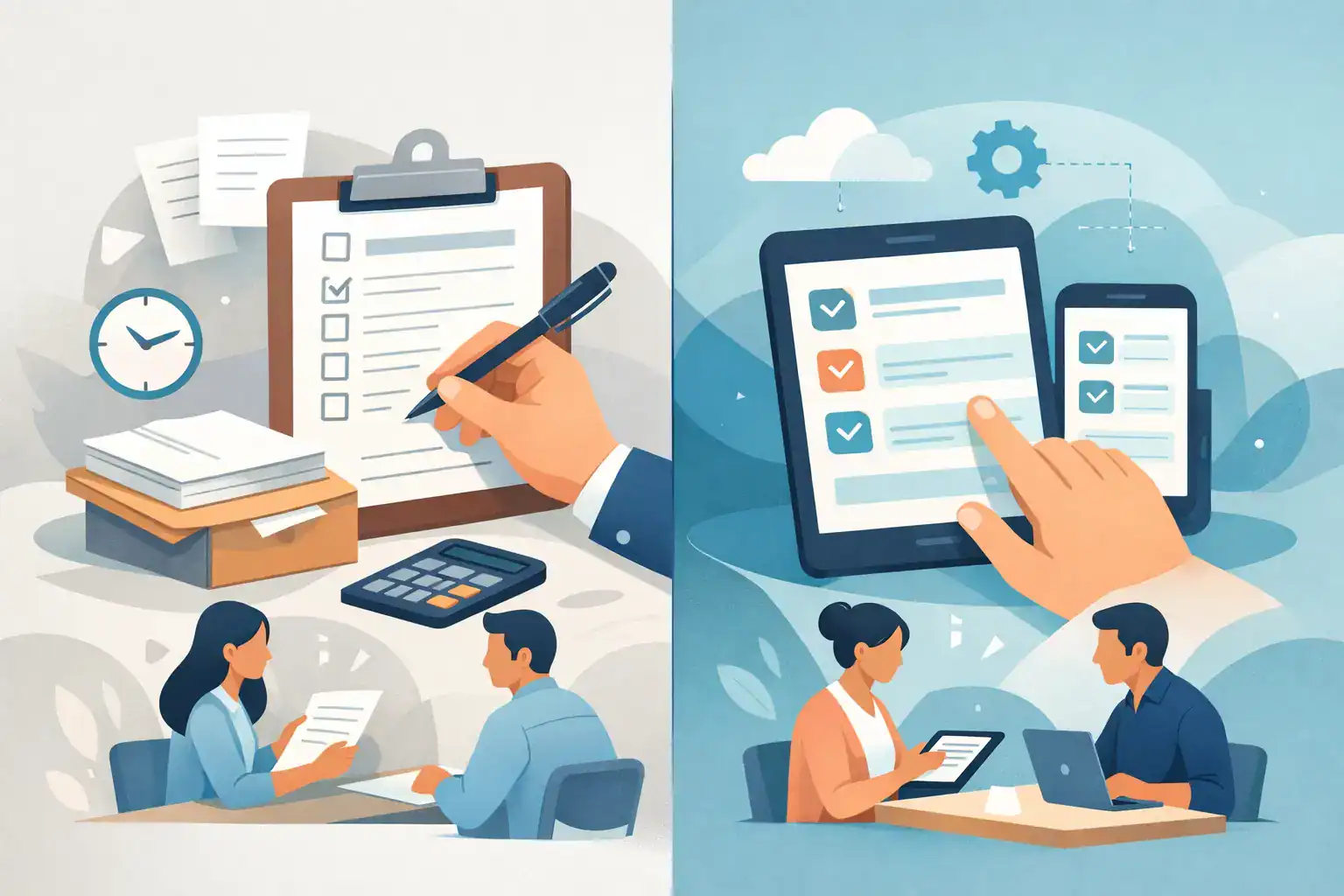
The line builds fast when three people reach the front desk at once, one clipboard goes missing, and a waiver comes back with half the fields blank. That is the real-world difference in the paper forms vs digital intake debate. For businesses that rely on signed documents, check-ins, and customer data collection, the intake method affects speed, compliance, staff workload, and revenue every day.
This is not just a technology preference. It is an operational decision. If your team runs a gym, event venue, recreation business, wellness practice, training program, or any customer-facing service that collects forms at volume, intake is part of the customer experience and part of your risk management process. The right setup reduces friction. The wrong one creates delays, missing records, and preventable follow-up work.
Paper forms vs digital intake in daily operations
Paper still works in the narrowest sense. A customer can fill out a printed form, sign it, and hand it back. For very low-volume environments or one-off situations, that may feel simple. There is no software to configure, no devices to manage, and no new workflow to train around.
But paper creates work that often stays invisible until volume increases. Someone has to print forms, restock clipboards, decipher handwriting, review blanks, scan records, file documents, retrieve them later, and manually enter data into other systems. Each step adds time and creates another chance for error.
Digital intake changes where the work happens. Instead of relying on staff to collect, verify, organize, and re-enter information after the fact, the process moves upstream. Customers complete forms on their own phones, on a kiosk, through email or text, or from a QR code before they arrive. Information becomes searchable immediately, signatures are attached to the right record, and follow-up actions can happen automatically.
That does not mean digital is automatically better in every scenario. It means digital shifts intake from a manual, staff-heavy process to a controlled system. For most growing businesses, that shift matters.
Speed is where digital intake usually pulls ahead
If your front desk gets busy in waves, paper slows down exactly when you need throughput the most. Customers arrive, wait for a clipboard, complete forms on-site, ask questions about missing fields, and then wait again while staff review what they submitted. If a form is incomplete, the process starts over.
Digital intake shortens that path. Customers can complete documents before arrival, which spreads the workload across time instead of stacking it at check-in. Even when forms are completed on-site, digital flows can require mandatory fields, guide users step by step, and capture signatures without sending staff back and forth.
For businesses with time-sensitive check-ins, that matters more than convenience. Faster intake means classes start on time, tours depart on time, and appointments stay on schedule. It also means staff can focus on service rather than paperwork.
Paper can still feel faster in edge cases, especially for walk-ins with simple one-page forms. But once your process includes waivers, disclosures, IDs, repeat visits, or multiple documents, paper starts to drag.
Accuracy, compliance, and record control
This is where the trade-off becomes less subjective. Paper forms are easy to lose, misfile, damage, or submit with missing information. They also make consistency harder. One location may use an old version of a waiver. One employee may skip a review step. One signed page may get separated from the rest of the packet.
Digital intake gives you tighter control over the process itself. Required fields reduce incomplete submissions. Standardized templates reduce version issues. Time-stamped records improve auditability. Signed documents can be stored and retrieved without digging through cabinets or shared drives.
For businesses that deal with waivers, consent forms, participation agreements, or regulated records, that level of control is not a nice extra. It is part of compliance. You need to know the right person signed the right form at the right time, and you need to be able to produce that record without delay.
Digital systems also make policy updates easier. If your terms change, you can update one workflow instead of reprinting and redistributing paperwork across every desk or location.
That said, compliance is not automatic just because a form is online. A poorly designed digital process can still collect bad data or create confusion. The advantage comes from using a system that enforces consistency, preserves records, and matches your actual operational requirements.
Customer experience is no longer separate from intake
Customers do not think in terms of document workflows. They think in terms of whether your business feels easy to deal with. Intake shapes that perception quickly.
Paper can feel familiar, especially for older demographics or local organizations with established routines. Some customers still prefer a physical form in front of them. In certain settings, that familiarity can lower resistance.
But for most people, filling out forms on a phone before they arrive is easier than standing in a lobby writing on a clipboard. Digital intake reduces waiting, cuts repetition, and feels more aligned with how people already book, pay, and communicate.
It also gives you more flexibility. A customer can receive a form by text, complete it from home, sign on a tablet at the front desk, or scan a QR code at the entrance. That flexibility is hard to match with paper, and it becomes especially valuable when your audience includes parents, event attendees, tourists, or high-volume groups.
The best customer experience usually is not paper or digital as an abstract choice. It is choosing the format that removes friction from your specific workflow. In most cases, that points toward digital with a backup option for exceptions.
The hidden cost of paper forms
Paper looks cheap because the unit cost is low. A printed page and a clipboard do not appear expensive. The labor around them is where the real cost shows up.
Every manual step has a price. Printing, restocking, collecting, filing, scanning, searching, shredding, and re-entering data all consume time. When staff members spend those hours on paperwork, they are not greeting customers, handling sales, improving safety, or keeping operations moving.
Then there is the cost of mistakes. A missing signature can create legal exposure. An unreadable phone number can break follow-up communication. A delayed check-in can create long lines and frustrated guests. These problems rarely show up as a line item on a budget, but they affect performance all the same.
Digital intake introduces software cost, setup time, and process change. Those are real investments. But for teams handling forms daily, the operational return is usually stronger than the upfront effort. Once workflows are in place, each submission becomes faster to collect, easier to store, and easier to act on.
When paper still makes sense
There are still situations where paper holds up reasonably well. Very small organizations with low form volume may not feel enough pain to justify change yet. Some field environments may have connectivity issues. Certain customers may need an assisted option because they are not comfortable with mobile forms.
The key is being honest about whether paper is a deliberate choice or just a habit. If your team is already chasing missing forms, filing cabinets are overflowing, or staff are retyping the same customer information into multiple systems, the process has outgrown paper.
A hybrid model can also be useful during transition. Some businesses start with digital pre-arrival forms and keep a kiosk or limited paper backup on-site. That approach protects the customer experience while giving teams time to standardize operations.
How to evaluate paper forms vs digital intake for your business
Start with the moments where intake breaks down. Look at check-in bottlenecks, missing signatures, duplicate data entry, document retrieval delays, and inconsistent form usage across staff or locations. Those are not minor annoyances. They are signals that intake is affecting the rest of the business.
Then assess what your workflow actually requires. Do you need signed waivers before participation? Do you collect recurring consent forms? Do you want forms to trigger emails, document generation, or CRM updates? Do you operate across multiple locations where standardization matters? If the answer is yes to any of those, digital intake usually provides a better long-term foundation.
This is where a platform approach matters. Using one system for forms, signatures, check-ins, document generation, and automation is very different from patching together separate tools. OtterSign is built for that operational reality, especially for businesses that need mobile-friendly intake, waiver collection, and reliable recordkeeping without adding complexity.
The strongest choice is usually the one that reduces staff effort while improving control. If paper is creating delays, inconsistency, or compliance risk, digital intake is not just a modernization project. It is a way to run a tighter front desk, protect your records, and give customers a better first interaction.
The best intake process is the one your team does not have to think about twice.


