

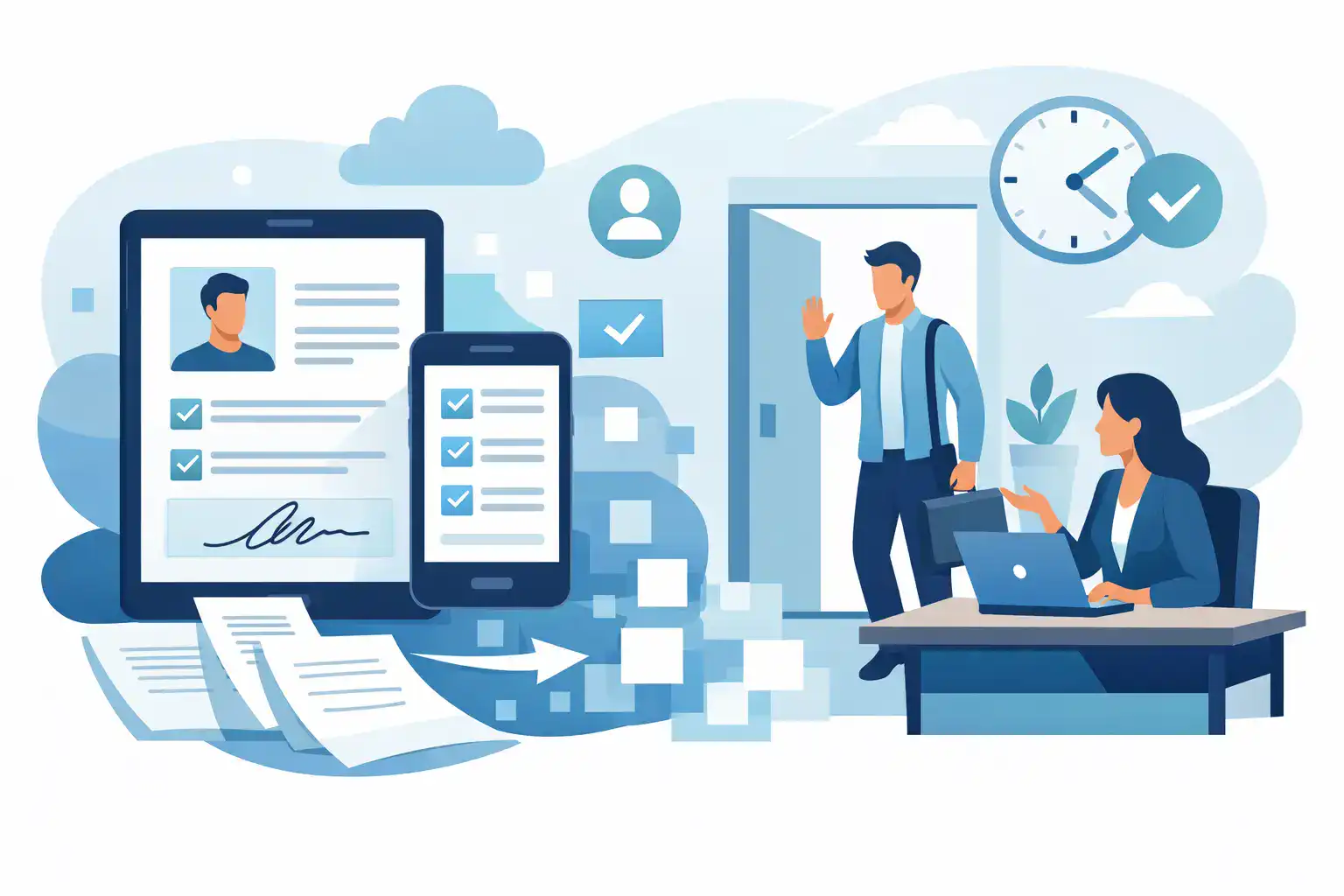
A busy front desk can lose control in minutes. A family arrives for a program, a new member needs to sign a waiver, and staff are searching for clipboards, pens, and the right version of a form. Paperless onboarding software replaces that bottleneck with a faster, trackable process customers can complete before arrival, at a kiosk, or from their own phone.
For businesses that collect waivers, consent forms, registrations, agreements, or customer details every day, the goal is not simply to eliminate paper. The goal is to move people through intake quickly while keeping complete, accessible records. When onboarding is built around the actual customer journey, it reduces staff workload, helps maintain compliance, and creates a better first impression.
What paperless onboarding software should do
A basic digital form is useful, but it does not solve the full operational problem. A workable onboarding system needs to collect the right information, present the right documents, capture signatures, and store the completed record in a way your team can find later.
That starts with flexible intake. A recreation business may need participant details, emergency contacts, health acknowledgments, and a waiver. A wellness provider may need consent language, policies, and appointment information. An event operator may need registration details and a signed release. The system should let teams build these workflows without forcing every use case into the same generic form.
It should also support the ways customers actually check in. Some people will complete paperwork from an email or text message at home. Others will scan a QR code at the counter. High-volume locations may need a shared kiosk. A platform that supports several entry points gives customers a choice while giving operations a consistent record.
The final requirement is visibility. Staff should be able to confirm completion in seconds, not dig through a filing cabinet or search inbox attachments. Administrators need reliable records, timestamps, audit trails, and retention controls. Multi-location teams need confidence that every site is using the approved version of each document.
The operational payoff is bigger than fewer clipboards
Paper creates work long after a customer signs. Someone has to check that every field is complete, sort pages, file documents, retrieve them when needed, and make sure the latest version is in use. Missing initials, unreadable handwriting, and unsigned pages are common until a problem turns them into an urgent one.
Digital onboarding can prevent many of those gaps at the point of collection. Required fields can be enforced. Conditional questions can appear only when relevant. A parent can complete a minor’s form with the information your policy requires. Documents can be generated from submitted data instead of typed again by staff.
That changes the front desk from a paperwork station into a service point. Staff can greet customers, answer questions, verify attendance, and resolve exceptions. For businesses where each delayed check-in creates a line, this is not a minor convenience. It protects capacity and helps prevent a poor arrival experience from becoming a poor review.
There is also a revenue angle. When a team spends less time chasing forms and entering data, it has more time for member questions, retail purchases, class enrollment, and follow-up. The value will vary by business volume, but the pattern is consistent: manual intake consumes attention that should be spent serving customers.
Design the workflow around the customer journey
The best setup starts before someone reaches your door. Identify when customers first need to provide information and select the channel that fits that moment. A booking confirmation may include an SMS or email request to complete documents in advance. Walk-in customers may scan a QR code. Organizations serving groups or field programs may distribute a web form before the event.
Keep the first step focused. Ask only for information needed to create the record, determine eligibility, or prepare the appropriate documents. Long forms are sometimes necessary, especially for medical, legal, or safety-related requirements. But unnecessary questions slow completion and increase abandonment.
Next, use logic to make the process relevant. If a participant selects a specific activity, show the related waiver and questions. If a customer is a minor, collect guardian details and route the correct consent language. If an existing customer returns, avoid asking for information you already have unless it needs to be refreshed.
Then make completion easy to verify. A customer should receive confirmation, and the front desk should be able to see whether required forms are done before the appointment, visit, or activity begins. That small status signal prevents awkward handoffs and eliminates the familiar question: “Did they sign it?”
Choose features based on real intake volume
Not every business needs the same configuration. A small studio with scheduled appointments may prioritize mobile forms, signed agreements, and automated reminders. A multi-location attraction may need kiosks, QR-based check-in, location-level reporting, and integrations with its booking or point-of-sale system.
When comparing paperless onboarding software, look beyond the appearance of the form builder. Ask how the platform handles the work around the form:
- Can it capture eSignatures and preserve an audit trail for completed agreements?
- Can it generate documents from form data, rather than requiring duplicate entry?
- Can customers sign through SMS, email, QR codes, and a shared kiosk when needed?
- Can it connect to the CRM, booking, POS, or marketing tools your team already uses?
- Can administrators control templates, permissions, and document versions across locations?
Integrations deserve special attention. A standalone form may save paper, but disconnected data can create a new manual task. If staff must download a submission, rename a file, and update a customer record elsewhere, the process remains fragile. The right integration can create or update records automatically, trigger reminders, log completion, or alert a team when a form needs review.
That said, more integrations are not automatically better. Prioritize the systems your team uses every day. A clean workflow connecting booking, intake, signature collection, and check-in is often more valuable than a large but unused app catalog.
Build compliance into everyday work
Digital records can improve consistency, but software alone does not make a business compliant. Your legal, privacy, retention, and accessibility requirements depend on your industry, location, and the information you collect. Have qualified counsel review waiver language, consent terms, and policies when appropriate.
The software should help your team carry out those requirements consistently. That may include signature timestamps, signer identity details, document version history, completed-record retention, and role-based access. If a policy changes, teams should be able to publish the new version and know which customers signed which version.
Security practices matter just as much as form design. Limit access to sensitive records, remove access when employees change roles, and avoid collecting data you do not need. For organizations handling health-related, youth-program, or identity information, these controls should be part of the implementation plan, not an afterthought.
Roll out without disrupting the front desk
A paperless transition works best when it starts with one high-volume workflow. Choose the process creating the most friction, such as a new-member waiver, event check-in, or appointment consent. Map the current steps from booking through record storage, then remove duplicate handoffs before rebuilding the workflow digitally.
Test the experience with the people who will use it most: front-desk staff, managers, and a few real customers. Test it on a phone, at the counter, and in poor connectivity conditions if your business operates outdoors or at temporary events. The fastest-looking workflow on a desktop can fail in a crowded lobby if the instructions are unclear or the kiosk setup is awkward.
Train staff on exceptions, not just the happy path. They should know how to find a completed record, resend a request, handle a customer without a smartphone, correct an error, and escalate a disputed form. Clear ownership keeps the system from becoming another tool that only one person understands.
OtterSign is built for this type of operational intake, bringing forms, waivers, document generation, signatures, check-ins, and automation into one system. For teams managing multiple locations or high customer volume, that consolidation can reduce the gaps that appear when separate tools are stitched together.
A better onboarding process should feel almost invisible to customers: they receive the right request, complete it quickly, and arrive ready to participate. For your team, every completed form should be easy to verify, easy to retrieve, and one less reason for the line at the front desk to slow down.


