

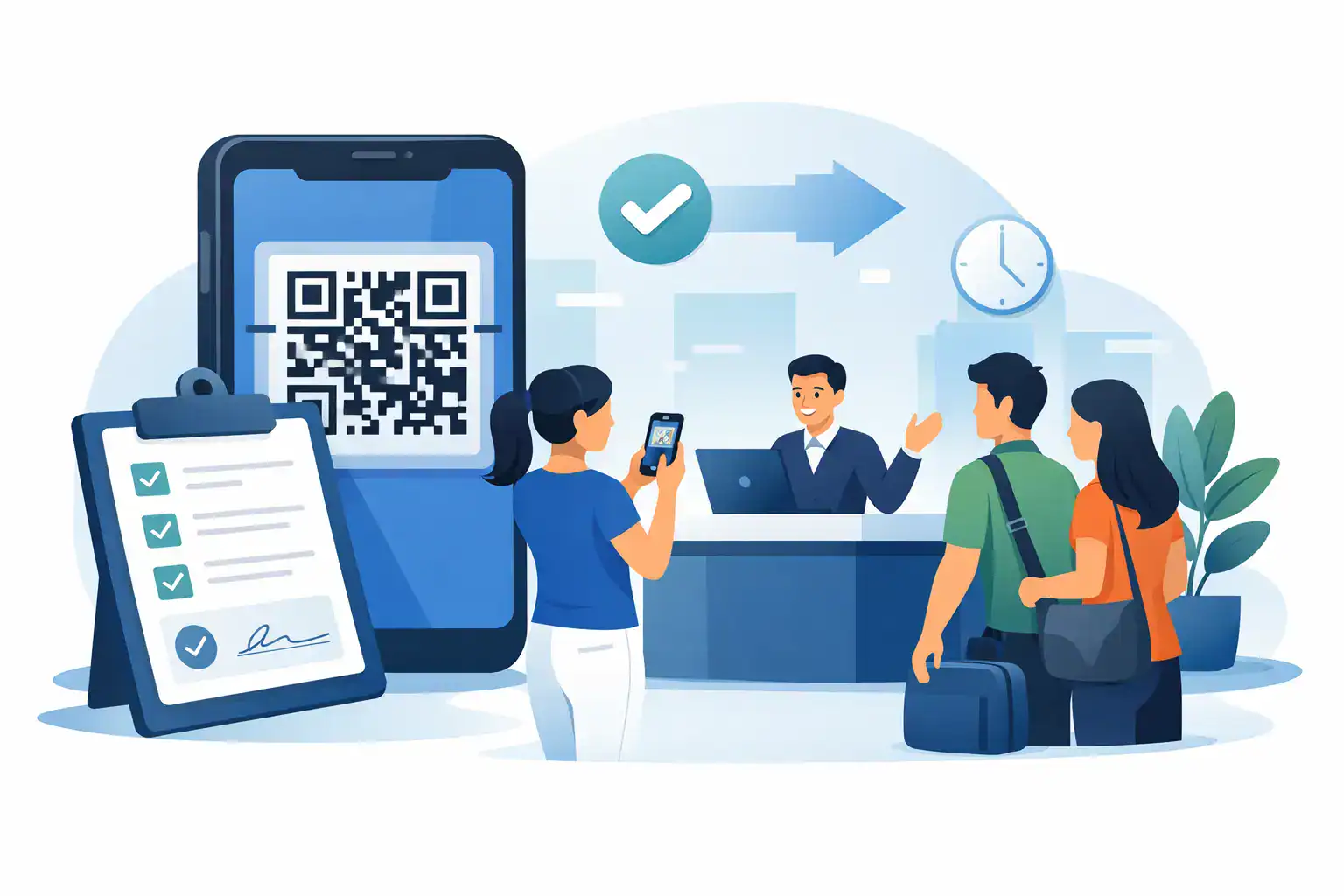
A long line at the front desk usually means one thing – paper is slowing everything down. Guests are passing clipboards, staff are explaining the same form over and over, and signed waivers end up stacked in folders that are hard to search later. A qr code waiver form fixes that bottleneck by moving the entire process to the guest’s phone in a few seconds.
For businesses that rely on signed waivers, that shift is not just about convenience. It changes how check-in works, how records are stored, and how consistently your team captures legally important information. If you run a gym, tour company, event venue, wellness studio, shooting range, camp, or municipal program, the real value is operational: less waiting, fewer errors, faster form completion, and cleaner records.
What a qr code waiver form actually does
A qr code waiver form lets a customer scan a posted code and open a waiver instantly on their phone or tablet. From there, they can review the language, complete required fields, and sign digitally without touching shared paper or waiting for a staff member to hand them a clipboard.
That sounds simple because it is. But the simplicity matters. Instead of relying on staff to distribute forms, collect them, and file them correctly, the process starts the moment a customer walks in. In many cases, customers can complete the waiver before they even reach the counter.
The best setups go beyond a basic digital document. They guide the signer through required fields, capture timestamps, attach the signed record to a customer profile, and trigger the next step automatically. That next step might be approval, check-in, document generation, or a follow-up message. The waiver stops being an isolated form and becomes part of a working process.
Why paper waivers create bigger problems than they seem
Most teams tolerate paper longer than they should because it feels familiar. The problem is that paper creates drag at every step.
At check-in, paper slows throughput. During busy periods, even an extra minute per guest creates a visible line. If handwriting is unclear or a field gets skipped, staff have to chase the customer down for corrections. If a minor needs a parent or guardian signature, the process becomes even more fragile.
After check-in, paper creates administrative work that nobody wants. Forms need to be stored, retrieved, and sometimes scanned into another system. If an incident happens months later, finding the right waiver can turn into a manual search through folders, boxes, or disconnected files. That is a poor use of staff time and a risky way to manage records.
A qr code waiver form cuts out most of that friction. It standardizes completion, improves legibility, and keeps records in a searchable digital system from the start.
Where a QR code waiver form delivers the most value
The most obvious win is in high-volume, in-person environments. If you check in a steady flow of guests, members, participants, or attendees, speed matters. A posted code at the entrance, front desk, kiosk, or event station allows customers to self-start instead of waiting for instruction.
It is also valuable in businesses with repeat visits. A well-designed system can recognize returning customers, reuse existing data when appropriate, and only prompt for what is needed. That shortens the process and reduces form fatigue.
Then there is the compliance side. Businesses that handle waivers often need better documentation, not just faster signatures. Digital completion creates a more reliable record of who signed, when they signed, and what version of the waiver they agreed to. That matters for audit readiness, internal consistency, and legal defensibility.
The difference between a basic QR form and a usable workflow
Not every digital waiver process improves operations. Some simply replace a paper form with a static screen. That is better than clipboards, but it does not solve the whole problem.
A useful qr code waiver form should help your team control the workflow. Required fields should be enforced. Mobile formatting should be clean and fast. Signature capture should be straightforward. Records should be stored automatically, not downloaded and renamed manually by staff.
The stronger option is a workflow that connects the waiver to everything around it. If a signed waiver should trigger a check-in status, generate a document, send a confirmation email or SMS, or sync data into another system, that should happen without extra staff steps. That is where digital intake starts paying back in labor savings, consistency, and customer experience.
This is also where platform choice matters. A standalone QR form might work for a small operation with low volume. A business with multiple locations, recurring participants, or compliance requirements usually needs more structure than a one-page form builder can provide.
What to look for in a qr code waiver form system
Mobile experience comes first. If customers have to pinch, zoom, or hunt for the signature box, completion rates will suffer. The form should load quickly, feel natural on a phone, and make the next action obvious.
You also want built-in controls. Required fields, logic rules, guardian signing options, and confirmation steps reduce bad data and incomplete records. If your business serves both adults and minors, or offers multiple activities with different risk disclosures, flexibility matters.
Searchable storage is another must-have. A signed waiver is only useful if your team can retrieve it quickly. Search by name, date, location, or event should be standard. If you manage several sites, centralized visibility becomes even more important.
Finally, think beyond the waiver itself. Can the data flow into your CRM, booking system, POS, or check-in process? Can the same system handle web forms, agreements, and other operational documents? Many businesses outgrow point tools because each extra handoff creates another place for data to break.
Common trade-offs to consider before you switch
A qr code waiver form is usually the right move, but implementation still depends on your environment. If your guests are highly mobile-savvy and arrive with phones in hand, QR-based intake is an easy fit. If you serve groups with limited smartphone access, you may need a backup option like a kiosk or front-desk tablet.
You should also think about connectivity. If your facility has weak Wi-Fi or unreliable cell service, digital check-in can stall unless the setup accounts for that. The answer is not to keep paper forever. It is to choose a system and device strategy that matches the reality of your location.
There is also a training factor. The software should be easy to use, but your team still needs a consistent process. Where is the code displayed? What happens if a guest has questions? When should staff intervene? The best digital workflows reduce staff effort, but they still benefit from clear operating procedures.
How to roll out a QR code waiver form without disrupting operations
Start with one use case, not every form in your business. If waivers are the biggest source of front-desk friction, begin there. Keep the first version focused on the required information and make sure the mobile flow is fast.
Next, place the QR code where customers naturally pause. Entry doors, counters, waiting areas, event signage, and confirmation messages all work well. Visibility matters because the goal is to let guests begin before staff need to prompt them.
Then test it like a customer would. Scan the code, complete the form on different phones, and time the process. Remove anything that creates hesitation. If a field is not necessary, cut it. If instructions are unclear, rewrite them. A shorter, cleaner waiver experience usually improves both completion speed and data quality.
Once the form is live, connect it to the next operational step. That might be check-in confirmation, participant tracking, internal notifications, or record storage by location. This is where an all-in-one platform like OtterSign can be especially useful. Instead of treating the waiver as a standalone task, you can make it part of a complete intake and signature workflow.
Why this matters more as your business grows
The cost of a clumsy waiver process increases with volume. What feels manageable at one location becomes a daily headache across several. Inconsistent forms, manual filing, and disconnected systems create more room for delays and mistakes.
A qr code waiver form gives growing businesses a way to standardize the process without slowing down the customer experience. Staff spend less time handling paperwork. Managers get better visibility into completion and records. Customers move through the front desk faster and with less frustration.
That combination matters because waiver collection is not just admin work. It affects throughput, compliance, and how polished your business feels on the ground. If guests are still waiting in line for a clipboard, the process is already costing more than it should.
The best time to fix it is before your next busy day makes the bottleneck impossible to ignore.


