

A busy front desk does not have time to explain where a customer should type, print a form that was missed at home, or hunt through email for a completed attachment. Yet those small interruptions add up quickly when waivers, registrations, consent forms, or service agreements are handled as static documents.
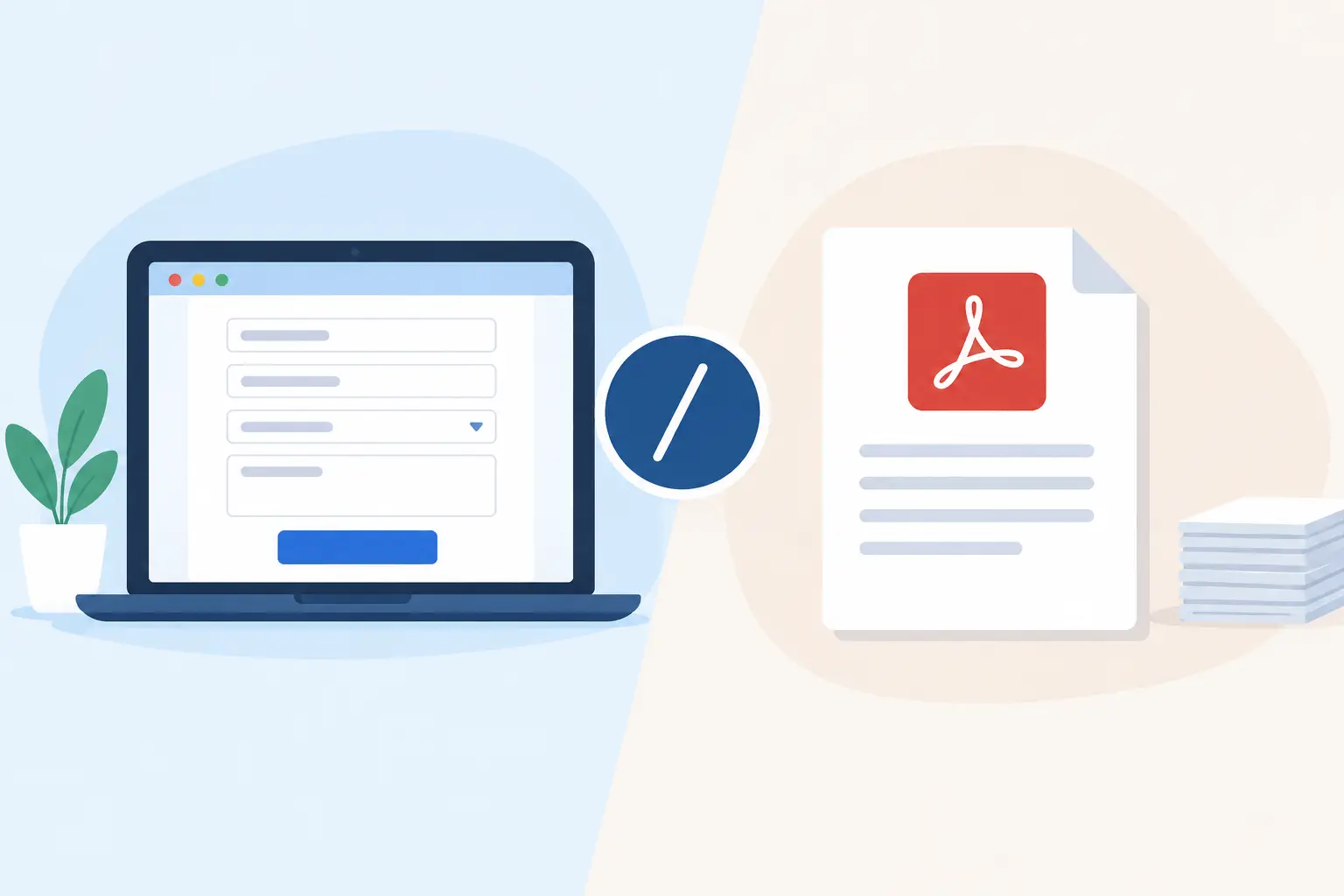
The choice between web forms versus PDFs affects more than how a form looks on a screen. It determines how quickly people check in, how clean your records are, whether required fields are actually completed, and how easily your team can act on the information collected. PDFs still have a place, especially for fixed documents that need to be shared or archived. But for high-volume, customer-facing intake, web forms usually create a faster and more controlled process.
Web Forms Versus PDFs: The Operational Difference
A PDF is a document first. Even when it contains fillable fields and eSignature capability, its structure is designed around a page. The person completing it typically opens an attachment or link, navigates the document, enters information, signs, and returns it. That can work well for a contract review process where the document itself is the primary focus.
A web form is an intake experience first. It presents the questions, acknowledgments, uploads, and signature steps in a browser or mobile interface. It can adapt based on answers, require fields before submission, and send collected data directly into the next step of your workflow.
That distinction matters when your team handles recurring forms. A fitness studio collecting health acknowledgments, an event organizer registering attendees, or an outdoor operator processing waivers needs accurate information quickly. They do not need a file-management project at the front desk.
Where Web Forms Save Time
Web forms remove friction before a customer arrives and during the moment they need to check in. A customer can scan a QR code, receive a text message, open a form from an email, or complete it on a kiosk. They do not need a PDF reader, a printer, or a separate app.
The experience is also easier to complete on a phone. Well-designed web forms use mobile-friendly fields, clear steps, and large tap targets. This matters because many guests complete waivers and registrations while standing in line, sitting in a car, or responding to a reminder on their phone.
For staff, the time savings come from fewer exceptions. Required fields prevent incomplete submissions. Conditional logic keeps irrelevant questions out of view. Date, email, and phone fields can be standardized before the information reaches your records. Instead of deciphering handwritten forms or following up on missing details, staff can focus on the guest in front of them.
Better data at the point of collection
A PDF can capture data, but it often leaves more room for inconsistent entries. One customer may write a full phone number, another may omit an area code, and a third may leave a required field blank if the file does not enforce it properly. Those issues become more costly when staff must manually transfer information to a CRM, booking platform, or spreadsheet.
Web forms can validate entries as they are submitted. They can also branch intelligently. If a participant is a minor, the form can request parent or guardian information. If someone selects a particular service, the form can display the relevant consent language. If a customer opts into communications, that preference can be routed to the right marketing system.
The result is not just cleaner data. It is a process that gives staff the information they need without asking customers to sort through pages that do not apply to them.
When PDFs Still Make Sense
PDFs are not obsolete. They remain useful when layout fidelity matters, when a document must be reviewed in a familiar page-based format, or when you need to distribute a policy, proposal, invoice, or finalized agreement exactly as designed.
For example, a detailed business agreement may begin as a PDF because both parties need to read specific terms, exhibits, and formatting. A completed PDF can also serve as a useful final record after a form submission. The issue is not the file format itself. The issue is using a static document as the entire intake system.
PDFs may be a reasonable choice when volume is low and the process is not time-sensitive. If your organization sends a handful of customized agreements each month, a fillable PDF with eSignatures may be enough. If you process dozens or hundreds of customers a day, the administrative burden becomes more visible.
Signatures, Compliance, and Recordkeeping
For waiver-heavy and regulated workflows, the question is not simply whether you can collect a signature. It is whether you can show what was signed, when it was signed, who signed it, and how the record is stored and retrieved.
Both web forms and PDFs can support legally binding electronic signatures when the process is configured appropriately. What changes is the surrounding workflow. A web-based process can capture the signer’s acknowledgment alongside the form data, timestamp the submission, retain an audit trail, and file the completed record automatically. It can also ensure the latest approved waiver or consent language is always presented.
That last point is easy to overlook. With PDFs, outdated versions can continue circulating through old email attachments, saved desktop files, or printed packets. With a centrally managed web form, updating language once helps keep every location, kiosk, QR code, and follow-up message aligned to the current version.
For multi-location operators, consistency reduces risk. Each site can use the same approved workflow while still collecting location-specific information or routing records to the right team. Central oversight does not have to mean a complicated process for frontline staff.
The Hidden Cost of PDF-Based Intake
The cost of PDFs is rarely just the price of a document tool. It appears in manual work around the document: sending reminders, checking for missing fields, downloading attachments, naming files, updating records, and searching for a completed agreement later.
There is also a customer-experience cost. A guest who receives a long attachment may postpone it. A guest who arrives with an unfinished PDF creates a check-in delay. When several people are waiting, staff may decide to move faster and resolve the paperwork later. That creates gaps in the process precisely when consistency matters most.
Web forms help turn intake into a repeatable operational flow. After submission, the system can generate a completed document, notify staff, update a contact record, trigger a confirmation message, or direct the guest to the next check-in step. The goal is not to add automation for its own sake. It is to eliminate the handoffs that slow down service and create incomplete records.
How to Choose the Right Format
Start with the job the document needs to do. If it primarily communicates fixed content that someone needs to review, download, or retain, a PDF may be appropriate. If it collects information that your team needs to validate, route, search, and use, start with a web form.
Consider the environment, too. A back-office HR agreement has different requirements than a waiver completed by a family at a crowded activity center. In-person service businesses should prioritize mobile access, speed, mandatory acknowledgments, and immediate record retrieval. Organizations with recurring registrations should prioritize reusable templates, conditional questions, and integrations with the systems they already use.
A practical approach is often to use both formats in one workflow. Collect data and signatures through a web form, then automatically generate a polished PDF record for the customer and your files. Platforms such as OtterSign are designed around that model, bringing forms, document generation, signatures, check-ins, and workflow actions into one process rather than forcing teams to manage separate tools.
Build for the Moment Your Customer Completes It
The best format is the one that works under real conditions, not just during setup. Test your process on a phone. Test it with a customer who has never seen the form. Test it when the front desk is busy and when a guardian needs to sign for a minor. If the process requires staff intervention at every turn, it is not reducing work.
Choose a workflow that makes the correct action easy for customers and the completed record easy for your team to find. That is where a simple intake process starts protecting both your time and your business.


