

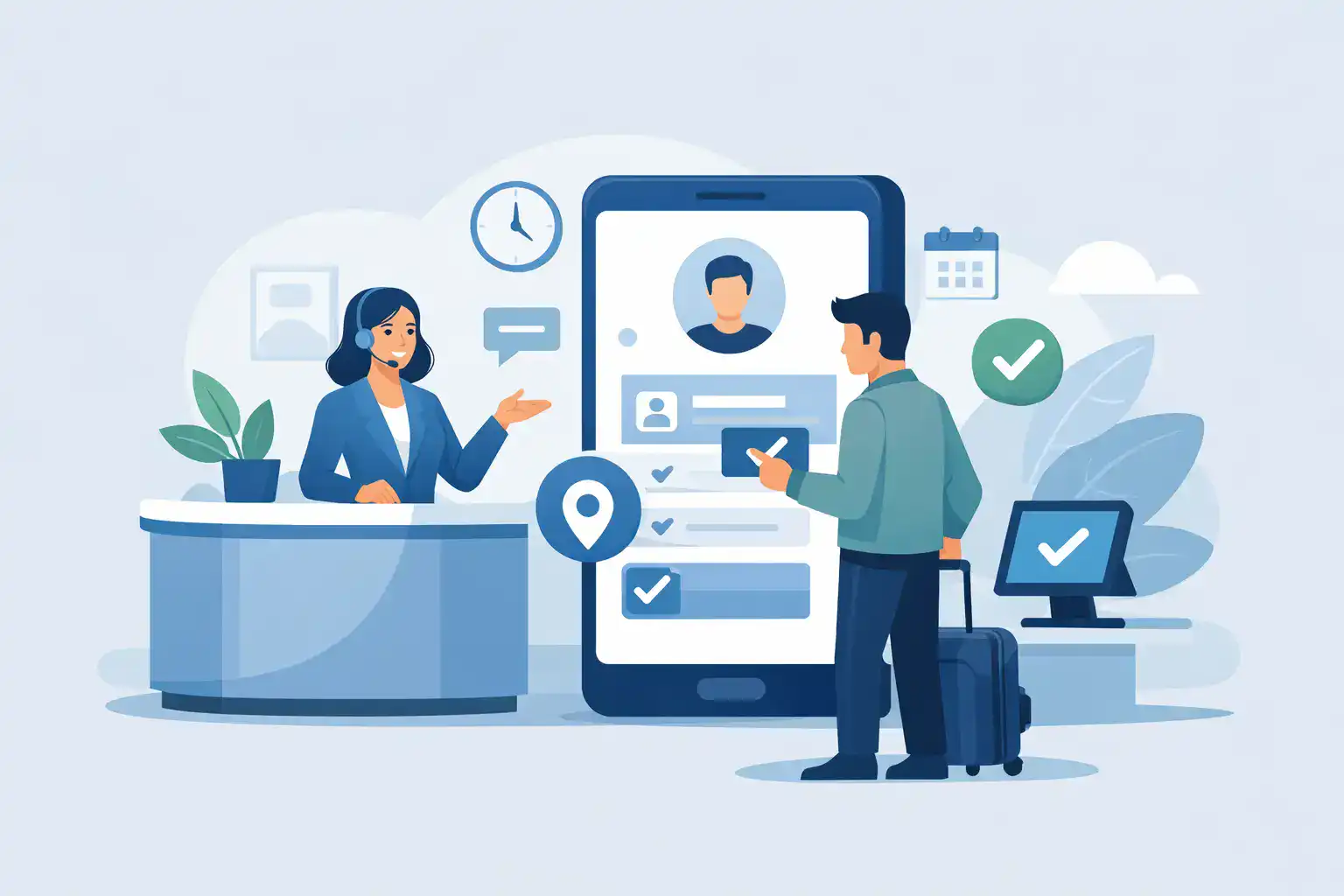
A line at the front desk is rarely just a line. It is lost staff time, rushed paperwork, missing signatures, and a customer experience that starts with friction instead of confidence. That is why a customer check in app matters more than most businesses expect. When check-in is tied to forms, waivers, consents, and follow-up actions, the app is not just a convenience tool. It becomes part of your operating system.
For businesses that manage in-person traffic, the real question is not whether to digitize check-in. It is whether the system can handle the messy realities of daily operations. Families arrive together. Customers forget to fill out forms. Staff switch locations. Someone needs to sign a waiver, verify identity, and get moving without creating a bottleneck. A basic sign-in screen will not solve that.
What a customer check in app actually needs to handle
A useful customer check in app starts with speed, but speed alone is not enough. If your team still has to chase signatures, retype information, scan paper forms, or manually notify staff that someone has arrived, the process is only partially digital.
The stronger approach is a check-in workflow that connects arrival with the next operational step. That may mean sending a form by text before the visit, letting customers scan a QR code onsite, collecting a signed waiver at a kiosk, or triggering internal notifications once check-in is complete. The best systems reduce handoffs because handoffs are where errors and delays creep in.
This is especially true in waiver-heavy or compliance-sensitive environments. A fitness studio, event venue, recreation operator, wellness business, or municipal program may all use check-in differently, but they share the same risk. If records are incomplete or hard to retrieve, every busy day creates administrative debt.
The difference between digital check-in and operational check-in
Many businesses adopt a lightweight app that lets visitors type in a name and maybe answer one or two questions. That can work for a simple lobby log. It usually falls short when check-in is tied to legal documents, customer data, capacity management, or repeat visits.
Operational check-in is broader. It connects customer arrival to identity capture, required forms, signatures, staff visibility, and downstream systems. In practice, that means one completed check-in can update your CRM, attach a signed agreement to the customer record, notify the right team member, and keep a time-stamped audit trail.
That distinction matters because the cost of a weak process does not show up only at the front desk. It shows up later when a waiver cannot be found, a customer record is incomplete, or a staff member spends twenty minutes reconciling paper forms after a rush.
Core features that make a customer check in app worth using
The best apps remove friction for both customers and staff. Mobile-friendly forms are a baseline, not a differentiator. Customers should be able to complete intake on their own phone, on a tablet, or at a kiosk without needing special instructions.
Signature capture matters if your business relies on waivers, consents, policies, or service agreements. The signature process should be built into check-in rather than treated as a separate task. If it sits outside the workflow, staff end up managing exceptions all day.
Flexible entry points also make a difference. Some businesses do better with QR codes posted at the entrance. Others need pre-visit SMS or email links to reduce congestion before customers arrive. High-volume environments often benefit from kiosk mode, while businesses that verify identity may need driver’s license scanning as part of the flow.
Recordkeeping is another area where buyer expectations should be higher. A customer check in app should not just collect data. It should organize records so teams can find signed documents quickly, verify timestamps, and maintain consistency across locations. Searchability, audit trails, and role-based access are not extras when compliance or customer disputes are part of the job.
Where businesses usually get stuck
The biggest implementation mistake is buying for the lobby instead of buying for the full workflow. On paper, a simple check-in app looks cheaper and easier. In reality, it often creates workarounds. Staff still need another tool for waivers, another system for document storage, and another process for customer follow-up.
That fragmentation slows down operations. It also creates training problems. Front-desk teams need systems that are easy to use under pressure, especially when customer volume spikes. If staff have to remember which platform handles intake, which one captures signatures, and which one updates customer records, consistency breaks down fast.
Another common problem is choosing a tool that works for one location but not many. Multi-location operators need standardized workflows with enough flexibility for local differences. Corporate oversight, reporting, permissions, and template management start to matter once you scale beyond a single site.
There is also an adoption issue. If the customer experience feels clunky, customers will skip steps or ask staff for help. That defeats the point. The best check-in flows are short, clear, and designed around what the customer needs to do right now.
How to evaluate a customer check in app for your business
Start with the operational moments that create the most friction. If your bottleneck is arrival volume, focus on pre-visit completion and self-service options. If your issue is legal protection, prioritize signatures, document storage, and audit trails. If staff spend too much time re-entering data, integrations should move to the top of the list.
It also helps to map the full visit lifecycle. What happens before a customer arrives, during check-in, and after the appointment or event? A strong system should support all three stages. That includes reminders before arrival, fast form completion onsite, and automated follow-up afterward.
Ease of setup matters, but so does control. You want non-technical teams to launch quickly without giving up the ability to customize forms, route documents, and automate actions. There is always a trade-off between simplicity and flexibility, so the right choice depends on your volume, compliance requirements, and how many exceptions your staff handles each day.
For many businesses, the sweet spot is an all-in-one platform that combines digital forms, eSignatures, check-ins, and automation in one workflow. That reduces app switching and gives operations teams a cleaner system to manage. OtterSign is built around that model, which tends to work well for businesses where customer intake is tied directly to signed documents and repeatable operational steps.
Industry fit matters more than feature count
A long feature list can be misleading. What matters is whether the app fits your workflow. A yoga studio has different needs than a shooting range. A school program handles family registrations differently than an event organizer managing one-day volume. A wellness provider may care about intake detail and privacy, while a recreation business may care more about waiver completion speed and group check-in.
The right platform should support your actual operating environment, not just a generic visitor flow. That includes handling minors and guardians when relevant, supporting repeat customers without unnecessary re-entry, and making it easy for teams to manage exceptions without breaking the process.
Industry fit also affects customer experience. If your app can prefill returning customer information, route the right forms based on activity, and keep the check-in path short, customers notice. They may not compliment the software directly, but they will notice that the process feels organized.
What success looks like after rollout
A good rollout does not just shorten lines. It improves data quality, reduces missing documents, and gives managers better visibility into what is happening across the day. Staff should spend less time answering avoidable questions and more time serving customers.
You should also see fewer document gaps. Signed waivers, agreements, and intake records should be attached to the right customer and easy to retrieve. That is where digital check-in starts delivering beyond convenience. It supports compliance, dispute resolution, and operational consistency.
The final test is whether your team trusts the process. If they stop printing backup forms, stop maintaining side spreadsheets, and stop double-checking whether documents were signed, the app is doing its job.
A customer check in app should do more than move people through the door. It should give your business a faster, cleaner, more controlled way to handle arrivals, records, and accountability. When the check-in process is connected to the rest of your workflow, busy days become easier to manage instead of harder to survive.


