

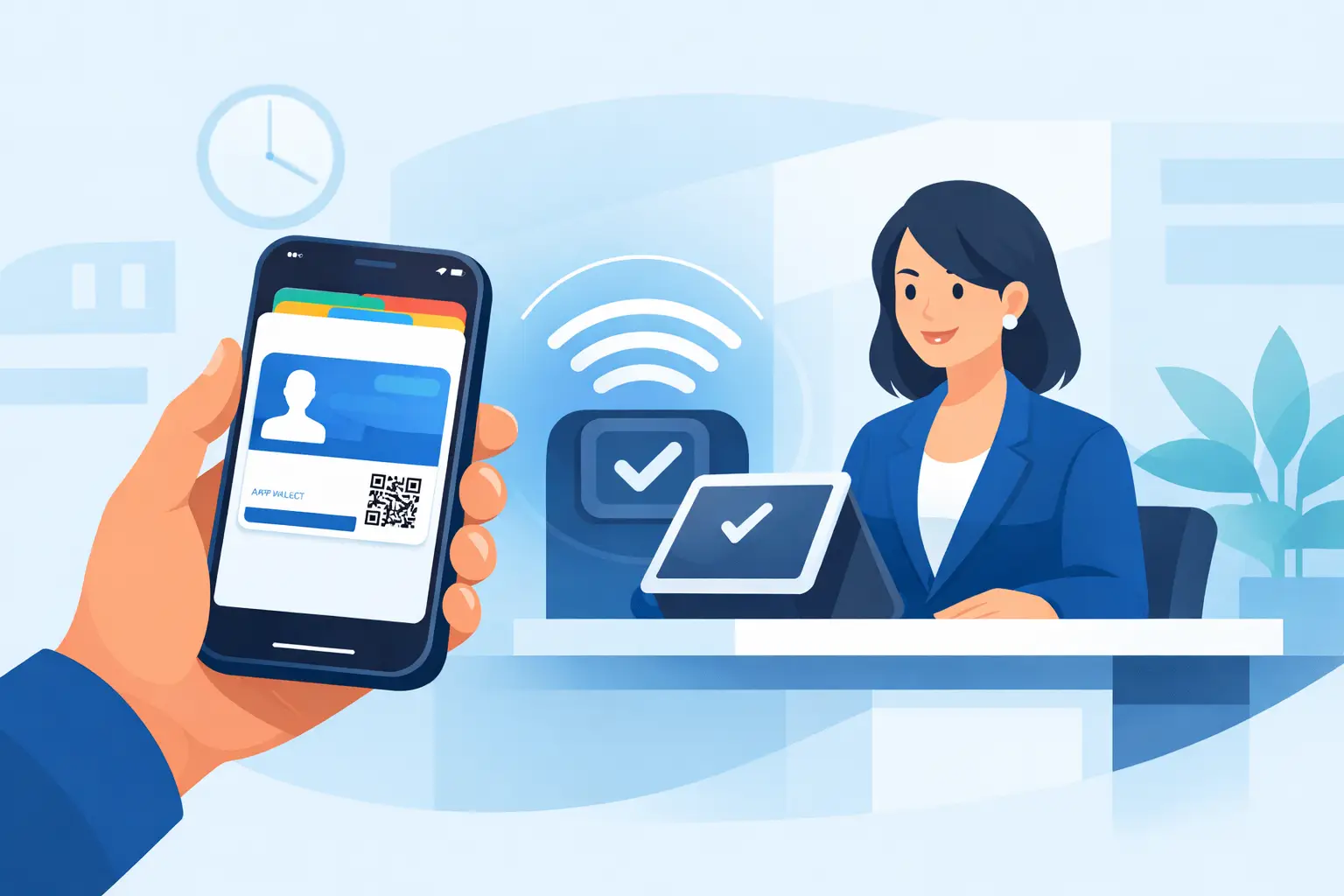
When a member walks up to the front desk with their phone already in hand, every extra step feels unnecessary. That is why an apple wallet membership card matters. It turns access, identification, and repeat visits into a faster process for both staff and customers, especially in businesses where check-ins happen all day and delays stack up fast.
For operators managing classes, events, waivers, or recurring program access, the value is not novelty. It is speed, consistency, and fewer avoidable bottlenecks. A digital card in Apple Wallet is easier to find than an email, harder to forget than a plastic card, and far more practical than asking customers to search their inbox while a line forms behind them.
What an Apple Wallet membership card actually does
An Apple Wallet membership card gives customers a stored digital pass on their iPhone. Depending on the setup, that pass can display a member ID, barcode or QR code, location details, expiration information, and other useful account data. At the point of service, staff can scan it or visually verify it without asking the customer to log into another app.
That distinction matters. For many businesses, the goal is not to build one more app experience that customers need to remember. The goal is to reduce friction at the moment of arrival. Apple Wallet works well because it fits into behavior customers already have. They use their phones for tickets, payment cards, boarding passes, and event access. Membership is a natural extension.
This is especially useful in fitness studios, family activity centers, recreation businesses, wellness providers, shooting ranges, education programs, and event-based operations where repeat visitors need a simple way to check in or prove eligibility.
Why businesses are replacing plastic cards and manual lookup
Plastic membership cards solved one problem years ago, but they created several others. They get lost, they wear out, and they require printing and reissuing. Manual lookup is not much better. It slows the line, depends on clean spelling and current records, and often puts pressure on front-desk staff during peak hours.
An apple wallet membership card removes a lot of that friction. Members carry the pass on a device they already bring everywhere. Staff can scan and move on. The record stays tied to a digital system instead of living partly in a spreadsheet, partly in a filing cabinet, and partly in someone’s memory.
There is also a brand and service advantage. A fast check-in feels organized. A slow one feels preventable. Customers may not care how the workflow is built, but they notice when the process is smooth.
Where an Apple Wallet membership card fits in the customer journey
The best use of a digital membership pass starts before the customer arrives. If someone signs a waiver, completes intake forms, purchases a membership, or registers for a program online, the membership card can be issued as part of that flow. That creates a cleaner handoff from registration to arrival.
For example, a customer might complete a mobile form, sign required documents, receive confirmation by text or email, and then add their membership pass to Apple Wallet. At their next visit, they open the pass and scan in within seconds. Staff spend less time searching records and more time helping customers.
This workflow is also strong for organizations that need more than simple admission. If a business requires current waivers, age verification, program eligibility, or status-based access, the digital pass becomes a practical checkpoint. It can support check-in, but it also supports control.
Operational benefits beyond convenience
Convenience is the visible benefit. Operational control is the bigger one.
When membership credentials are part of a digital workflow, businesses can standardize how records are created and used. That helps reduce duplicate profiles, missing forms, outdated paper files, and inconsistent front-desk handling across shifts or locations. If you run multiple sites, that consistency matters even more.
A digital pass also supports better data capture. Every scan or verification event can connect back to a member profile, visit history, or related documents. That creates clearer reporting and fewer blind spots. You can see who checked in, when they arrived, and whether required steps were completed beforehand.
There is a compliance angle too. In businesses that rely on signed waivers, consent forms, program documents, or membership terms, separating the membership experience from the recordkeeping process creates risk. A digital system can tie those actions together. That means fewer questions later about whether the right document was signed before access was granted.
What to look for in an Apple Wallet membership card setup
Not every digital card setup solves the same problem. Some are little more than a static barcode. Others are part of a broader operational system.
The right approach depends on your workflow. If your main issue is simple member identification, a basic scannable pass may be enough. But if your business also manages waivers, recurring renewals, check-in rules, family profiles, or multi-location operations, the card should connect to the rest of your intake and recordkeeping process.
Look for a setup that makes issuance easy, ideally triggered by form completion, registration, or purchase. It should be simple for customers to add the card to Apple Wallet without extra downloads or support requests. On the staff side, scanning should be fast and reliable, and the scan should connect to the correct customer record.
It also helps if the system supports updates. Memberships change. Plans expire. Customer details shift. A pass that reflects current status is more useful than one that acts like a digital copy of an old plastic card.
Common trade-offs and limits
Apple Wallet is powerful, but it is not magic. Businesses should think through a few practical trade-offs before rolling it out.
First, not every customer uses an iPhone. If your audience includes a mix of device types, you need a broader mobile pass strategy, not an Apple-only plan. Second, staff training still matters. If your front desk does not know when to scan, what to verify, or how to handle exceptions, the technology will not fix the process by itself.
There is also the question of fallback. Phones die. Screens crack. People forget things. A good check-in workflow includes a backup verification method so the line keeps moving even when the ideal path is unavailable.
And then there is integration. A standalone pass may look modern, but if it does not connect to your forms, waiver collection, CRM, booking system, or check-in records, you can end up with one more disconnected tool to manage. For most operations teams, that defeats the point.
Apple Wallet membership card and check-in automation
The strongest use case for an apple wallet membership card is when it sits inside a larger automation flow. That is where the business impact becomes measurable.
Imagine a customer books online, completes intake, signs a waiver, receives a confirmation text, and adds their membership pass to Apple Wallet. When they arrive, staff scan the pass and the system confirms identity, logs the visit, and triggers any next action that applies. That might be class attendance tracking, staff notification, document generation, or a follow-up message.
Now compare that to a paper-based flow with clipboards, printed cards, and manual filing. The difference is not cosmetic. It affects labor time, line speed, record accuracy, and customer perception. For high-volume operators, even small time savings per check-in add up quickly.
This is where a platform like OtterSign fits naturally. If your business already needs digital forms, signed agreements, check-ins, and automation, Apple Wallet works best as part of that connected workflow, not as a separate add-on someone has to manually maintain.
Who gets the most value from it
Businesses with repeat visits and front-desk traffic see the clearest return. Membership-based fitness businesses are an obvious fit, but they are not the only one. Recreation operators, youth programs, gun ranges, wellness providers, event venues, municipal programs, and education organizations can all benefit if they need to verify people quickly while keeping records clean.
It is also a strong fit for multi-location organizations. A digital membership credential creates a more consistent customer experience across sites, while giving operations leaders better control over how access and check-in are handled.
For smaller businesses, the benefit is often simpler. Fewer interruptions, fewer lost cards, and less time spent chasing paperwork. That alone can make daily operations easier.
The best test is straightforward. If your team repeatedly deals with slow check-ins, missing forms, manual member lookup, or scattered records, an Apple Wallet membership card is not just a customer convenience feature. It is a workflow decision. Done well, it helps the front desk move faster, gives customers a cleaner experience, and keeps your operation easier to manage as volume grows.
The real win is not putting a card on a phone. It is removing one more point of friction from a process your business handles every day.


