

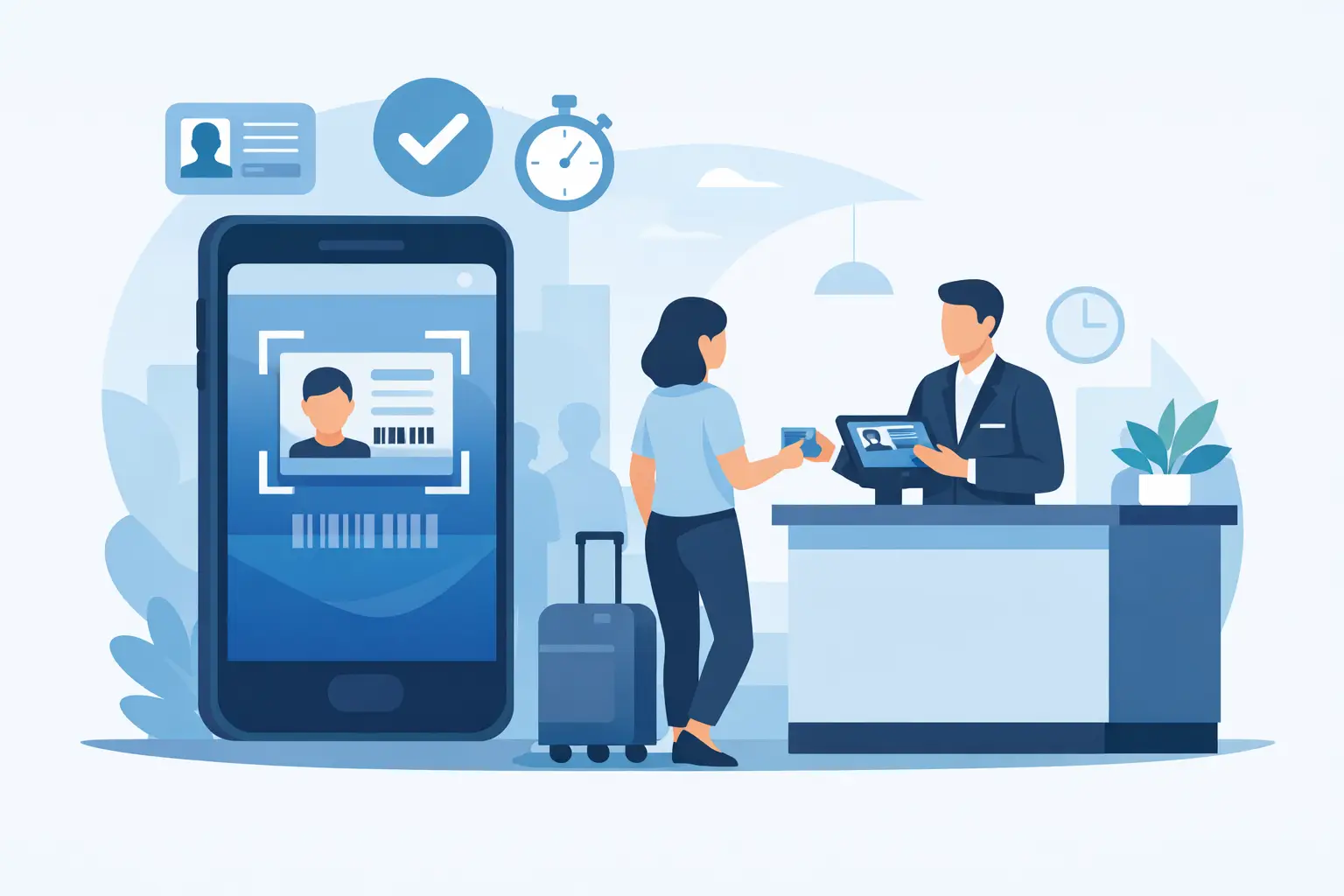
At a busy front desk, every extra 30 seconds adds up. When staff have to photocopy IDs, type names by hand, and chase missing fields on a waiver, the line gets longer and the risk of mistakes goes up. A driver license scanning app fixes that bottleneck by pulling key ID data into a digital workflow the moment a guest checks in.
For businesses that manage waivers, consent forms, memberships, rentals, or age-restricted access, that matters. The goal is not just to scan an ID. The goal is to move people through intake faster, collect accurate information, connect it to signed documents, and keep a clean record for compliance.
What a driver license scanning app actually does
A driver license scanning app uses a phone, tablet, or kiosk camera to capture data from a physical ID. Depending on the setup, it can read the barcode on the back of a license, extract text from the front, or do both. The app then maps that information into fields like full name, address, date of birth, and license number.
That sounds simple, but the business value comes from what happens next. Instead of treating the scan as a stand-alone action, the best systems use it as the starting point for a larger workflow. A guest scans their license, the app populates a registration form, the waiver appears with the right data already filled in, and the signature is captured on the same device. Staff spend less time entering data, and customers spend less time waiting.
This is where many businesses make the wrong comparison. They evaluate scanning quality alone when they should be asking how the scan fits into the full intake process. A good scanner saves keystrokes. A good workflow saves labor, reduces friction, and produces records you can actually use later.
Where license scanning has the biggest operational impact
The strongest use cases are environments where speed, identity verification, and signed paperwork happen at the same time. Think fitness facilities onboarding members, shooting ranges collecting waivers, event teams checking in participants, wellness businesses handling intake, or recreation operators processing rentals.
In these settings, manual entry creates the same problems over and over. Names are misspelled. Birthdates are entered incorrectly. Addresses are incomplete. Staff forget to attach the ID to the right agreement. Later, when someone needs to verify a record, the team has to sort through disconnected files.
A driver license scanning app helps clean that up. It creates a more consistent intake process because the same data source feeds every step. That consistency becomes even more valuable across multiple locations, where front-desk habits can vary widely if the process is not standardized.
There is also a customer experience angle. Most guests expect mobile-first check-in. They do not want to stand at a counter while someone retypes information that already exists on their ID. Faster intake feels more professional, especially when it leads directly into forms, signatures, and confirmation.
What to look for in a driver license scanning app
Not every app is built for operational use. Some are little more than camera-based OCR tools. Those can work in low-volume scenarios, but they often fall short when accuracy and speed matter.
Start with data capture quality. Barcode reading is usually faster and more reliable than front-side text extraction alone, though it depends on the condition of the ID and the device camera. If your team works in the field, at events, or in areas with inconsistent lighting, real-world performance matters more than a polished demo.
Next, look at field mapping. The scanned data should land in the exact fields your workflow needs, without staff having to clean it up each time. If the app captures an address but cannot push it into your registration form, you are still doing manual work.
Then consider what happens after the scan. Can the system launch the right waiver or agreement automatically? Can it route the signed document into the customer record? Can it trigger a follow-up email, check-in status, or CRM update? This is where operational value compounds.
Security and retention also deserve attention. License data is sensitive, and collecting more than you need can create unnecessary exposure. A strong setup lets you control what is stored, where it is stored, and who can access it. For some businesses, that means keeping a full scan image. For others, it means capturing only the fields required for intake and compliance. The right answer depends on your process and risk profile.
The trade-off between speed and data minimization
More data is not always better. Many teams assume they should collect every available detail from a driver’s license simply because the technology allows it. In practice, that can create clutter and increase privacy concerns.
If your only need is age verification and a signed waiver, storing full license numbers or images may be unnecessary. If you manage equipment rentals, incident reporting, or higher-risk activities, keeping more complete ID records may make sense. The point is to design the workflow around the business need, not around the novelty of scanning.
This is also why policy matters alongside software. Staff should know when to scan, what information is required, and what exceptions need manual review. A driver license scanning app works best when it supports a defined process rather than replacing judgment altogether.
Why standalone scanning tools often create new problems
A lot of businesses start with a basic scanning app because it seems like the fastest fix. It solves one pain point, but it can leave the bigger workflow fragmented. The ID gets scanned in one tool, the waiver is signed in another, and customer details are stored somewhere else entirely.
That setup usually creates duplicate records, inconsistent naming, and more reconciliation work for staff. It also makes audits and record retrieval harder. If an incident occurs or a customer disputes a form, your team needs one place to verify identity, signed documents, timestamps, and intake history.
An integrated system is usually the better long-term move. When license scanning connects directly to check-ins, web forms, document generation, and eSignature workflows, the front desk has fewer steps to manage and the business gets a cleaner operational record. That is especially useful for multi-location teams that need process control without adding complexity.
How to evaluate fit before you buy
The best buying question is not, “Can it scan a license?” It is, “Will this remove steps from our actual intake process?” Ask vendors to show the full path from scan to completed record.
Test it with your real use cases. Run a first-time visitor through the workflow. Run a returning customer through it. Test different license formats and older IDs. See how the app handles incomplete scans, glare, or damaged barcodes. A tool that performs well in controlled conditions may struggle in a busy lobby on a Saturday morning.
You should also look closely at deployment options. Some businesses need a staff-assisted tablet at the counter. Others need self-service kiosks, QR-based pre-check-in, or mobile use in the field. The best configuration depends on where the handoff happens between the customer and your team.
If your operation relies on connected systems, integration matters early, not later. Pulling scanned data into CRM, booking, POS, or marketing platforms can eliminate repeat entry and improve follow-up. That is where a platform approach has a real edge. OtterSign, for example, pairs driver’s license scanning with forms, waivers, eSignatures, check-ins, and automation, which is often a better fit than stitching together several point tools.
The bigger payoff is consistency
The most valuable outcome is not just a faster line at the front desk, although that helps. It is a more controlled intake process across every employee, every shift, and every location. The same information gets captured the same way. Documents are attached to the right record. Follow-up actions happen automatically. Compliance is easier because your records are complete and organized.
That kind of consistency has a direct effect on revenue and risk. Faster check-ins mean less friction and better throughput. Better records mean fewer disputes and less time spent tracking down paperwork. And when the workflow is simple enough for frontline teams to use correctly, adoption tends to follow.
If you are considering a driver license scanning app, think beyond the scan itself. The real question is whether it helps you run a tighter, faster, and more reliable intake operation. When it does, the technology stops being a front-desk add-on and starts becoming part of how the business works.


