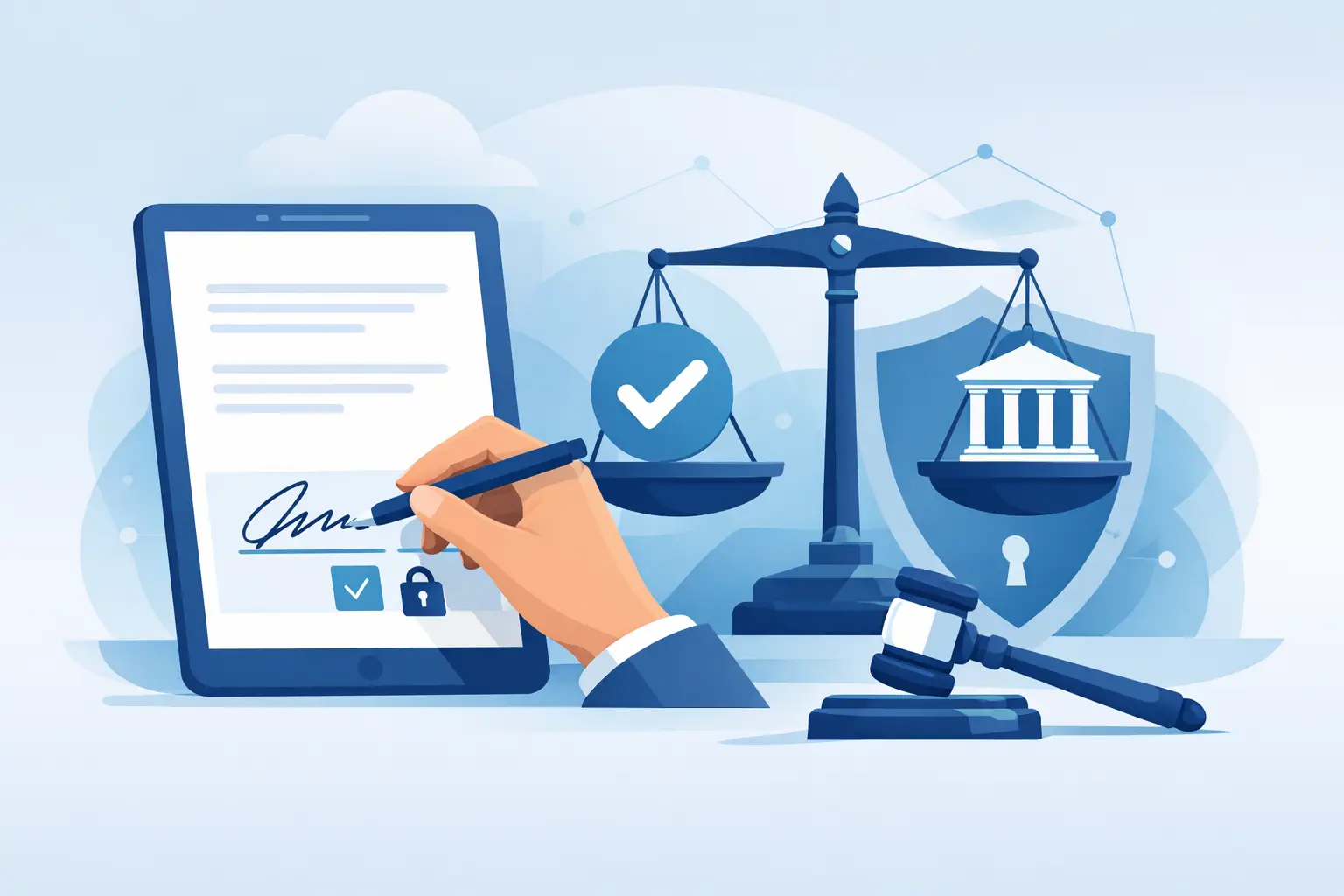
If you’re replacing paper waivers, intake packets, contracts, or employee forms, this question shows up fast: are digital signatures legally binding? For most US businesses, the answer is yes. But the real answer operations teams need is more specific: yes, if your process captures consent clearly, ties the signature to the signer, and preserves a reliable record.
That distinction matters. A signature field on a screen is only one part of an enforceable process. If your front desk is collecting waivers at high volume, your HR team is sending offer letters remotely, or your event staff is handling check-ins on tablets, legal validity depends on how the signature is obtained, stored, and documented.
Are digital signatures legally binding under US law?
In the United States, digital and electronic signatures are generally enforceable under two key laws: the federal E-SIGN Act and the Uniform Electronic Transactions Act, known as UETA, which has been adopted in most states. These laws established that a signature cannot be denied legal effect simply because it was created electronically.
That is the core rule businesses care about. If both parties intend to sign and agree to do business electronically, an electronic signature can carry the same legal weight as ink on paper.
For most day-to-day business use cases, that covers a wide range of documents. Service agreements, waivers, consent forms, onboarding paperwork, policy acknowledgments, independent contractor agreements, and many customer-facing forms can be signed electronically and remain enforceable.
Still, legally binding does not mean automatic. Courts and regulators look at the full transaction, not just whether a squiggle appeared on a touchscreen.
What makes an electronic signature enforceable?
An enforceable eSignature process usually comes down to four things: intent, consent, attribution, and record retention.
Intent means the person signing took an action that clearly shows they meant to sign. Clicking a marked checkbox, typing a name into a signature field, drawing a signature, or applying a stored eSignature can all work if the process makes that intent obvious.
Consent means the signer agreed to use electronic records and signatures. In practice, that often looks like a disclosure and a checkbox confirming the person agrees to receive and sign documents electronically.
Attribution means you can connect the signature to the right person. This is where operational details matter. Email delivery, SMS authentication, IP logs, timestamps, device data, access controls, and identity verification all help show who signed and when.
Record retention means the final signed document must be stored accurately and remain accessible. If a dispute comes up six months later, you need more than a screenshot. You need the signed document, the audit trail, and evidence that the record has not been altered.
That is why businesses often run into trouble with improvised workflows. A PDF attached to an email with no audit trail is very different from a controlled signing process that logs signer actions from start to finish.
Electronic signature vs. digital signature
People often use these terms interchangeably, but they are not exactly the same.
An electronic signature is the broad legal concept. It includes any electronic symbol or process attached to a record with intent to sign. Typed names, clicked checkboxes, stylus signatures, and “I agree” buttons can all qualify.
A digital signature is a narrower technical method that uses encryption and certificate-based authentication to help verify identity and document integrity.
For many small and mid-sized businesses, the legal question is really about electronic signatures, not whether a cryptographic digital certificate is required. In most routine workflows, an enforceable electronic signature process is enough. Higher-risk documents or tightly regulated industries may require stronger identity controls, but many customer-facing and internal business forms do not need the most advanced technical setup to be valid.
Where digital signatures work well in real operations
This is less about theory and more about process design. Electronic signatures are especially effective in environments where speed, consistency, and documentation all matter at once.
A fitness studio collecting liability waivers before class needs customers to sign quickly on mobile devices or kiosks, without creating a paperwork bottleneck. An outdoor recreation company needs signed releases tied to the correct booking and participant record. A multi-location business wants every site using the same approved forms, same consent language, and same retention process. An HR team wants offer letters and policy acknowledgments completed remotely without chasing scans and attachments.
In each case, the signature is part of a larger workflow. The best results come when the form, the signature, the timestamp, the participant details, and the stored record all live in one system instead of being split across inboxes, clipboards, and filing cabinets.
When are digital signatures not enough?
This is where the answer becomes “it depends.” Some documents are excluded from standard electronic signature laws or carry extra requirements depending on the state and the transaction type.
Certain estate documents, family law documents, court filings, and notices related to cancellation of utilities, foreclosure, eviction, or health and safety may fall outside normal eSignature treatment or require additional steps. Real estate transactions can often be signed electronically, but notarization, recording rules, and local requirements may still apply.
Industry rules matter too. If your business handles regulated healthcare, financial, government, or education records, the signature itself may be valid while the surrounding workflow still needs to meet privacy, retention, disclosure, or identity requirements.
The takeaway is simple: electronic signatures are broadly enforceable, but not every document should be handled the same way. High-risk workflows deserve a closer legal review.
What businesses should do to reduce risk
If you want digital signatures to hold up, treat the signature as one control within a documented process.
Start with clear signer consent. Make it obvious that the person is signing electronically and agreeing to conduct the transaction that way. Use plain language and avoid burying the disclosure.
Then focus on attribution. If your process is for low-risk forms signed in person, a tablet signature with timestamps and staff oversight may be enough. If the form carries more risk, add stronger controls such as email verification, SMS delivery, identity prompts, or device-based logs.
Next, protect the record. Store the signed document with its audit trail, keep it tamper-evident, and make sure your team can retrieve it quickly. A legally valid signature loses practical value if no one can find the record when there is a dispute, a claim, or an audit.
Finally, standardize your workflows. A business is more exposed when every location or team collects signatures differently. Consistent templates, required fields, automated storage, and permission controls reduce both legal and operational gaps.
Are digital signatures legally binding for waivers and customer forms?
For many of the businesses asking this question, this is the real issue. If you run classes, events, recreation programs, clinics, or service-based locations, waivers and consent forms are often the first documents you want to digitize.
In general, yes, digital signatures can be legally binding for waivers and customer agreements if the waiver language is properly drafted and the signing process captures valid consent and a reliable record. But the enforceability of the waiver itself still depends on state law, the wording of the release, the age of the participant, and the specific facts of the claim.
That means software alone does not make a weak waiver strong. What good software does is make a strong waiver easier to deliver, sign, track, and produce later. That operational control matters more than many businesses realize.
If your team is collecting signatures at check-in, by SMS before arrival, through online booking, or on shared kiosks, the goal is the same: make the signer experience simple while preserving evidence behind the scenes. That is where an all-in-one workflow platform can do more than replace paper. It can reduce missed forms, speed up intake, and give your business cleaner records when they matter most.
The practical standard to use
Instead of asking whether digital signatures are legal in the abstract, ask a better operations question: if someone challenged this signature tomorrow, what evidence would we have?
If the answer includes a signed record, timestamp, consent capture, signer details, and a reliable audit trail, you are on much stronger ground. If the answer is “we think the form was signed on an iPad at the front desk,” your process needs work.
For most US businesses, electronic signatures are not the risky option anymore. Unstructured paper processes, missing records, and inconsistent intake are often the bigger problem. The businesses that stay protected are the ones that make signing easy for customers and defensible for the organization at the same time.
The right digital process should save time on busy days and still stand up on difficult ones.