

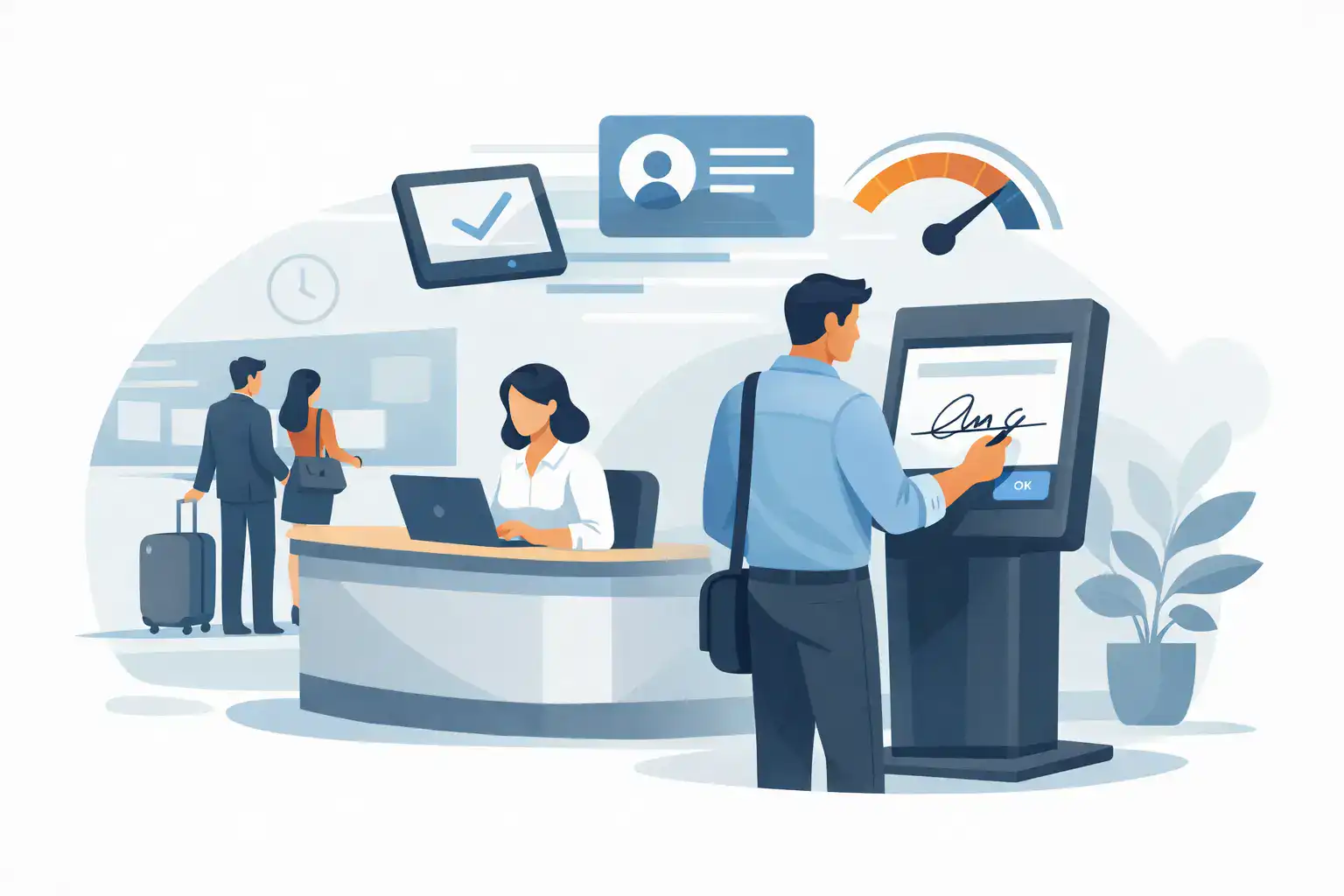
The line starts forming five minutes before your front desk is fully staffed. A parent needs to sign a waiver, a new client has intake forms to complete, and someone else is asking whether they can check in on their phone instead. This is exactly where kiosk signature software earns its keep – not as a nice extra, but as a practical fix for bottlenecks, missing paperwork, and inconsistent records.
For businesses that collect waivers, consent forms, service agreements, or registration paperwork in person, the old process usually breaks down in the same places. Paper gets lost. Staff members answer the same questions all day. Signatures are collected, but the rest of the workflow still depends on scanning, filing, and manual follow-up. A kiosk closes that gap by turning the point of arrival into a controlled digital process.
What kiosk signature software actually does
At a basic level, kiosk signature software lets customers or participants review and sign documents on a shared device, usually a tablet at a front desk, lobby, event check-in area, or retail counter. But the better way to think about it is as an intake workflow, not just a signature screen.
A strong kiosk setup can collect contact details, capture required consents, present custom questions, verify identity details, and trigger the next step automatically. That might mean checking someone in, generating a completed document, sending a confirmation by text or email, or pushing data into the systems your team already uses.
That difference matters. If the software only captures a signature, your staff still has to do the clerical work around it. If it manages the full intake flow, the front desk gets faster and the records get cleaner.
Why paper check-in creates operational drag
Most teams do not keep paper because they love paper. They keep it because it feels familiar, and because replacing it sounds like a bigger project than it really is. The real cost shows up later.
Paper intake slows guest flow at the busiest moments. It creates handwritten records that are hard to read and even harder to search. It leaves room for incomplete fields, missed signatures, outdated templates, and filing mistakes. If you operate across multiple locations, those issues multiply quickly because every site develops its own version of the process.
There is also a compliance angle. When waivers or consent forms are part of risk management, a signed document is only useful if you can retrieve it quickly and prove it was completed correctly. A stack of clipboards does not help much when you need a specific record fast.
Where kiosk signature software makes the biggest impact
The clearest use cases are businesses with in-person traffic and repeatable intake requirements. Fitness studios use kiosks for memberships, class waivers, and health acknowledgments. Outdoor recreation operators use them for rental agreements and liability waivers. Shooting ranges, event venues, wellness providers, schools, and municipal programs use them to move people through check-in without sacrificing documentation.
It is especially valuable when timing matters. If ten people arrive at once, your process needs to handle volume without forcing staff to become part-time data entry clerks. A kiosk gives customers a self-serve option while keeping the experience standardized.
That said, not every environment should rely on kiosk-only intake. Some businesses serve older populations, families with complex registration needs, or guests who prefer to complete forms before arriving. In those cases, the best setup usually combines kiosk signing with mobile and pre-visit options. The goal is not to force one channel. It is to make completion easy wherever the customer is.
What to look for in kiosk signature software
The most useful platforms do more than display a PDF on an iPad. They are built to manage real operational workflows.
Start with form flexibility. You should be able to collect more than a name and signature. Conditional fields, required questions, initials, consent checkboxes, and document logic all matter when your intake process changes by service, location, age, or program type.
Next, look at how the signed record is stored and retrieved. Searchability matters. So does having a clear audit trail, timestamp, and a consistent record format across every location. If a manager, administrator, or legal team member needs a document later, they should not have to guess where it lives.
Automation is another dividing line. Once a signature is complete, what happens next? Good software can send confirmation messages, generate follow-up documents, update a CRM, notify staff, or mark the customer as checked in. Without that step, you have digitized the form but not really improved the workflow.
Device experience is equally important. A shared kiosk needs a clean interface, large touch targets, and a simple handoff between one signer and the next. If customers can get confused or stuck, staff intervention goes up and your line starts moving like paper again.
Finally, think about enterprise control if you run multiple sites. Standardized templates, role-based permissions, location-specific settings, and reporting become much more important once more than one team is using the system.
Kiosk signature software and the customer experience
Customers do not usually comment on document workflow unless it goes badly. They notice when check-in feels slow, repetitive, or disorganized. They also notice when they are handed a clipboard, asked to print carefully, and then told to wait while someone scans their paperwork.
A kiosk can make the experience faster and more professional, but only if it is designed with the customer in mind. The process should be short, readable, and obvious. Forms should not ask for the same information twice. If a customer has already completed part of the process online, the kiosk should not force them to start over.
This is why all-in-one workflow design matters more than a standalone signature feature. The signature is one step. The real business value comes from connecting that step to check-in, communication, recordkeeping, and follow-up.
Trade-offs to consider before you implement
Kiosks are not magic. A shared device still needs basic operational planning. You need to think about screen placement, privacy, device security, sanitization, and whether your front desk has enough physical space for a self-serve station.
You also need a process for exceptions. A parent signing for a minor, a customer who needs language support, or a guest who starts a form on the wrong profile can all create friction if the system is too rigid. Flexibility matters as much as speed.
There is also the question of staffing. Some teams assume kiosk signing means removing staff from the process entirely. In practice, the best deployments use kiosks to reduce repetitive tasks so staff can focus on higher-value interactions. The software should take care of the predictable steps. Your team should handle the human ones.
How to choose the right setup
The simplest way to evaluate kiosk signature software is to map your current intake process from arrival to completed record. Look at where people wait, where staff re-enter data, where documents go missing, and where follow-up depends on manual work.
Then ask a few practical questions. Do you need waivers only, or full intake and check-in? Do customers complete forms on-site, before arrival, or both? Do you operate one location or many? Do signed documents need to connect with booking, CRM, POS, or marketing systems? The answers will tell you whether you need a basic eSignature tool or a broader operations platform.
For many customer-facing businesses, the right fit is software that supports kiosk signing as one part of a larger workflow. That means web forms, automated document generation, mobile completion options, and integrations are not extras. They are what keep the kiosk from becoming another disconnected tool.
OtterSign is one example of that approach, combining kiosk signing with waivers, forms, check-ins, automation, and system integrations so businesses can manage intake in one place instead of patching together separate apps.
The real value of kiosk signature software
The strongest case for kiosk signature software is not that it replaces pen and paper. It is that it creates a faster, more controlled front-door process for your business.
When intake is handled well, lines move faster, records are easier to trust, and staff spend less time chasing signatures or correcting incomplete forms. Customers get through check-in with less friction. Managers get consistency across locations. Administrators get cleaner documentation when it matters.
If your team is still printing waivers, scanning signed pages, and searching through folders later, the issue is not just paperwork. It is workflow design. The right kiosk setup fixes that at the point where operations either stay organized or start falling behind.
The best next step is not to ask whether you need digital signatures. It is to ask whether your check-in process is helping your business move faster or quietly slowing it down every day.


