

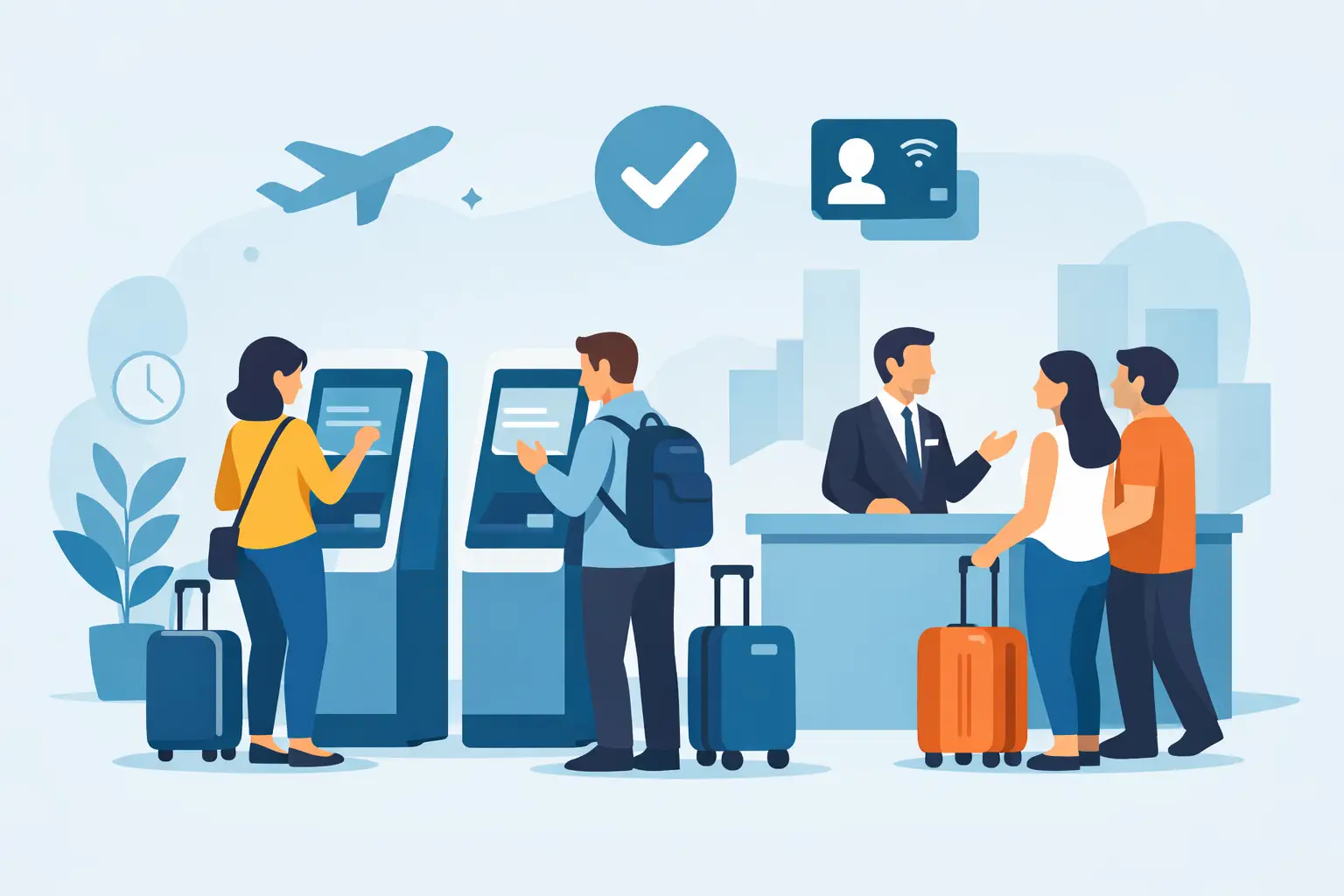
A crowded front desk is rarely a staffing problem alone. It is often the result of paper forms, incomplete waivers, repeated questions, and a check-in process that depends on one employee being available at the exact right moment. The best check in kiosks move routine intake away from the counter so guests can complete it quickly, accurately, and on their own.
For fitness studios, recreation businesses, event operators, municipal programs, wellness providers, and other in-person organizations, a kiosk is more than a tablet on a stand. It is a controlled intake point that captures required information, collects legally binding signatures, verifies details, and sends records where they need to go. The right setup shortens lines without creating a new administrative burden behind the scenes.
What the Best Check In Kiosks Actually Do
A useful kiosk handles the steps that slow down arrival: finding a reservation, completing a waiver, updating a profile, signing a consent form, scanning identification, or checking in for an appointment. It should present only the fields and documents relevant to that guest, then save the completed record immediately.
The difference between a basic sign-in screen and a true operational kiosk is what happens after submission. A strong system can match submissions to customer records, trigger notifications, generate documents, update a CRM or booking platform, and preserve a time-stamped audit trail. That is where check-in becomes a reliable workflow rather than another disconnected tool.
Kiosk software matters more than the stand
Tablet stands, wall mounts, and freestanding units all have a role, but the hardware is usually the easier decision. Most organizations can use an iPad, Android tablet, or touchscreen device they already own. The more consequential choice is the software experience guests see and the data process your team inherits.
Look for a platform that supports mobile-friendly forms and signatures, even when the primary use is in person. Guests may start a waiver from a QR code while standing in line, receive a link by text before arrival, or use the kiosk at the counter. Those paths should feed the same record system. Otherwise, your team is still reconciling duplicate submissions at the end of the day.
Self-service should not mean unassisted
The best kiosk flows are simple enough that most guests finish without help. They use plain instructions, large touch targets, short sections, and clear confirmation screens. They also give staff a fast way to step in when a guest has a question, needs an accommodation, or cannot locate a booking.
Avoid designing a kiosk around every possible exception. Put the common path first, then give staff an efficient override process. A family activity center, for example, may allow one adult to complete a waiver for several minors, while a staff member handles custody or special-consent questions separately.
How to Choose a Check-In Kiosk for Your Operation
Start with the arrival process you need to improve. A gym with recurring members has different requirements from a shooting range collecting detailed waivers, or an event team processing hundreds of attendees within an hour. The right answer depends on volume, risk, the information you collect, and the systems already used by your team.
1. Map the guest journey before comparing features
Document what happens from arrival to participation. Who checks in? What must they sign? Which details are verified? What occurs if they are a first-time guest, a returning guest, or part of a group? This exposes friction that a generic kiosk feature list will not.
For example, asking every returning customer to re-enter contact details wastes time. On the other hand, allowing a returning customer to bypass an updated waiver can create compliance gaps. A well-designed workflow recognizes the customer, shows only what is still required, and records the result.
2. Prioritize forms, signatures, and records
If your operation relies on waivers, releases, intake packets, or policy acknowledgments, kiosk signing should be built into the workflow. A typed name alone may not meet your internal requirements. You need a platform that captures the signature, document version, date and time, signer details, and an audit trail that can be retrieved later.
This is especially relevant for organizations with multiple locations. Each site should use the approved current document, while administrators retain control over updates and visibility. Local teams should not need to guess which paper version is valid or search a filing cabinet after an incident.
3. Match identity verification to your risk level
Some businesses only need a name and phone number. Others need to verify age, membership, or identity before a guest can participate. Driver’s license scanning can reduce manual entry and help staff confirm key information, but it should be used when it solves a real operational need.
More verification adds time and can raise privacy considerations. Be clear about what information is collected, why it is needed, who can access it, and how long it is retained. The goal is a process that is defensible and respectful, not unnecessarily intrusive.
4. Check integration depth, not just integration claims
A kiosk that cannot communicate with your booking, POS, CRM, or marketing system may simply shift work from the front desk to the back office. Ask what data moves automatically, when it moves, and how errors are handled.
A useful connection might update attendance after a signed waiver, create or enrich a customer profile, flag incomplete intake before an appointment, or send a follow-up message after an event. For multi-location businesses, integration should also preserve location-level reporting and prevent records from being assigned to the wrong site.
The Kiosk Features That Pay Off at the Front Desk
The strongest check-in systems tend to share a few practical capabilities. These are not extras when volume, compliance, and customer experience matter:
- Conditional forms that show follow-up questions only when relevant, keeping intake shorter and more accurate.
- Legally binding eSignatures with complete audit records for waivers, agreements, and consent forms.
- QR code, SMS, and email options that let guests complete paperwork from their own device when a shared kiosk is busy.
- Driver’s license scanning for faster, more reliable identity and age-related intake where appropriate.
- Document generation and automation that turn submitted details into completed agreements, confirmations, or internal tasks.
- Multi-location controls that keep forms, permissions, and reporting consistent across sites.
Not every business needs every feature on day one. A small studio may begin with a tablet-based waiver kiosk and text reminders. A growing operator may need centralized templates, role-based access, and integration with an existing booking system. Choose a system that supports the workflow you have now without forcing a replacement once your volume increases.
Common Check-In Kiosk Mistakes
The most common mistake is treating the kiosk as a standalone device. When forms are stored separately from customer records, staff still have to search, print, export, or manually update other systems. That undermines the time savings guests experience at arrival.
Another issue is putting too much on one screen. A kiosk should not mirror a ten-page paper packet field for field. Remove questions you do not use, use conditional logic for the ones you do, and make required actions obvious. Test the flow with someone who has never seen it before, not only with the staff who built it.
Physical placement also deserves attention. A kiosk near the entrance supports quick arrival, but it may expose private information or create a bottleneck. A wall-mounted device can save counter space, while a portable tablet lets staff manage a line during busy periods. Consider power, connectivity, cleaning procedures, accessibility, screen privacy, and a backup process for outages.
Finally, do not measure success only by the number of digital forms submitted. Track average arrival time, incomplete-submission rates, staff interventions, waiver completion before arrival, and records that require correction. Those metrics show whether the kiosk is reducing friction or simply digitizing it.
A Better Way to Roll Out Kiosk Check-In
Start with one high-friction workflow, such as first-time waivers or event registration. Keep the first version focused, train staff on how to assist guests, and watch real arrivals for a week or two. You will quickly see where guests hesitate, which questions cause confusion, and whether the kiosk is positioned well.
Then expand the workflow. Add pre-arrival links, automate follow-up actions, connect the data to the systems your team uses, and standardize the experience across locations. OtterSign can support this approach by combining digital forms, kiosk signing, eSignatures, document workflows, and automation in one operational system.
The best check-in kiosk is the one guests barely have to think about and your team no longer has to chase. When arrival is fast, records are complete, and staff can focus on people instead of paperwork, the front desk becomes an advantage rather than a queue.


