

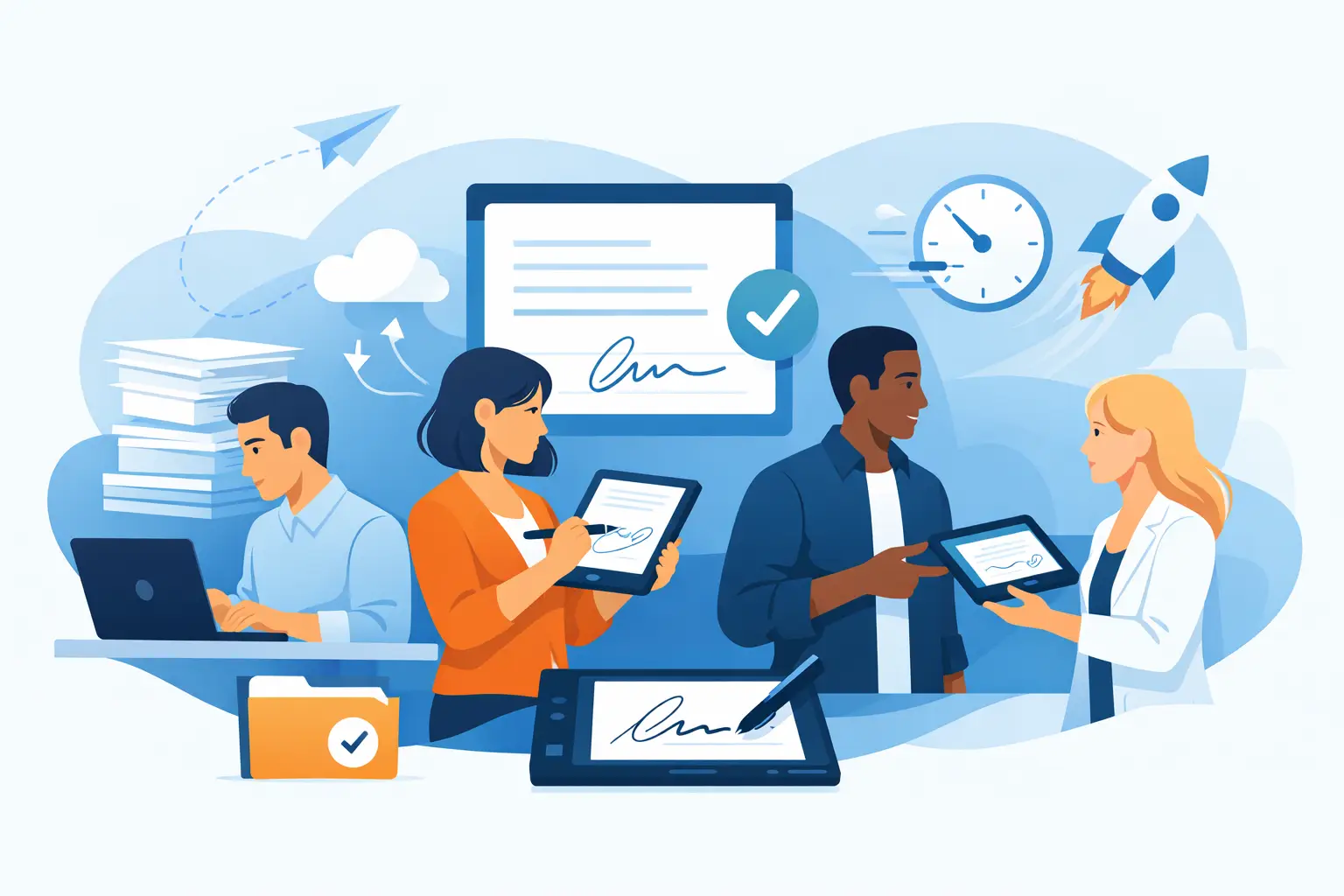
Paperwork rarely slows down because someone cannot sign. It slows down because the best e signature software for teams must do more than capture a name. It needs to route the right document, collect the right information, preserve a defensible record, and keep the front desk, operations team, and customer moving.
For a small business, that may mean sending employment agreements without chasing email attachments. For a multi-location recreation business, it may mean getting a family waiver signed from a phone before check-in. For an event operator, it may mean collecting registrations, consent, and payment-related details in one workflow instead of asking staff to reconcile three systems after the doors open.
The right choice depends less on a signature field and more on the work that happens before and after it.
What Teams Should Expect From E Signature Software
Basic e signature tools are built around a document: upload a PDF, add fields, send it, and track completion. That model works well for occasional contracts, vendor agreements, and internal approvals where each document follows a simple path.
Teams with high-volume, customer-facing processes need a broader workflow. A waiver, intake form, membership agreement, or program registration often requires conditional questions, supporting files, signer identification, staff visibility, and an immediate next step. The signature is one part of the transaction, not the whole transaction.
When evaluating software, start by mapping the actual handoff. Ask where the form begins, who completes it, where staff need to see the result, and what should happen when it is signed. This prevents a common mistake: buying a capable signing tool, then adding separate form, check-in, storage, and automation tools around it.
Best E Signature Software for Teams: Match the Tool to the Workflow
There is no single best platform for every team. A better question is whether the platform fits the frequency, complexity, and location of your signing process.
Document-first tools for approvals and agreements
Document-first platforms are a practical option for sales teams, legal administrators, HR departments, and businesses sending a manageable number of contracts. Their strengths are reusable templates, signing order, reminders, audit trails, and familiar PDF-based workflows.
Choose this approach when the source document is the center of the process and signers generally receive it by email. It is especially useful when several people must review or sign a fixed agreement in sequence.
The trade-off is operational flexibility. These tools can become awkward when you need a customer to complete an intake questionnaire, scan an ID, sign at a kiosk, or trigger a check-in record after submission. Teams may end up building workarounds or exporting data between systems.
Form-first tools for data collection
Form platforms work well when structured data is the priority. They can help teams gather registration details, health information, preferences, incident reports, and internal requests quickly. Many offer conditional logic that adapts questions based on a respondent’s answers.
Some form tools include signature fields, but a signature field alone does not always provide the document controls, audit evidence, or completed-record experience your compliance process requires. If a signed record needs to stand on its own, verify exactly what is captured: timestamps, signer intent, document version, activity history, and access controls.
This category is useful for lightweight data capture. It is less suitable when signed forms are central to liability management, repeat guest check-ins, or multi-location operations.
All-in-one workflow platforms for frontline operations
An all-in-one workflow platform is often the better fit for businesses that manage waivers, consent forms, intake, check-ins, and signed agreements every day. Rather than treating a signed document as an isolated file, it connects the full process: collect details, generate the right record, obtain the signature, store it centrally, and trigger the next operational action.
This model matters in fitness, outdoor recreation, wellness, shooting sports, education, events, and municipal programs. Customers may arrive at a counter, use a QR code, complete a form from an SMS message, or sign on a staff-operated kiosk. The system needs to support the channel that reduces friction without weakening recordkeeping.
OtterSign is designed for this type of operational workflow, combining signatures with digital waivers, forms, check-ins, document generation, and automation. It is a strong fit when staff need one system that can handle both customer intake and signed compliance records across one or many locations.
The Capabilities That Make a Real Difference
Feature lists can look similar until a team uses the software during a busy shift. Focus on capabilities that remove a manual step, reduce customer wait time, or improve your ability to find a record later.
Flexible signing channels. Email is useful, but it should not be the only option. QR codes, SMS delivery, embedded forms, kiosks, and mobile-friendly pages let customers sign in the way that matches the moment. A parent at a youth program, for example, should not need to search an inbox while a line forms behind them.
Clear audit records. Teams handling liability waivers, consent, and regulated documentation need more than a completed PDF. Look for a complete activity history tied to the signed record. Your legal and compliance requirements may vary by state, document type, and industry, so confirm that the platform’s records meet your specific needs.
Conditional logic and document generation. One adaptable workflow is easier to manage than a library of nearly identical forms. Conditional questions can collect only the information relevant to a signer, while document generation can create an agreement from the information submitted. This reduces errors and helps staff avoid selecting the wrong template.
Centralized search and reporting. A signed document has little operational value if staff cannot retrieve it quickly. Teams should be able to search records by name, date, location, status, or other useful fields. Multi-location operators also need permission controls that give site teams access to what they need without exposing every record company-wide.
Integrations and automation. The most valuable connection is the one that eliminates duplicate entry. Depending on your process, that could mean passing a completed waiver to a booking system, updating a CRM contact, recording a check-in, notifying staff, or starting a follow-up campaign. Check whether integrations are native, available through an API, or dependent on manual exports.
Questions to Ask Before You Commit
A focused demo reveals more than a long feature checklist. Ask the vendor to show your actual workflow, from the moment a customer receives a form to the moment your staff uses the completed record.
Can a customer complete the process without creating an account? Can your team collect a signature in person on a tablet? Can a staff member resend a form without rebuilding it? What happens if a parent is signing for a minor? How are completed documents retained, searched, downloaded, and shared internally?
Also ask about implementation. A platform that can do everything but takes months to configure may not be the best fit for a small operator. On the other hand, a larger organization may accept a longer setup if it gains standardized templates, role-based access, centralized reporting, and reliable integrations across locations.
Avoid the Cheapest-Tool Trap
The lowest monthly price can become expensive when staff spend hours tracking missing forms, rekeying customer data, printing backups, or answering avoidable questions at check-in. Measure the cost of the current process before comparing subscriptions. Consider staff time, paper and storage, abandoned registrations, delayed service, and the risk of incomplete records.
At the same time, do not overbuy. A business that sends a few internal agreements each month may only need a document-first signing tool. The goal is not the largest feature set. It is a system your team will use consistently under real operating conditions.
Run a short pilot with a high-friction process, not an easy one. Test it during a busy check-in window, with a customer on a phone, with a staff member at a kiosk, and with the person responsible for finding records afterward. The best decision will be obvious when the workflow feels less like paperwork and more like part of the service you already provide.
Choose software that gives your team fewer handoffs to manage and your customers fewer reasons to pause. That is where faster signatures become faster operations.


