

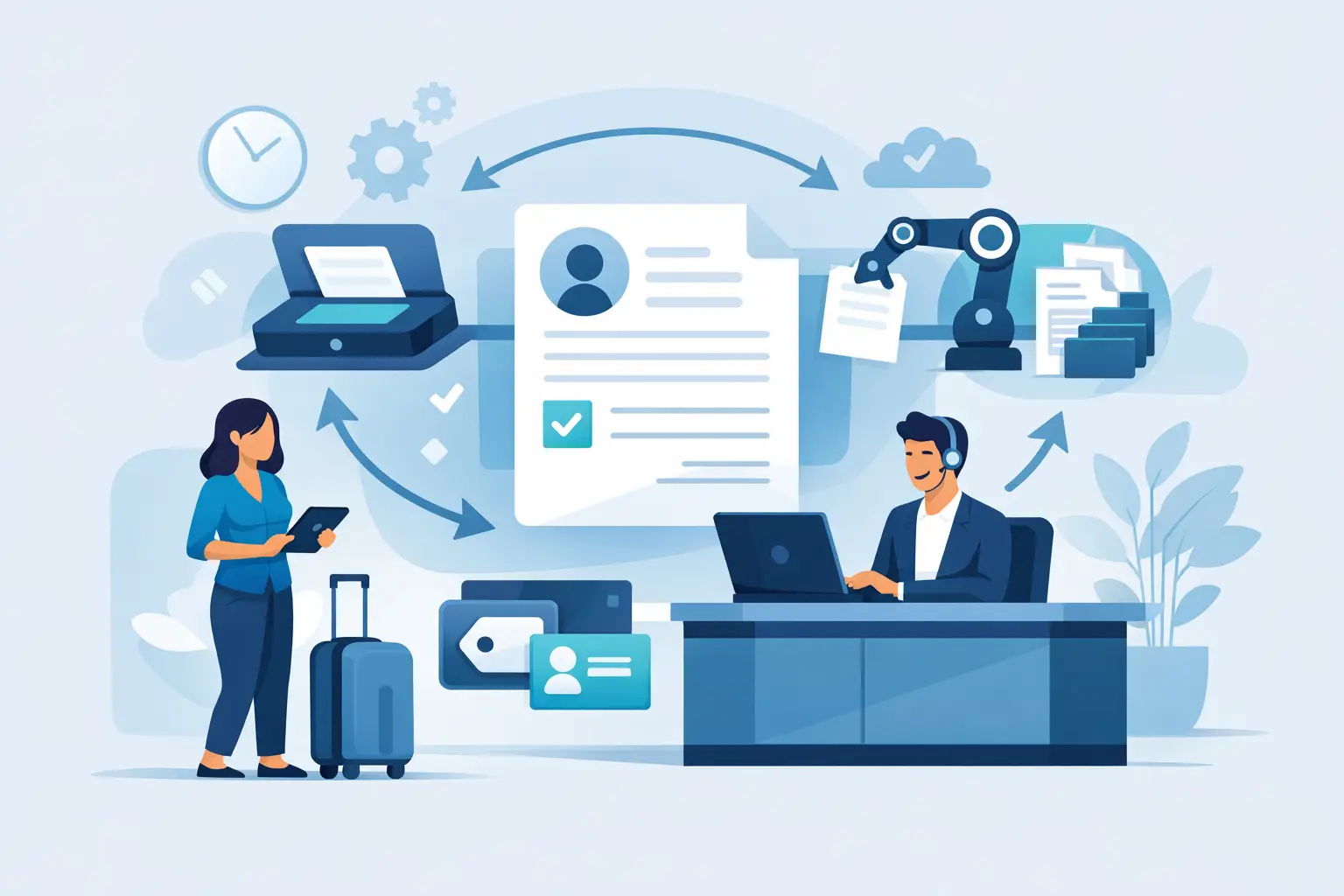
A busy front desk does not have time to hunt for a clipboard, explain which fields a guest missed, scan signed pages, and file them before the next customer arrives. Document automation changes that process. It turns forms, waivers, agreements, and intake records into connected digital workflows that collect the right information, generate the right documents, and route completed records where they need to go.
For businesses that rely on signed paperwork, the value is not simply going paperless. It is moving people through check-in faster, maintaining consistent records, reducing staff workload, and keeping compliance tasks from becoming an end-of-day cleanup project.
What Document Automation Means for Daily Operations
Document automation is the use of rules, data, templates, and integrations to create, send, complete, store, and act on documents without manual repetition. A customer enters their information once. The system can use that information to populate a waiver, generate an agreement, request an eSignature, update a customer record, and trigger a follow-up message.
That definition matters because many businesses only automate one step. They may offer an online waiver, for example, but staff still export records, retype customer details into another system, or search email inboxes when a signed agreement is needed. That is digitization, but it is not a complete workflow.
A complete workflow connects the customer-facing experience with the operational work that happens behind the scenes. It gives staff a clear view of who has completed a form, who still needs to sign, which documents are current, and what should happen next.
For an outdoor recreation operator, that could mean a guest scans a QR code before arrival, completes a waiver on their phone, and receives a confirmation. At check-in, staff can verify completion in seconds rather than passing around paper forms. For a fitness studio, a new member can complete health information, sign liability terms, and receive a welcome message before their first class. The workflow is different, but the operational goal is the same: less friction, fewer gaps, and better records.
Where Paper-Based Processes Create Risk
Paper forms often feel manageable until volume increases. One location may tolerate a filing cabinet and a manual check-in process. Add busy weekends, seasonal staff, multiple sites, or a compliance request, and the weak points become obvious.
The first problem is incomplete information. Customers skip fields, handwriting is unclear, and staff may not notice an error until after the person has left. The second is retrieval. Finding a signed waiver from months ago should take moments, not an archive search. The third is consistency. When each location uses its own form version or staff members follow different intake steps, the business loses control of its process.
Paper also creates a poor customer experience at the worst possible moment. A long line at the front desk, a clipboard passed between families, or a delayed event registration makes an otherwise well-run business look unprepared. Customers increasingly expect to complete routine paperwork from their phones. Giving them that option can reduce wait times without making the process harder for staff.
Digital workflows have trade-offs. They need clear form design, reliable devices or connectivity, and a process for customers who need assistance. But those are manageable operating decisions. The alternative is relying on staff to compensate for fragmented systems and manual exceptions every day.
The Building Blocks of Effective Document Automation
The strongest document workflows do more than collect a signature. They are designed around the full path from first interaction through completed recordkeeping.
Mobile-friendly forms and waivers
Customers should be able to complete forms from the channel that makes sense for the moment: a link in an email or text message, a QR code at the entrance, a kiosk in the lobby, or a web page during registration. Mobile-friendly fields, clear instructions, and conditional questions reduce abandoned forms and prevent unnecessary data collection.
Conditional logic is especially useful for organizations with different activities, participant types, or service levels. A parent registering a minor may need different fields and signature requirements than an adult participant. Instead of maintaining several confusing paper packets, the workflow can present the correct questions based on the customer’s answers.
Generated documents built from collected data
When staff collect information in one form and then type it into an agreement or approval document, mistakes are almost guaranteed. Document generation uses submitted data to populate a pre-approved template automatically.
This is useful for service agreements, membership documents, event registrations, incident reports, and internal approvals. Names, dates, locations, selected services, emergency contacts, and other details can flow into the final document without duplicate entry. Teams keep control of the approved language while producing records that reflect each individual transaction.
Legally binding eSignatures and audit trails
A signature is only useful if the organization can show what was signed and when. Digital signature workflows should preserve the completed document, signer details, timestamps, and a clear audit trail. That gives teams a more reliable record than a stack of papers with uncertain storage history.
The exact requirements vary by industry and document type. A liability waiver, HR acknowledgement, and contract may each have different retention, consent, or review needs. Businesses should align their workflow with their legal and compliance policies rather than assuming every form requires the same setup.
Automatic actions after submission
The operational payoff arrives after the form is completed. A submitted waiver can mark a guest as ready to check in. A completed intake form can notify staff of a special request. A signed agreement can be saved to the customer profile and sent to a CRM, booking system, or point-of-sale platform.
Automation can also handle reminders. If a customer starts but does not finish a form, the system can send a timely follow-up. If a waiver expires annually, it can request a renewal before the next visit. These actions reduce the need for staff to remember every exception while keeping the customer journey moving.
How to Build a Workflow That Staff Will Actually Use
Start with one high-volume process, not every paper form in the business. Look for a workflow that creates lines, repeat data entry, missing signatures, or frequent record searches. Waivers and first-time customer intake are often practical starting points because the impact is visible quickly.
Map the current process from the customer’s perspective and the staff member’s perspective. Identify where information is first collected, where it is copied, where it is stored, who needs access, and what happens when something is incomplete. This often reveals that the real issue is not the form itself. It is the handoff between the form, check-in, billing, scheduling, or follow-up process.
Then standardize the document before automating it. Confirm the current language, remove duplicate fields, define required information, and establish who owns future updates. Automation will make an inconsistent process happen faster if the underlying document has not been cleaned up.
Keep the customer experience short and purposeful. Ask only for information your team needs to serve the customer, meet a policy requirement, or complete the transaction. Long forms may be necessary in some settings, but unnecessary questions create drop-off and slow down in-person completion.
Finally, train staff on the exception path. They should know how to help a customer who cannot use a phone, correct a submission, locate a completed record, and recognize when a required document is missing. Good automation removes routine work. It does not eliminate the need for a clear human process when circumstances vary.
Measure the Results That Affect the Business
The most useful metrics are operational. Track average check-in time, form completion rate, incomplete submission rate, staff time spent filing or searching for records, and the number of customers who arrive ready to participate. If forms connect to bookings or sales, measure whether pre-arrival completion improves attendance, capacity use, or conversion.
Multi-location organizations should also watch consistency. Can every location use the same current waiver? Can regional managers access records without waiting for a local team to scan and send them? Can the business see which sites have the highest volume or the most incomplete submissions? Centralized visibility is often as valuable as the time saved at a single front desk.
OtterSign supports this kind of connected workflow by bringing forms, document generation, eSignatures, check-ins, and automation into one operational system. That matters when a business needs a simple customer experience without creating another disconnected tool for staff to manage.
The best document process is usually the one customers barely notice and staff do not have to chase. When information is collected once, documents are generated accurately, signatures are stored securely, and follow-up happens automatically, the front desk can focus on the person standing in front of it.


