

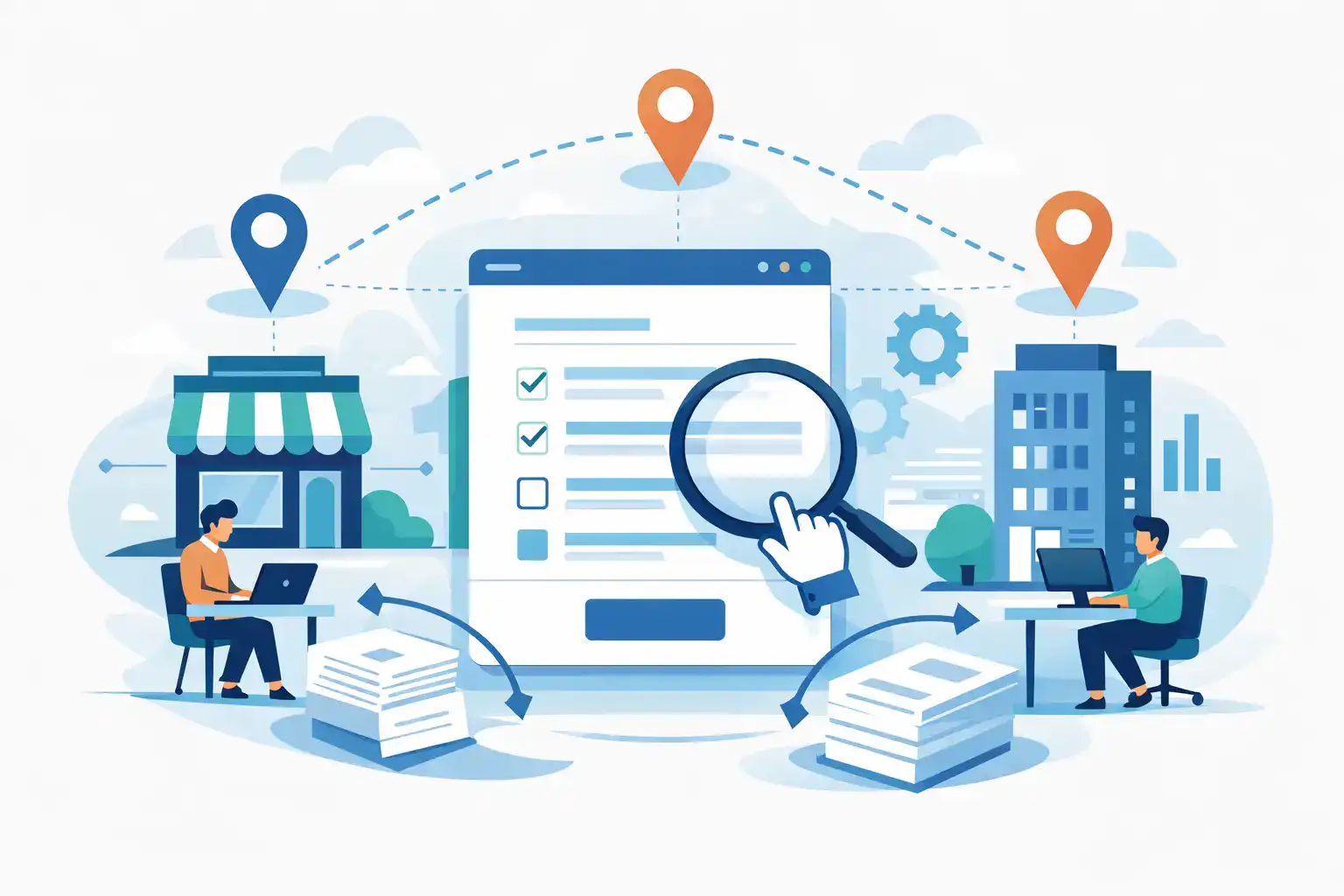
A waiver signed at one location should be as complete, searchable, and enforceable as a waiver signed at every other location. Yet many growing businesses still manage forms through a mix of paper packets, local spreadsheets, shared inboxes, and tools chosen independently by each site. Multi location form management replaces that patchwork with one controlled system for collecting information, signatures, and required records across the organization.
For operations leaders, the goal is not simply to make forms digital. It is to give every location a faster front desk, a consistent customer experience, and a reliable record trail without forcing local teams into complicated processes.
Why Multi Location Form Management Gets Hard as You Grow
A single site can often work around a weak process. A manager knows where paper waivers are stored, which version of a consent form is current, and how to find a signed agreement when a customer calls. Add five, 20, or 100 locations, and those workarounds become operational risk.
The most common problem is version drift. One site updates its waiver language, another keeps printing an older PDF, and a third has created a local workaround for minors or group bookings. The organization may believe it has a standardized process when it actually has several different ones.
Check-in volume adds pressure. A busy fitness studio, recreation facility, event venue, or wellness provider cannot afford long lines because guests need to complete paperwork. If staff have to explain where to sign, scan pages, and later upload files, every form creates more work before and after the customer interaction.
There is also a visibility problem. Corporate teams need to know whether locations are collecting required forms, whether records are complete, and which site needs support. Location teams need a process that fits the way customers arrive: by appointment, walk-in, group registration, text message, QR code, or kiosk. A centralized system must support both needs.
Build a Standard Core, Then Allow Intentional Local Differences
The strongest form programs are not identical in every detail. They are standardized where consistency protects the business, then configurable where local operations genuinely differ.
Start with the forms that should have one approved version across the organization: liability waivers, standard consent forms, membership agreements, employment acknowledgments, and privacy notices. These documents need clear ownership, approval controls, and a defined review schedule. When legal or operational language changes, the updated version should be published once and available to every applicable location immediately.
Then identify the fields that may vary by site. A location may need its own emergency phone number, program options, pricing selections, facility rules, or staff notification routing. Those differences should be handled through controlled fields, location tags, and conditional logic rather than separate, disconnected form templates.
This distinction matters. Giving every manager full editing access creates inconsistency. Giving no one local flexibility can create friction and encourage off-system workarounds. The practical middle ground is central template governance with location-level configuration.
Use location data as part of the form workflow
Each submission should carry location context automatically. That includes the site where the form was completed, the program or service selected, the staff member if relevant, and the date and time of signing. When a customer visits multiple locations, that context makes the record useful instead of merely archived.
Location-specific QR codes are particularly effective for walk-in traffic. A customer scans a code at the front desk, in a lobby, or at a check-in station and is routed to the correct form flow for that site. For scheduled visits, a form can be sent by SMS or email before arrival. The right channel depends on the customer journey, but the record should land in the same centralized system.
Design for Faster Check-Ins, Not Just Digital Paperwork
A digital form that takes as long as a paper form is not a meaningful improvement. The best workflows remove repeated questions, reduce staff handoffs, and make completion easy from a phone.
Keep required information focused on what the business truly needs. If a returning customer already has a valid waiver on file, staff should be able to find it quickly rather than asking for the same information again. If a parent is signing for a minor, the workflow should clearly collect guardian details and the appropriate consent. If a group is arriving, provide a process that does not create a bottleneck at the counter.
Kiosk signing can work well for high-volume, in-person settings where guests arrive without completing forms in advance. Mobile forms are better when customers have time to complete requirements before their visit. Driver’s license scanning can reduce manual entry where identity verification matters. Apple Wallet passes can help customers retain a completed waiver or membership credential for future visits.
These options should not be used because they are available. They should be selected based on the operational constraint. A trailhead rental operator may prioritize mobile forms and QR codes. A busy activity center may need kiosks. An organization with recurring clients may get the most value from quickly locating prior signed records.
Connect Forms to the Systems That Run Each Location
Forms become more valuable when the information collected does not stop at a PDF. A signed agreement may need to update a CRM contact, add a tag in a marketing platform, create a participant record in booking software, or notify a manager when a particular response requires attention.
This is where fragmented tools create hidden costs. Staff may export form data, copy it into a customer record, scan paperwork, and send follow-up messages manually. The task is manageable at low volume, but it introduces delays and errors across multiple sites.
A connected workflow can route the right data to the right system automatically. For example, a completed waiver can be attached to a customer profile, a new participant can be sent a confirmation message, and a location manager can receive an alert when an incident-related form is submitted. The exact automation should match the business process, not add automation for its own sake.
OtterSign brings forms, document generation, eSignatures, check-ins, and workflow automation into one system, which can reduce the number of tools frontline teams need to manage. For multi-location operators, that means fewer disconnected handoffs and a clearer operational record.
Make Compliance and Retrieval Part of Daily Operations
A signed form only helps if the organization can retrieve it when needed. Records should be searchable by customer name, location, date, form type, and other relevant fields. Staff should not need to sift through filing cabinets or hunt through email attachments when a customer disputes a charge, reports an incident, or asks for a copy of an agreement.
Access controls are equally important. A front-desk employee may need to verify that a waiver is complete, while a regional manager may need reporting across all locations. Legal, HR, and operations teams may need broader access for audits or investigations. Permissions should reflect those responsibilities without exposing more customer data than necessary.
Retention requirements vary by industry, contract type, state, and organization. Some forms must be retained for years, while others should be deleted according to a defined policy. A digital system can make retention easier to administer, but it does not replace the need for a clear policy. Organizations should confirm their requirements with qualified legal or compliance advisors, especially for waivers, health-related information, employment documents, and minor consent.
Roll Out the Process Without Disrupting Locations
A company-wide launch does not need to happen all at once. Start with a pilot location or a small group of sites that represent different operating conditions. Test the customer flow, staff experience, reporting needs, and integrations before expanding.
During the pilot, look for the moments where staff hesitate. Are customers confused by a question? Does the form take too long on a phone? Are staff members unable to locate a record quickly? Those observations are more useful than simply measuring how many forms were submitted.
Before broader rollout, define a few operating standards: who owns template changes, how locations request local configuration, what staff should do when a customer cannot complete a form digitally, and how managers monitor completion rates. Train teams on the actual workflow they will use during a busy shift, not only on administrative settings.
Track practical outcomes after launch. Check-in time, incomplete submissions, paper usage, record retrieval time, and customer completion rates are meaningful indicators. If one location performs differently from the others, investigate the workflow rather than assuming the team is the problem.
Choose Control Without Creating Friction
The right multi-location form platform should make central control easier while preserving a simple experience for customers and frontline staff. Look for configurable templates, location-specific routing, mobile and kiosk options, searchable records, role-based access, integrations, and automation that fits your existing systems.
Just as important, evaluate how the platform handles exceptions. Can a location use a different program addendum without changing the core waiver? Can staff locate a prior submission in seconds? Can a customer receive a form before arrival and still complete it on site if needed? Real operations are full of exceptions, and the system should handle them without sending people back to paper.
When every site follows a clear, fast form process, growth does not have to mean more filing, more rework, or less control. It can mean that customers arrive ready, staff stay focused on service, and every signed record is exactly where the organization needs it.


