

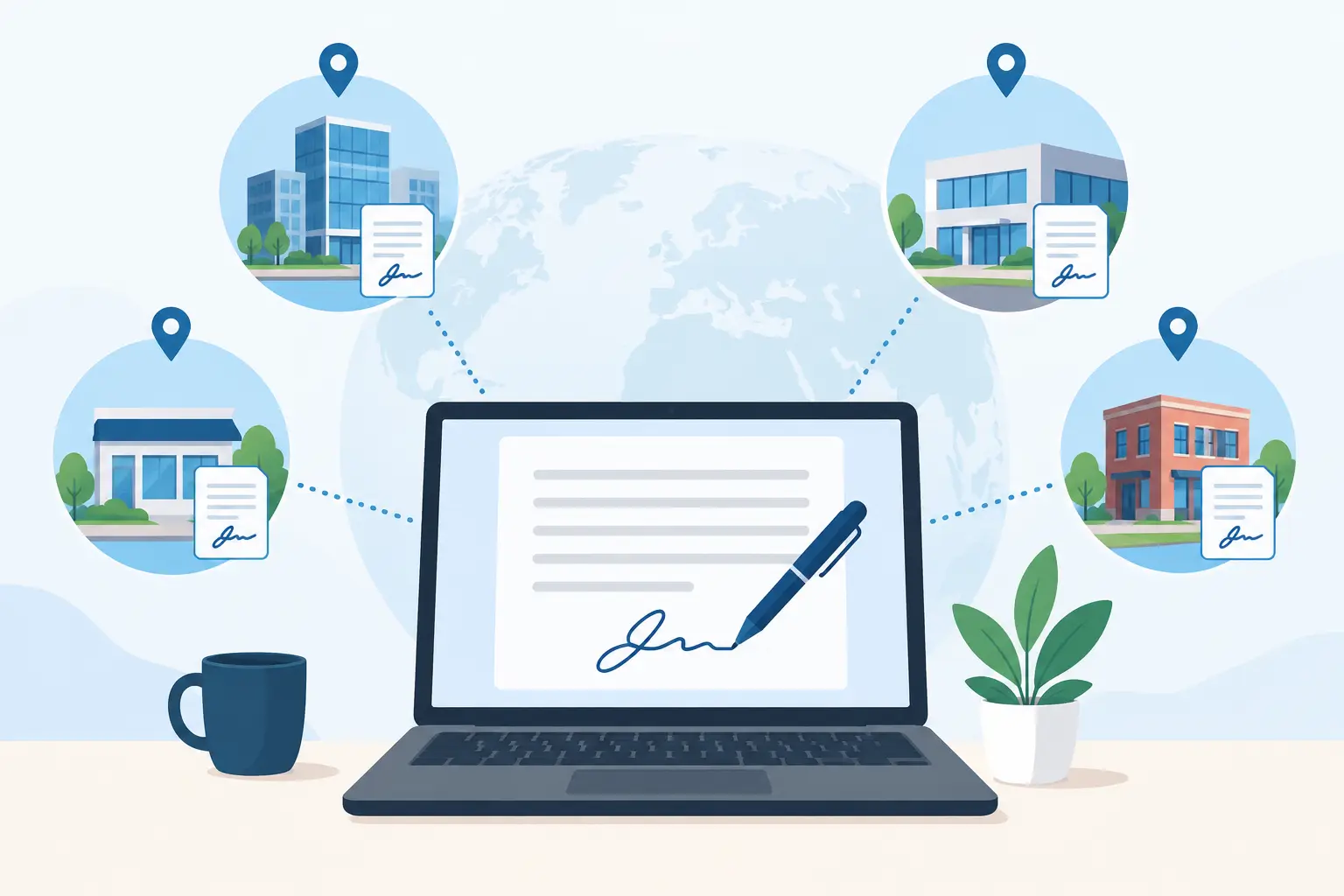
A waiver signed at one location, a form printed at another, and a missing consent record when a customer calls headquarters is not a minor admin problem. It is a multi-location operations problem. This multi location signature software review focuses on the capabilities that matter when signatures, intake, and compliance records must work consistently across every site.
For a single location, a basic eSignature tool may be enough. For a business with multiple gyms, event venues, municipal programs, recreation sites, clinics, or franchise-style operations, the standard changes. The system needs to give local teams speed without giving up central control.
What multi-location teams should expect
The right software does more than send a document for signature. It creates a repeatable signing process that works whether a guest is completing a waiver from their phone, signing at a front desk kiosk, responding to an SMS, or checking in at a busy event.
That distinction matters because locations rarely operate under identical conditions. One site may have a dedicated front-desk team. Another may rely on part-time staff. A seasonal location may need a high-volume check-in process for only a few months each year. Software should support those differences while keeping the underlying forms, policies, and records organized.
A practical platform should make it possible to manage templates centrally, assign access by location, and retrieve completed documents without asking staff to search inboxes, file cabinets, or disconnected apps. If corporate updates a liability waiver or privacy notice, every affected location should receive the approved version quickly. Local teams should not have to rebuild documents or guess which file is current.
Multi location signature software review: the criteria that matter
Centralized templates with local flexibility
Document consistency is one of the first tests. Operations leaders need a controlled library of waivers, agreements, consent forms, employment documents, and intake forms. This protects the organization from locations using outdated language or unofficial versions saved on a desktop.
At the same time, each site may need limited flexibility. A location might need its address, pricing, program name, or emergency contact information included automatically. Good multi-location software lets administrators standardize the core document while using fields, rules, and location-specific settings to make each version relevant.
Look for clear permission controls. Headquarters should be able to decide who can edit a template, who can send documents, and who can only view records. This is especially useful for franchise groups, regional managers, and organizations that work with multiple departments.
Fast signing at every customer touchpoint
A workflow is only useful if people complete it. Customers should not have to download an app, create an account, or wait for a staff member to find the right form. The software should offer practical signing options that match how the business operates: QR codes at a counter, links by text or email, embedded forms on a website, and kiosk signing on a shared device.
For in-person businesses, speed at arrival is a revenue and experience issue. A family checking into an activity, a participant arriving for an event, or a new member starting a class should be able to finish the required form without creating a line. Mobile-friendly forms and pre-arrival reminders reduce last-minute paperwork and give staff more time to serve customers.
It also helps when the signature workflow includes more than a signature box. Businesses often need contact details, emergency contacts, acknowledgments, health questions, optional marketing consent, or program selections. Collecting this information in one guided flow prevents staff from chasing incomplete submissions later.
Compliance records that are easy to find
Digital signatures are valuable because they create a searchable record, but only if the platform preserves the right information and makes retrieval straightforward. Teams should be able to locate completed documents by signer, date, location, form type, or other useful identifiers.
Ask how the system handles audit trails, timestamps, document versions, and signed copies. These details are essential when a manager needs to confirm what was signed, when it was signed, and which version of the agreement was in use. The goal is not to make staff think like legal specialists. It is to make compliance part of the normal workflow.
Retention requirements vary by industry and organization. A youth program, shooting range, fitness studio, and municipal department may all have different policies. The software should support organized long-term storage and give administrators confidence that records are not scattered across personal inboxes or local devices.
Location-level reporting and visibility
Centralization should not mean losing operational detail. Owners and regional managers need to see what is happening at each site: how many forms were completed, where check-ins are slowing down, which locations are using the newest template, and which teams may need training.
The best reporting is useful without becoming another project. A dashboard should help an operator answer basic questions quickly. Are waivers being completed before arrival? Is one location seeing more abandoned forms? Did a seasonal program collect all required consents? Can staff verify a returning guest in seconds?
For organizations with multiple brands, programs, or departments, filtering by location is particularly valuable. It creates accountability without forcing managers to build manual reports from separate systems.
Integrations and automation
Signature collection should not create a new data silo. A signed waiver may need to update a CRM record, trigger a confirmation email, add a contact to a marketing list, notify a team member, or connect to a booking or point-of-sale system.
This is where basic eSignature products can fall short for frontline operations. They may handle a document well but leave staff to manually re-enter customer information elsewhere. That manual work introduces delays, duplicate records, and avoidable errors.
Look for integrations that fit the systems already used across your locations. Also consider whether the platform can automate follow-up actions after a completed form. For example, a completed intake form could generate a document, notify a manager of an exception, or send the customer a copy for their records. The right automation reduces handoffs without making the process hard to manage.
Setup that frontline teams will actually use
A feature-heavy platform is not automatically the better choice. If local staff cannot find the correct workflow during a busy shift, adoption will suffer. The best tools balance administrative control with a simple day-to-day experience.
Evaluate setup from two perspectives. Administrators should be able to create templates, establish rules, and manage locations without needing developers for every change. Frontline teams should be able to open a kiosk, scan an ID when needed, send a signing link, or verify completion with minimal training.
OtterSign is designed around this broader operational need, combining eSignatures with waivers, web forms, check-ins, document generation, and automation. That approach can be a stronger fit for businesses that need to manage the full intake process instead of adding a signature step to an otherwise manual workflow.
Where a simple eSignature tool may be enough
Not every organization needs a multi-location workflow platform. If your company sends a small number of standard contracts each month, has no in-person check-in process, and does not need location-specific reporting, a basic eSignature product may be the most cost-effective choice.
The calculation changes when forms are customer-facing, high-volume, or tied to risk management. A single disconnected tool for signatures, another for forms, a spreadsheet for check-ins, and shared folders for records can appear inexpensive at first. The hidden cost is staff time, inconsistent processes, and limited visibility when something goes wrong.
Multi-location software earns its value when it replaces those handoffs with one controlled process. The best fit depends on how often forms are completed, how quickly customers need to move through check-in, how much variation exists between sites, and how seriously the organization needs to manage documentation.
Questions to ask before choosing
Before committing, run a real workflow through the platform. Use a current waiver or agreement, test it from a phone, and have someone at a location retrieve the completed record. Then test an update to the template and confirm that the right locations receive it.
Ask whether access can be limited by site and role, whether completed records can be searched quickly, and whether customers can sign through the channels your team uses most. Confirm how integrations work, what data moves between systems, and who owns ongoing template maintenance.
Most importantly, ask what happens on a busy day. The right platform should help a new staff member move a customer from arrival to completed paperwork without slowing down the line or creating a compliance gap. That is the standard worth buying for.


